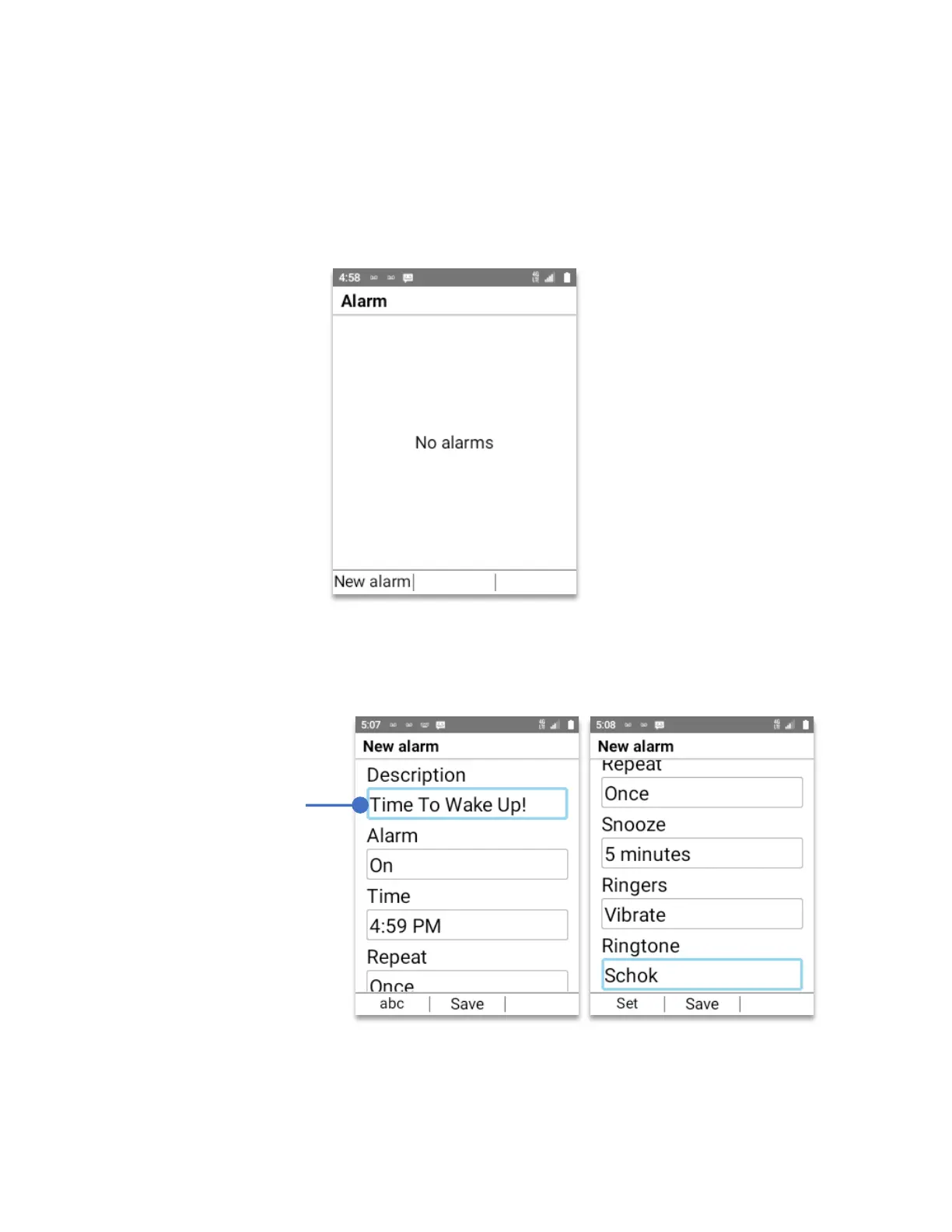
Alarm
• From Home Screen, press
OK Key
• Using the
Navigation key
, press
OK key
on
Alarm.
To setup an Alarm, press the
left soft key (New alarm)
Using the
keypad
and the
Navigation key
set the time, alarm day or days, ringtone, snooze
and press the
OK key
to
Save
The alarm is set and will appear with a clock icon on the top notification bar.
Using the
Keypad
and
Navigation key
you
can add any
description to your
alarm.



 To Next Page