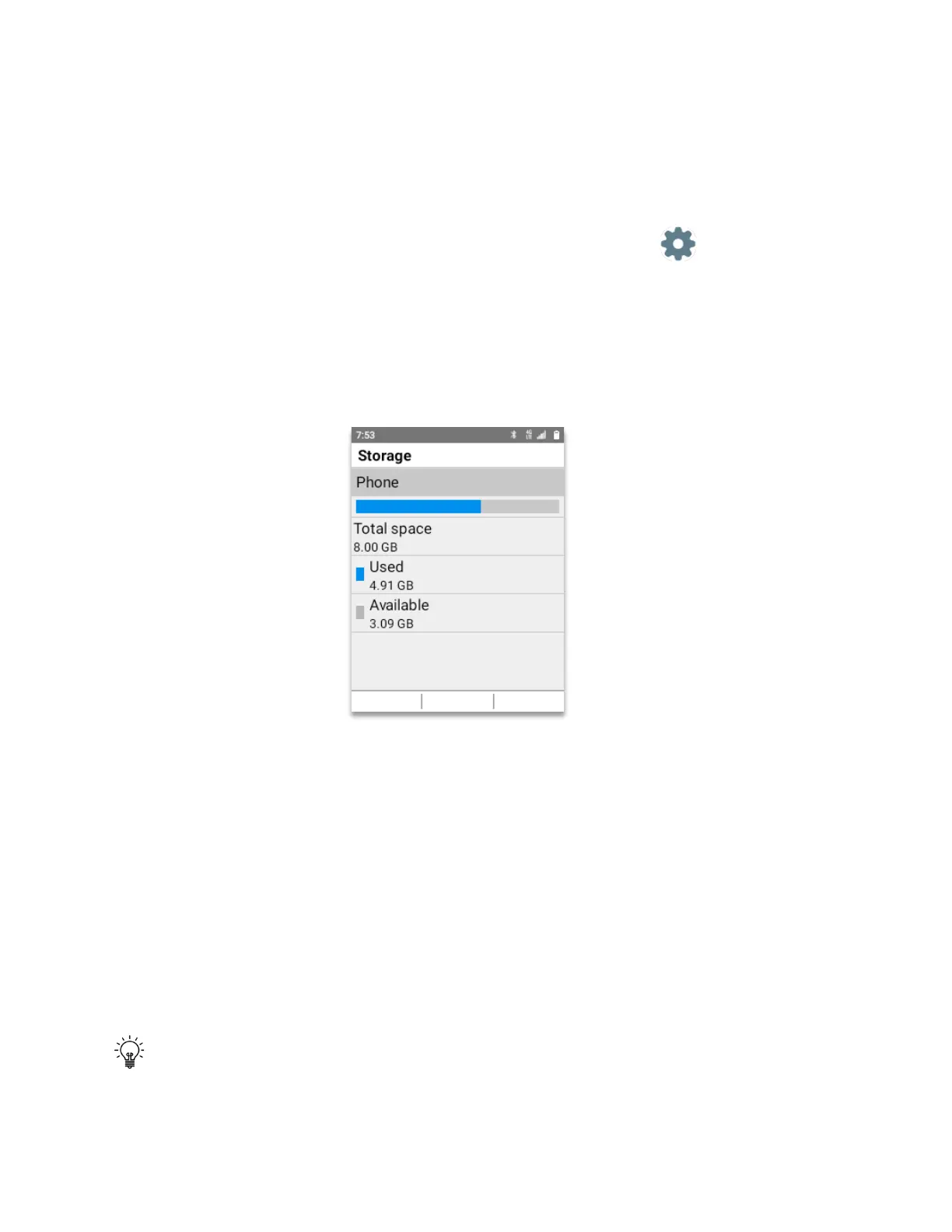
Storage
Shows the device total memory space
• From Home Screen, press
OK Key
• Using the
Navigation key
, press
OK key
on
Tools & Settings.
• Using the
Navigation key
, press
OK Key
on
Settings
.
• Using the
Navigation key
, press
OK Key
on
Phone settings.
• Using the
Navigation key
, press
OK Key
on
Storage.
The storage window will open showing the used capacity of the phone as well as the available
capacity.
USB mode
The USB mode will show which type of connection you have when the USB cable is connected
to the phone and to the PC.
To open the USB mode menu:
• From Home Screen, press the
OK Key
, navigate to
Tools & Settings
. press
OK Key.
• Using the
Navigation key
, press the
OK Key
on
Settings
.
• Using the
Navigation key
, press the
OK key
on
Phone settings.
• Using the
Navigation key
, press the
OK key
on
USB mode.
TIP:
If the USB mode is grayed, this means that there is no cable connected to the device
and to the PC. This mode will only work when connected to a PC or Mac.



 To Next Page