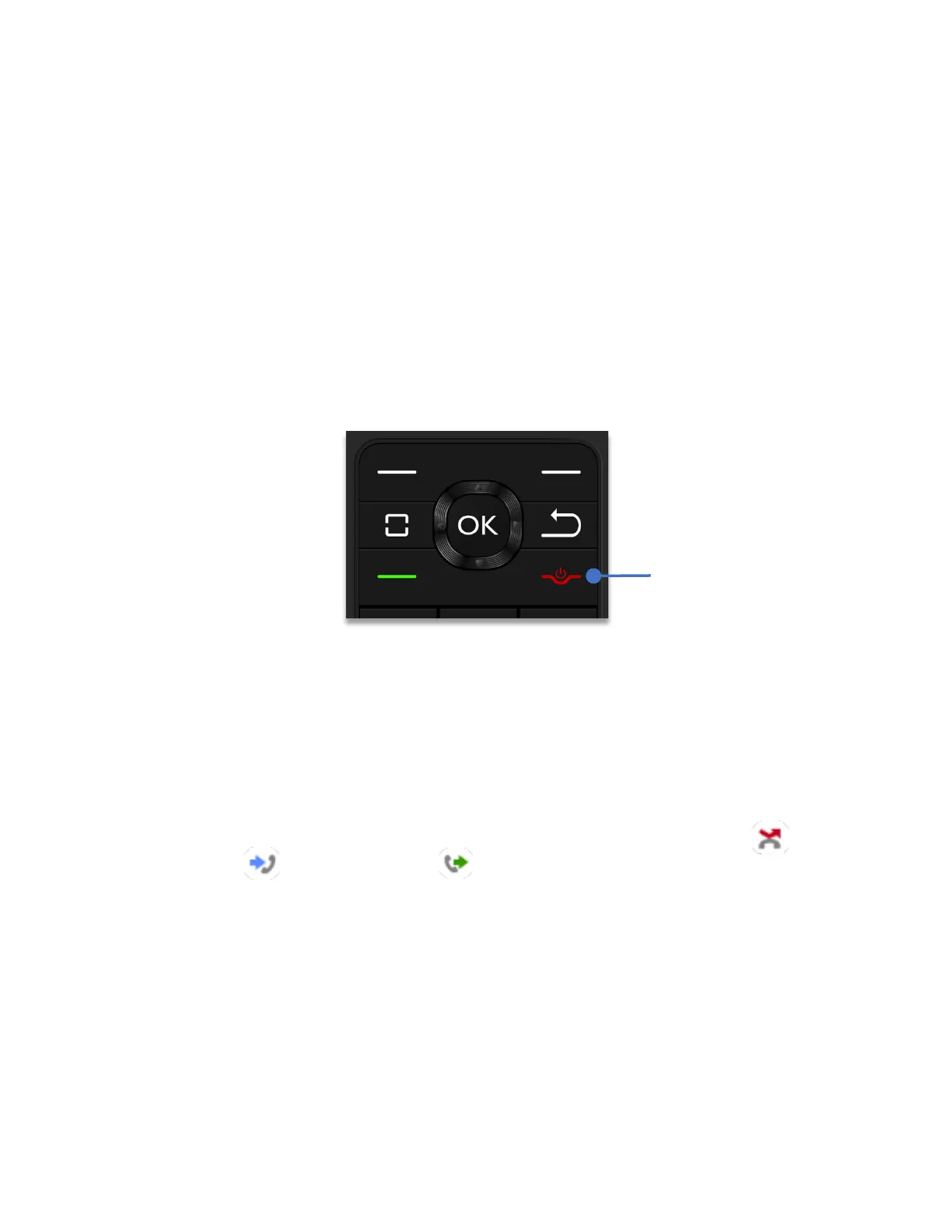
To answer, accept or reject calls
If the phone is closed when a call is incoming, the external display will show the caller ID.
To answer the call, flip the phone open.
If the phone lid is open when a call is incoming, the main display will show the caller ID, press
the
Answer call
Key to answer the call.
To end or reject a call
To end or reject a call, press the
End call key
.
Recent calls
The Schok flip keeps a log of accepted, missed or dialed calls. This list automatically updates,
deleting the oldest entries.
From the home screen, press the
Answer Key
. The recent calls window will appear.
Using the
Navigation key
, scroll left or right to display by type of call.
“
All calls”
is displayed by default, scrolling to the right will display
“Missed calls”
,
“
Received calls and
“Dialed Calls”
in that order.
The recent calls window will display the date, time and the phone number of the call. If the
phone number is saved to the address book (Contacts) it will show the name of the contact.



 To Next Page