Files
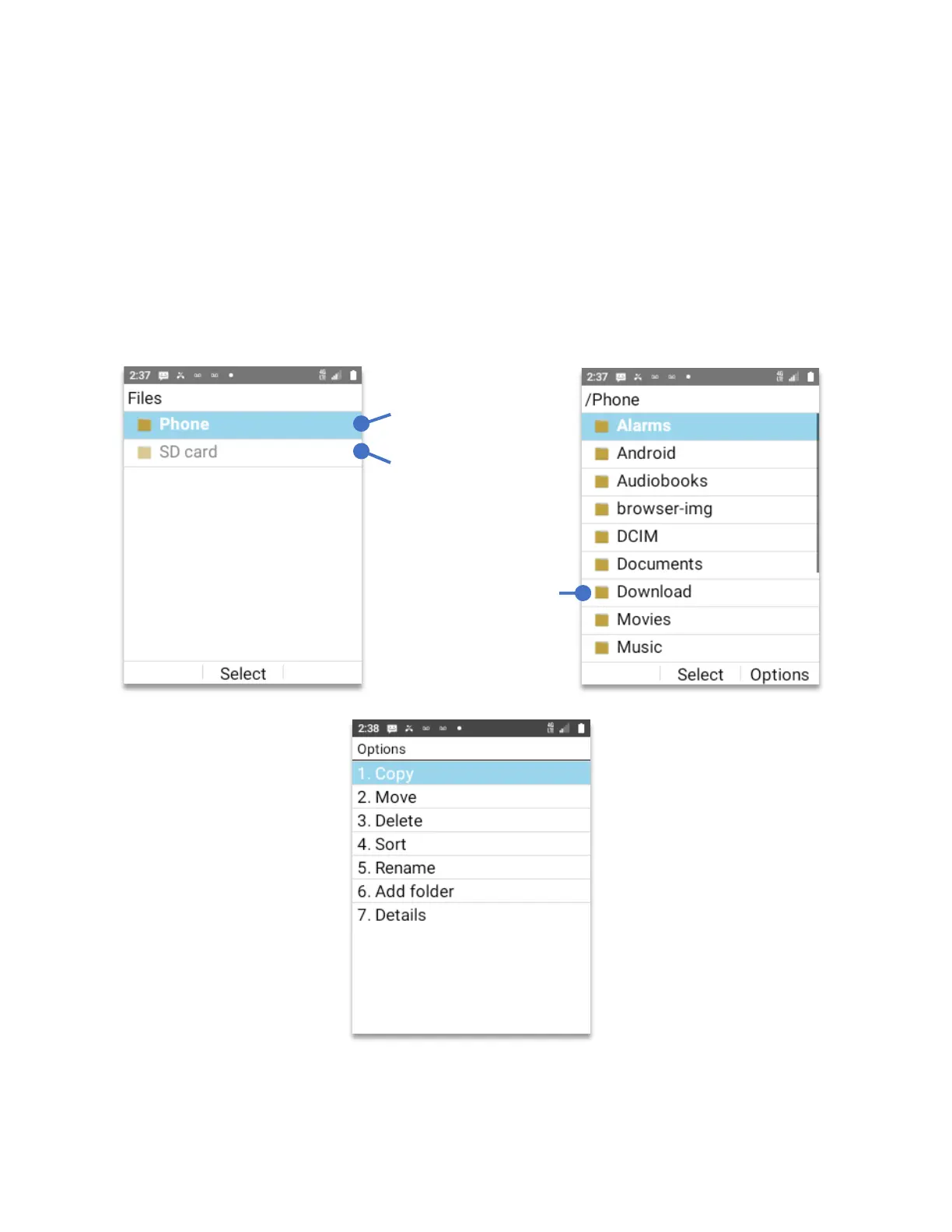
The files (file manager app) manages and transfer files between the device and a computer.
• From Home Screen, press
OK Key
• Using the
Navigation key
, press
OK key
on
Files.
The files app will open on the root directory, which is the highest directory in the hierarchy of
your phone’s file system. You will find folders, each dedicated for a type of app or use.
By pressing the
Right soft key (Options)
the system will show all the different available
options for that particular file or folder. The options are shown below.
means that there is
no SD card inserted.
Or that is not properly
formatted.
Click Ok Key to open
Phone’s root directory
key scroll to select
folder, click the OK key
top open



 To Next Page