Calendar
The calendar app can create, organize and manage appointments and meetings.
• From Home Screen, press
OK Key
• Using the
Navigation key
, press
OK key
on
Calendar.
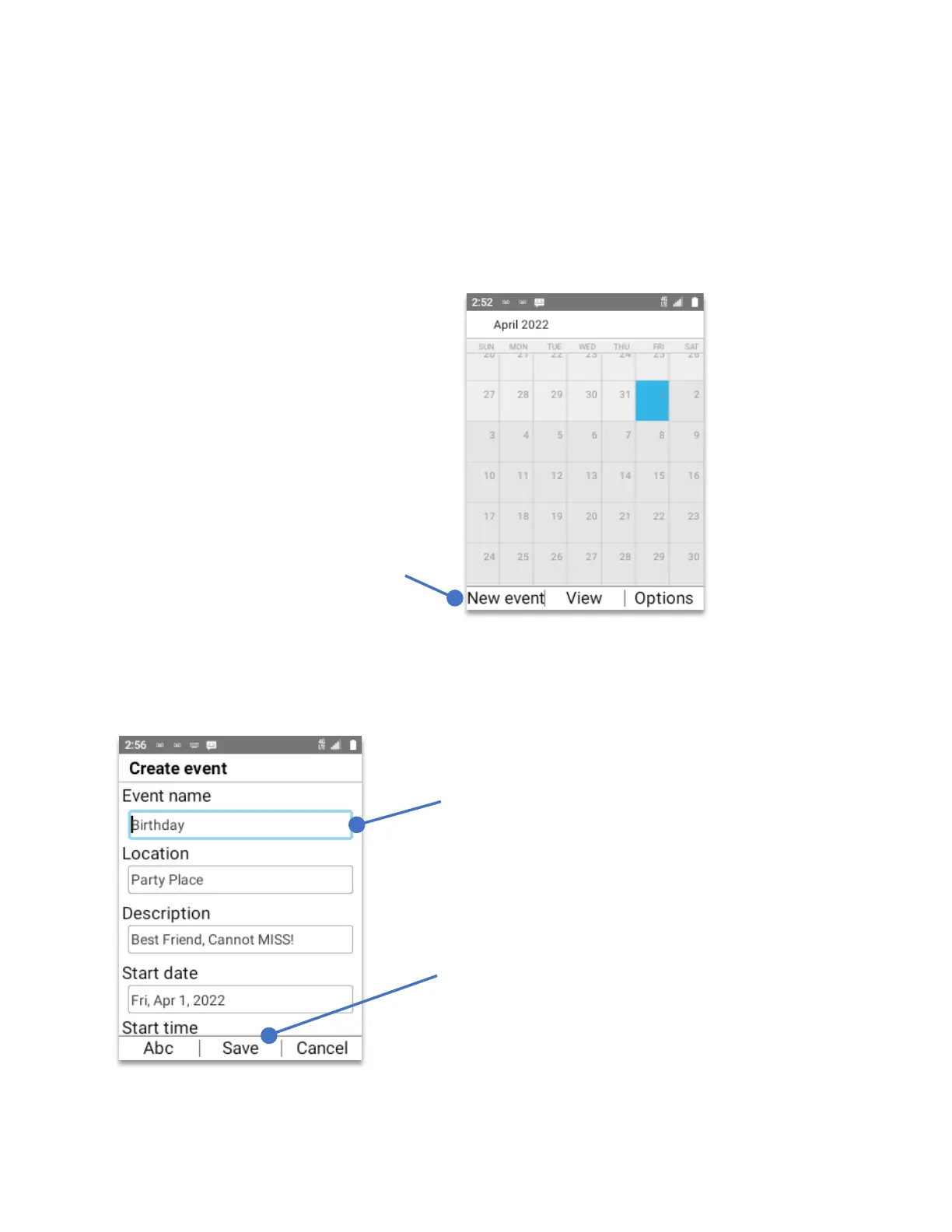
The Create event window will open. Using the
keypad
and the
navigation key
enter the event name, location and description.
Press the
Left Soft Key
“New event”
Press the
OK Key
to save
the event.
Using the
keypad
, enter the
information, to go to the next
line, use the
navigation key.



 To Next Page