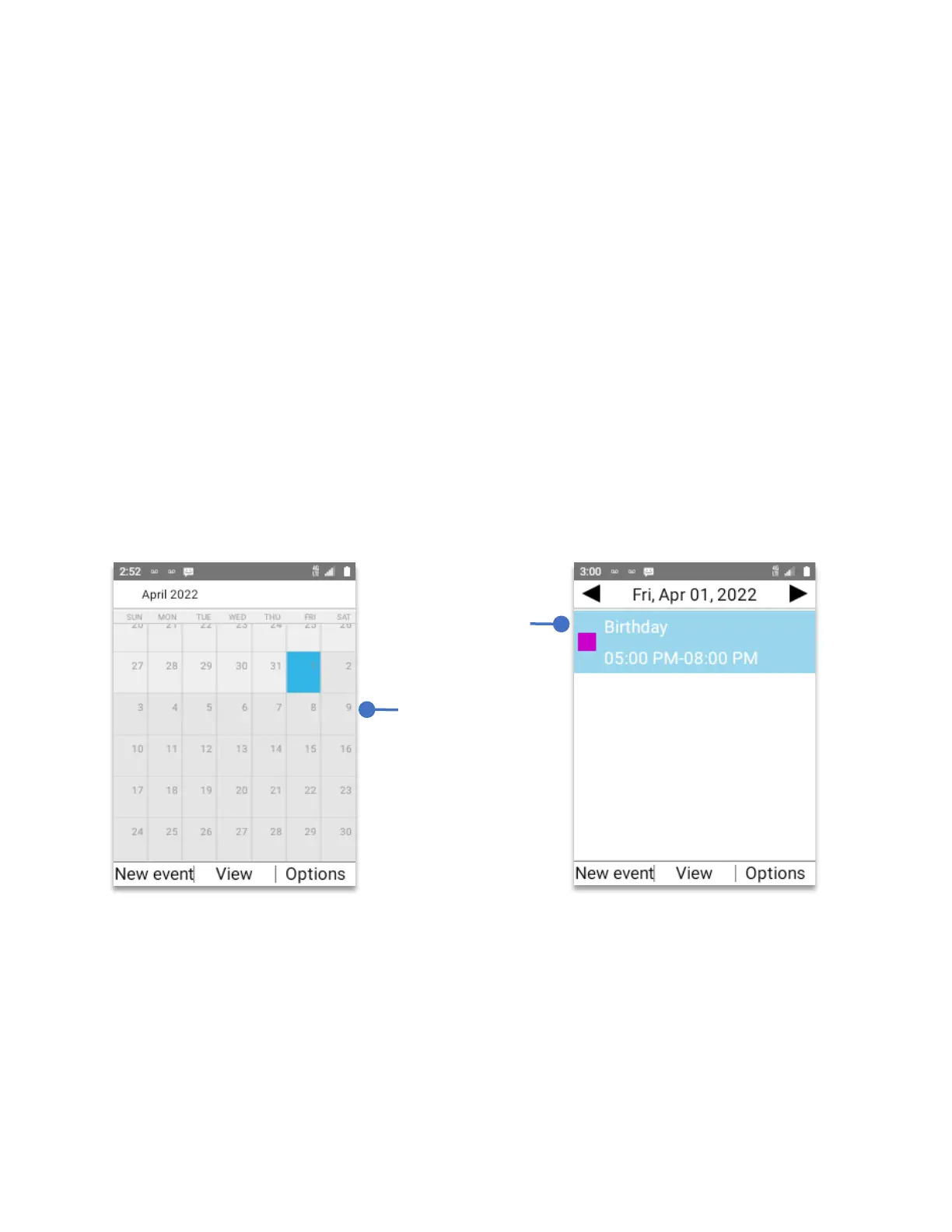
View Calendar events.
• From Home Screen, press
OK Key
• Using the
Navigation key
, press
OK key
on
Calendar.
View mode:
Press the
Right soft key (Options)
, a pop-up window will appear with four
options.
1. Go to Use it to go to a specific date.
2. View mode Choose the different view options (Day, Week, Month, Agenda).
3. Search event Search for a particular event from all the calendar database.
4. Settings Options to personalize the calendar app.
By default, the calendar will show the monthly view.
To view a specific day on that month, using the
navigation key
select the day and press the
OK Key.



 To Next Page