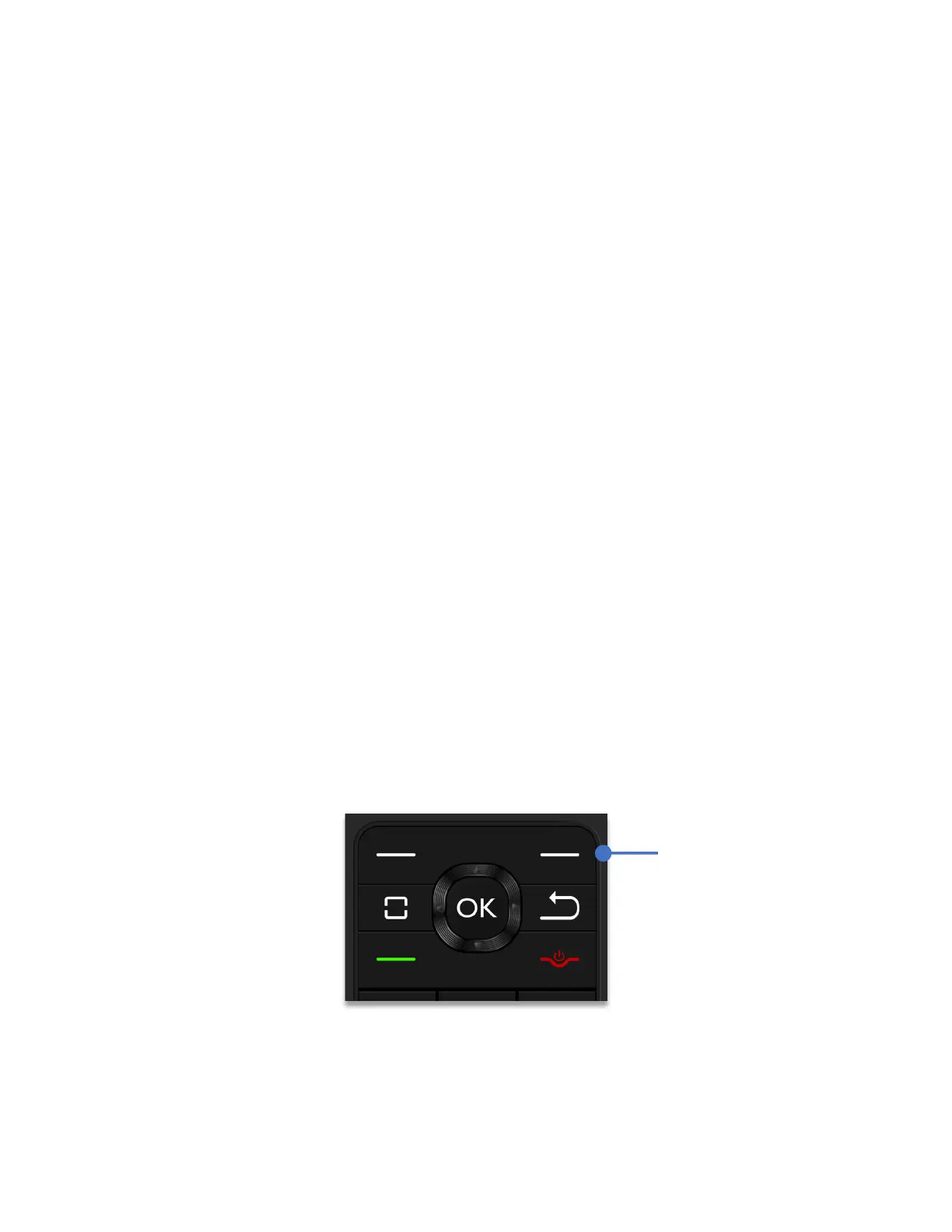
To access additional options related to recent calls, choose from the following options:
1. Press
Left Soft key
to send a message.
2. Press
OK key
to view more call information.
3. Press
Right Soft key
to open the options page, showing:
a. Add to contacts: Save the caller’s number as new contact
b. Delete: Delete the phone record.
c. Delete multiple: Select more than one record to delete.
d. Lock: Block or unblock calls from the selected phone number
e. Add to call rejection: Save the number to a call rejection list
Switching between current calls
If you are on a call and you receive another call, the Schok flip will beep indicating that you
have a call waiting. The caller ID will let you know who is calling.
To put the current call on hold and answer the new call, press the
Answer call
key.
To return to the first call, press the
Answer call
key again.
Three way call:
To initiate a three-way call, while on a call, press the
Right Soft Key
(Options)
, select
New Call
and dial the phone number of the second party.
When the second party answers the call, press the
Right Soft Key
(Options), then press the
number 2 Key to merge the calls.



 To Next Page