Schok Fast Launcher
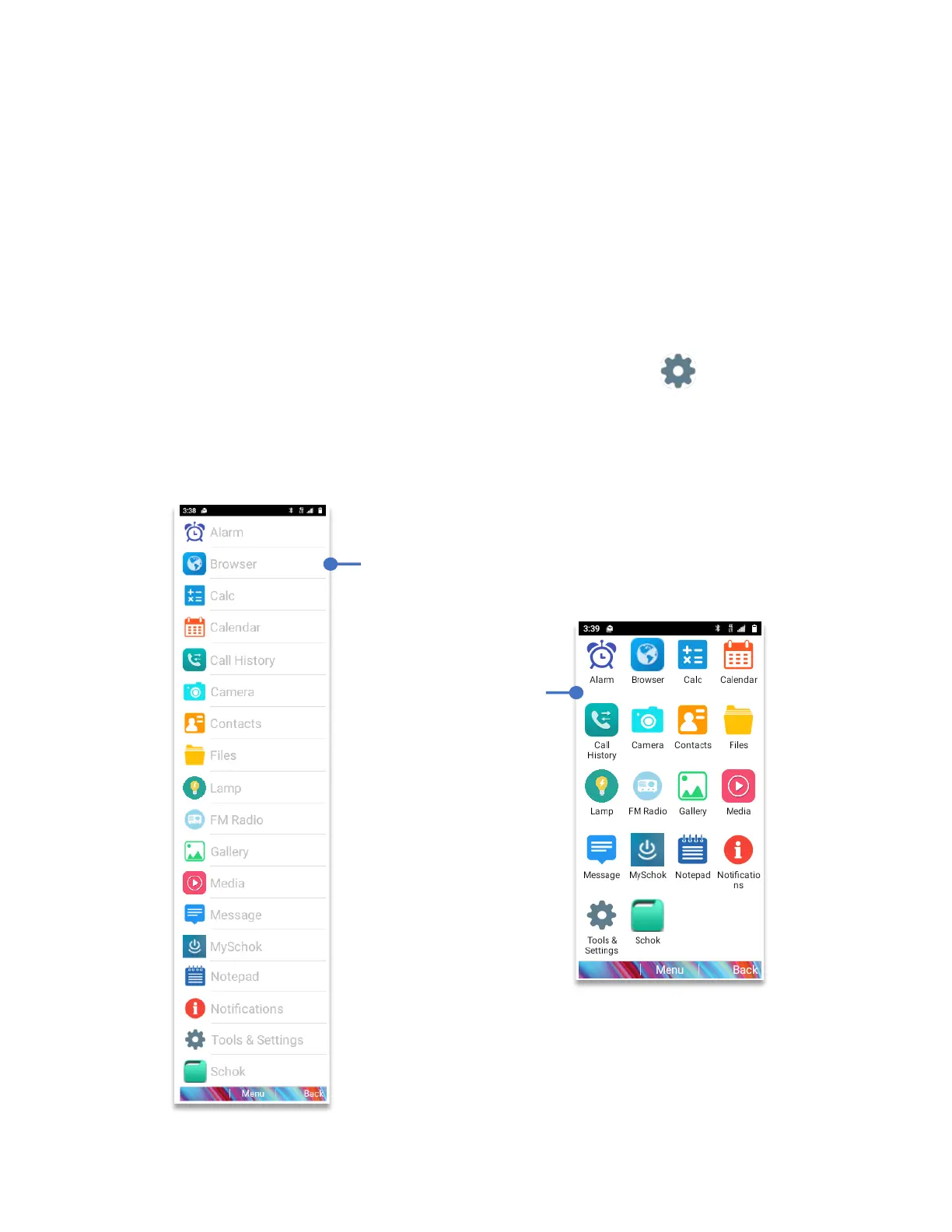
The Schok flip has built-in a second launcher with ease of use in mind. Instead of the default
grid view, the device can have a list view which shows all the applications on a list mode, with
bigger fonts and in alphabetical order.
To turn on Schok Fast Launcher:
• From Home Screen, press
OK Key
• Using the
Navigation key
, press
OK key
on
Tools & Settings.
• Using the
Navigation key
, press
OK Key
on
Settings
.
• Using the
Navigation key
, press
OK Key
on
Schok Fast Launcher.
• Using the
Navigation key
, select
List.
• Press the
OK Key (Set)



 To Next Page