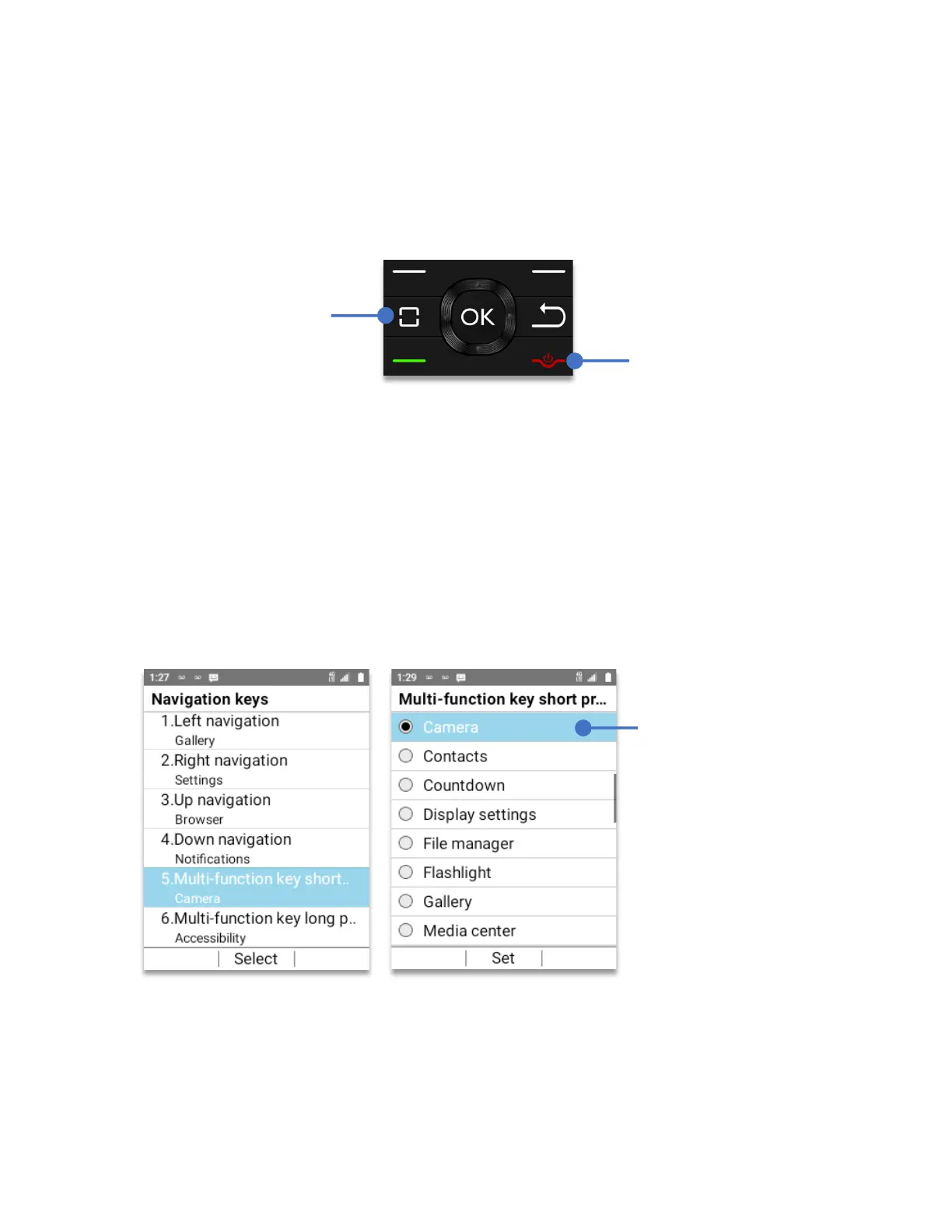
Multi-Function key
The Schok flip has the ability to use one key for different things. We call this, the Schok Multi-
Function Key. This key has two type of access, one by performing a
short press
and the other
by performing a
long press
.
Multi-function key short press:
To open a different app using the multi-function key:
• From Home Screen, press
OK Key
• Using the
Navigation key
, press
OK key
on
Tools & Settings.
• Using the
Navigation key
, press
OK Key
on
Settings
.
• Using the
Navigation key
, press
OK key
on
Phone settings.
• Using the
Navigation key
, press
OK key
on
Navigation keys.
• Using the
Navigation key
, press
OK key
on
Multi-function key short press.
Using the
Navigation key
, select the app or feature to open with the Multi-function short
press and press the
OK key
. To go to the home screen, press the
End Call / Power button
Using the
navigation
key
, select the app or
feature to open when
short pressing
the
multi-function key



 To Next Page