Software update
From time to time Schok will send software updates. These updates bring new functionalities,
security patches or bugs fixes.
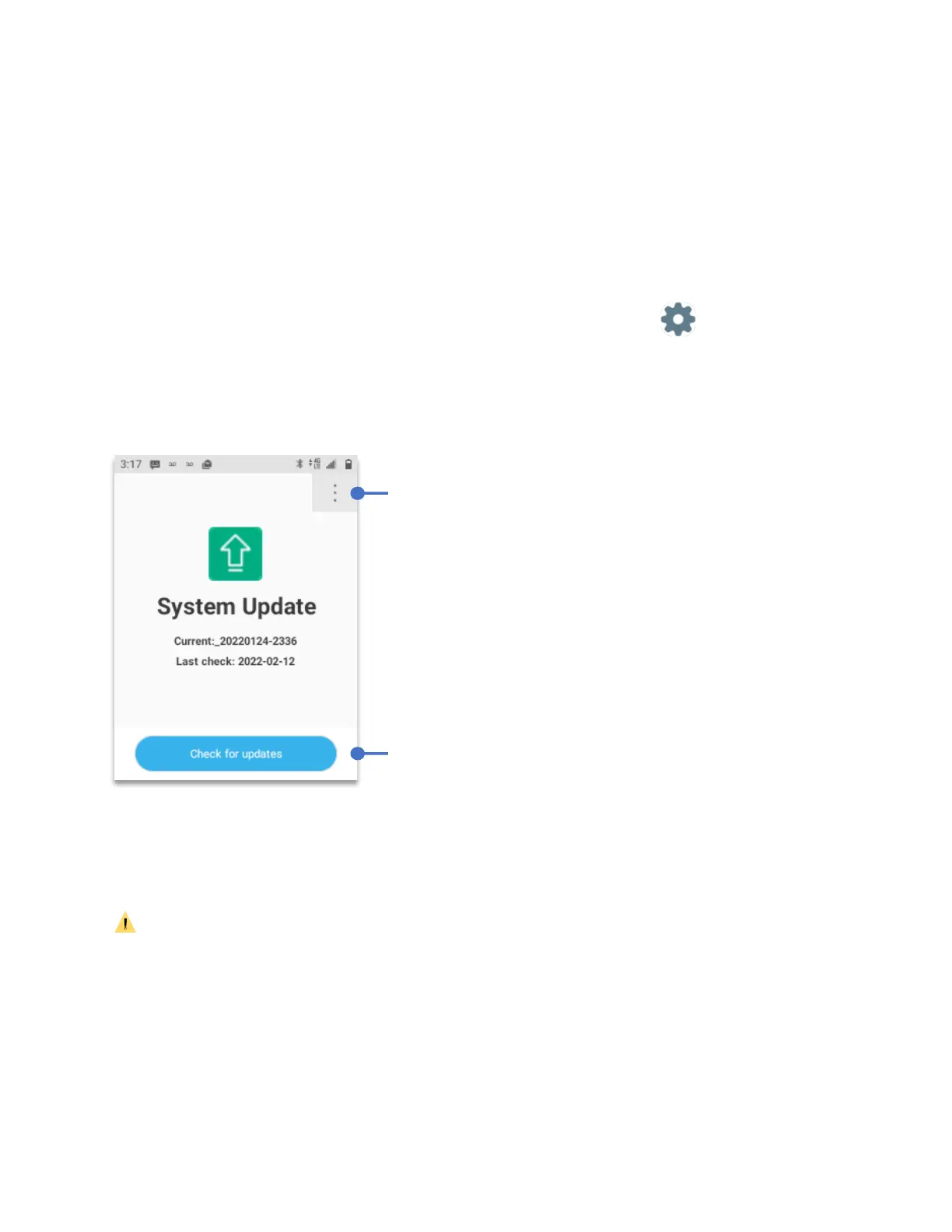
To review if there is a system update:
• From Home Screen, press
OK Key
• Using the
Navigation key
, press
OK key
on
Tools & Settings.
• Using the
Navigation key
, press
OK Key
on
Settings
.
• Using the
Navigation key
, press
OK Key
on
System update.
The software update application will open.
• Using the
Navigation key
, select
“Check for updates”
• Press the
OK key
to check for software updates.
CAUTION: Prior of performing a software update, its recommended to backup all the
information saved in the device. Always do a software update with at least 50% remaining
battery. Never turn off while the software update is working as this may disrupt the software
update and brick the device. A software update can take up to ten minutes.
Menu to configure
Software update.
Menu to configure
Software update.



 To Next Page