Lock control
The Schok flip has built-in a proprietary feature that allows the user to block and password
protect any application or hardware feature.
To open lock control:
• From Home Screen, press
OK Key
• Using the
Navigation key
, press
OK key
on
Tools & Settings.
• Using the
Navigation key
, press
OK Key
on
Lock control 2.0
.
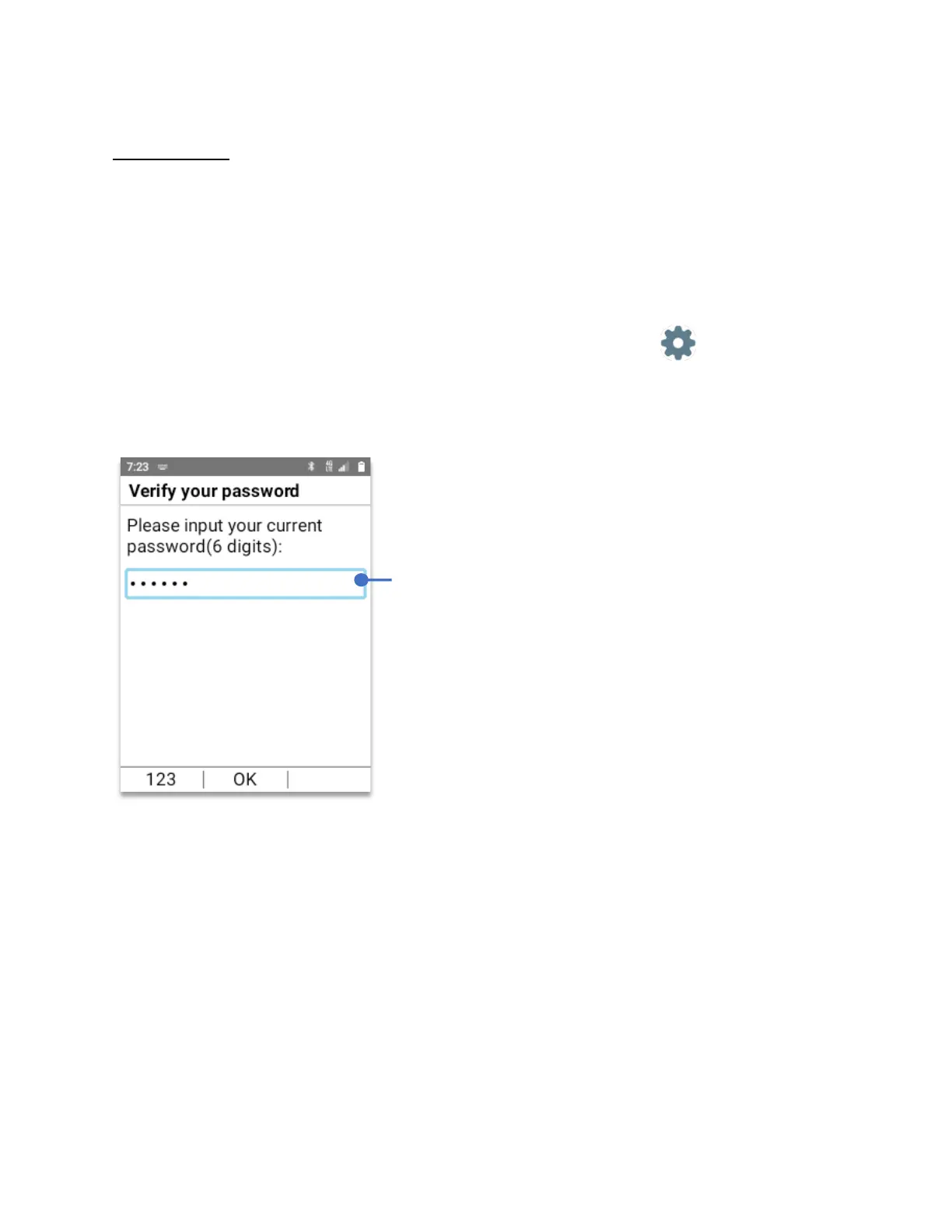
Lock control will open a window asking to setup a 6 digit password.
After setting up the password, press the
OK Key (OK)
Lock control will open its main menu with three sub-menus:
• App control: Control which app can be accessed or blocked.
• System control: Control which system feature can be accessed or blocked.
• Change password: Change your password.
NOTE:
Immediately write your 6 digit password and
put it in a safe place that you can remember.
If you lose your password, it cannot be retrieved and
you will have to do a factory reset. All information
will be lost.



 To Next Page