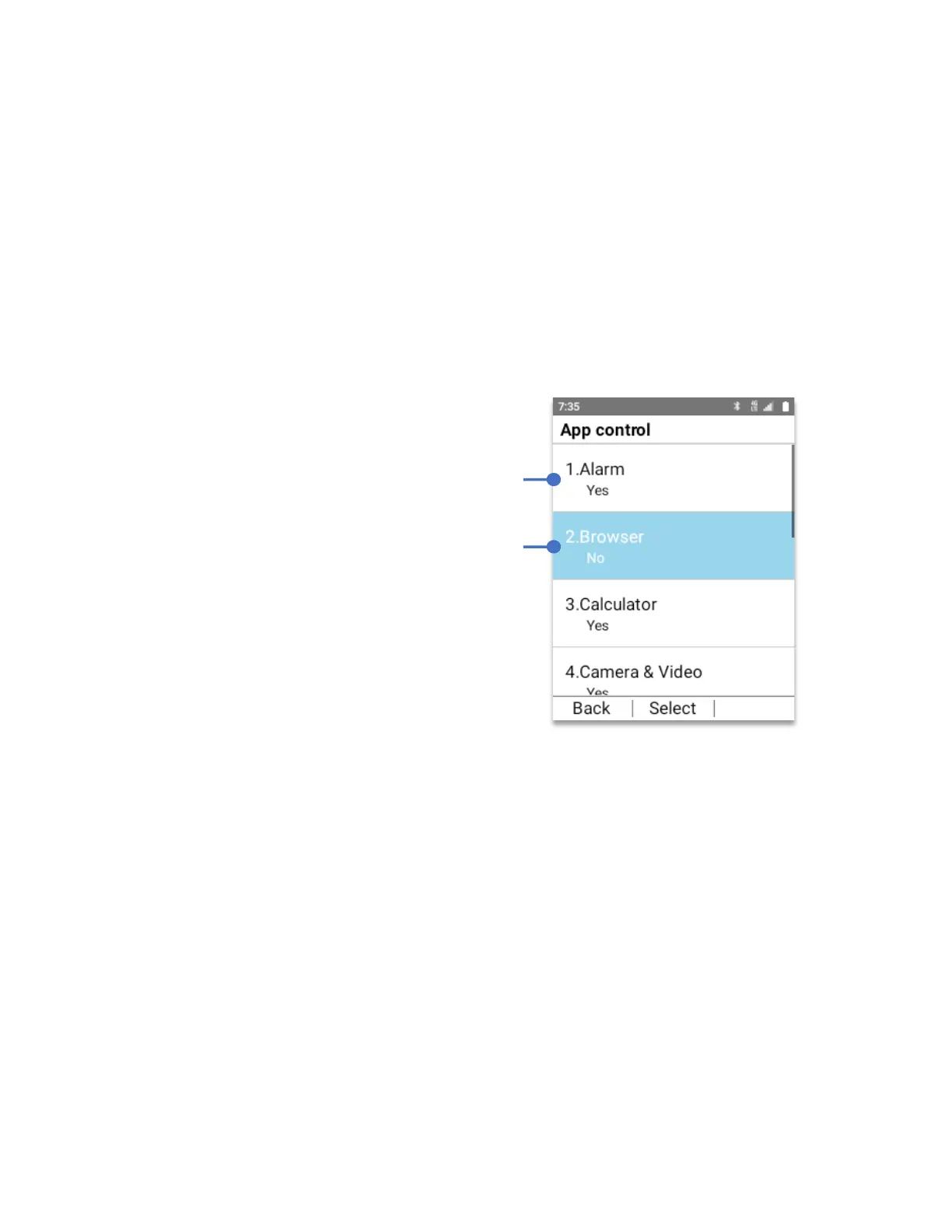
App control:
All applications installed on the system will show in this window.
To open App control:
From the Lock control 2.0 menu:
• Using the
Navigation key
, press
OK Key
on
App control.
As an example:
We can block the Browser to be used. This means that even if the Browser is selected it will
not be opened. To do this:
From the Lock control 2.0 menu:
• Using the
Navigation key
, press
OK Key
on
App control.
• Using the
Navigation key
, select
Browser
• Press the
OK Key
In App control, “No” means that the app will
not be accessible unless you return to the
“Lock control” menu and change it to Yes.
In App control, “Yes” means that the app will
always be accessible unless you return to the
“Lock control” menu and change it to No.



 To Next Page