Operation
64
04.00 | WSG 50 | Assembly and operating manual | en | 389474
7.15 Configuration and diagnosis via the web interface
The product has an integrated web server, with an user interface
for configuration and diagnosis. To use this, the product must be
connected via Ethernet. To get to the configuration user interface,
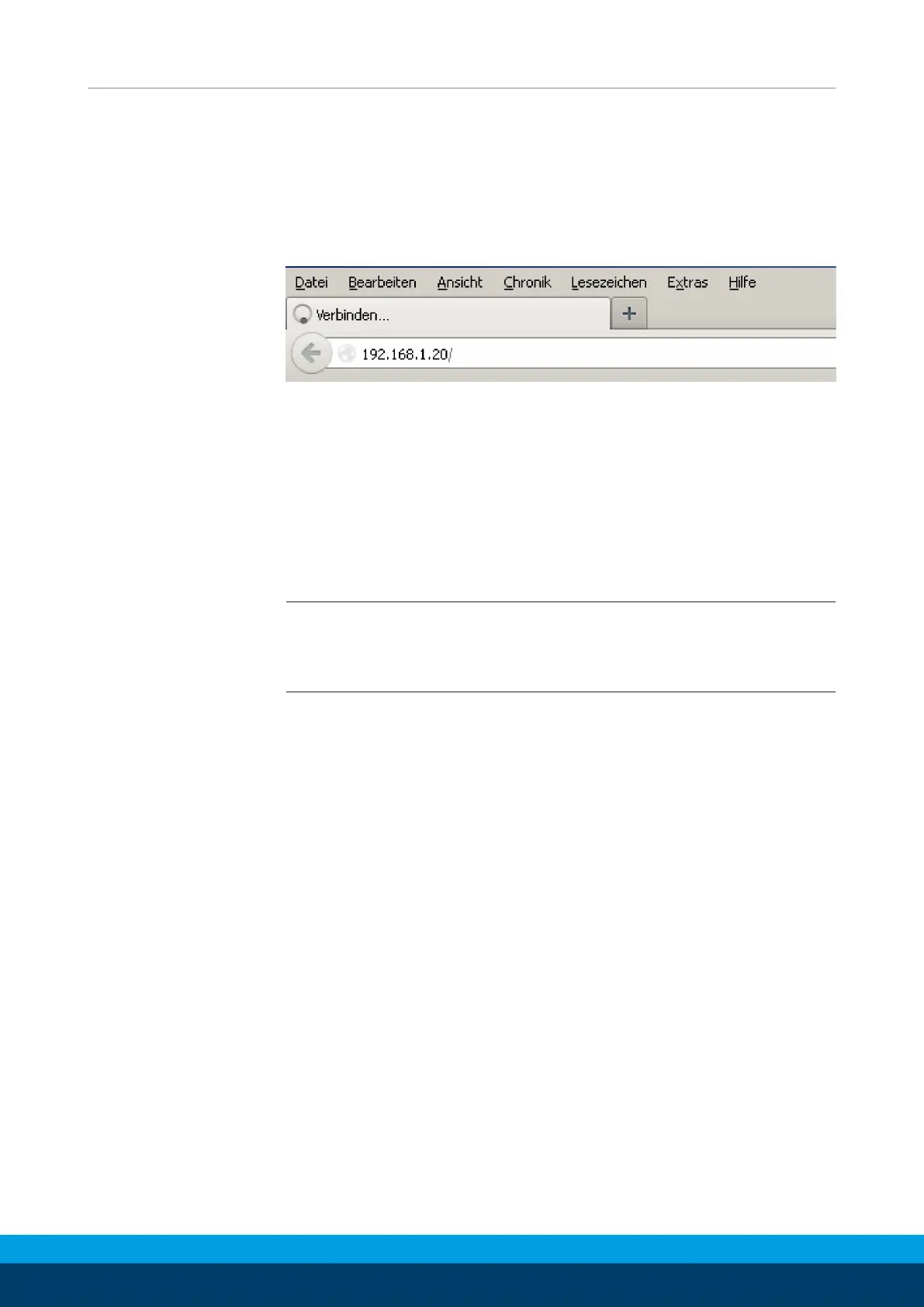
open a browser and enter the product's IP address (on delivery
this is 192.168.1.20) into the browser's address line:
Entering the IP address to start web-based configuration
The following browsers have been tested and support the
product’s web interface:
• Mozilla Firefox 16 and above
• Google Chrome 23 and above
• Apple Safari 5 and above
• Mobile Safari (iOS 4.3 and above)
• Internet Explorer 8 and above
NOTE
To display the web user interface, JavaScript must be enabled in
your browser.


 To Next Page