Date Code 20011026 Communications 3-43
SEL-321/321-1 Instruction Manual
Button
Pushed
Results Displayed
Comment
↓
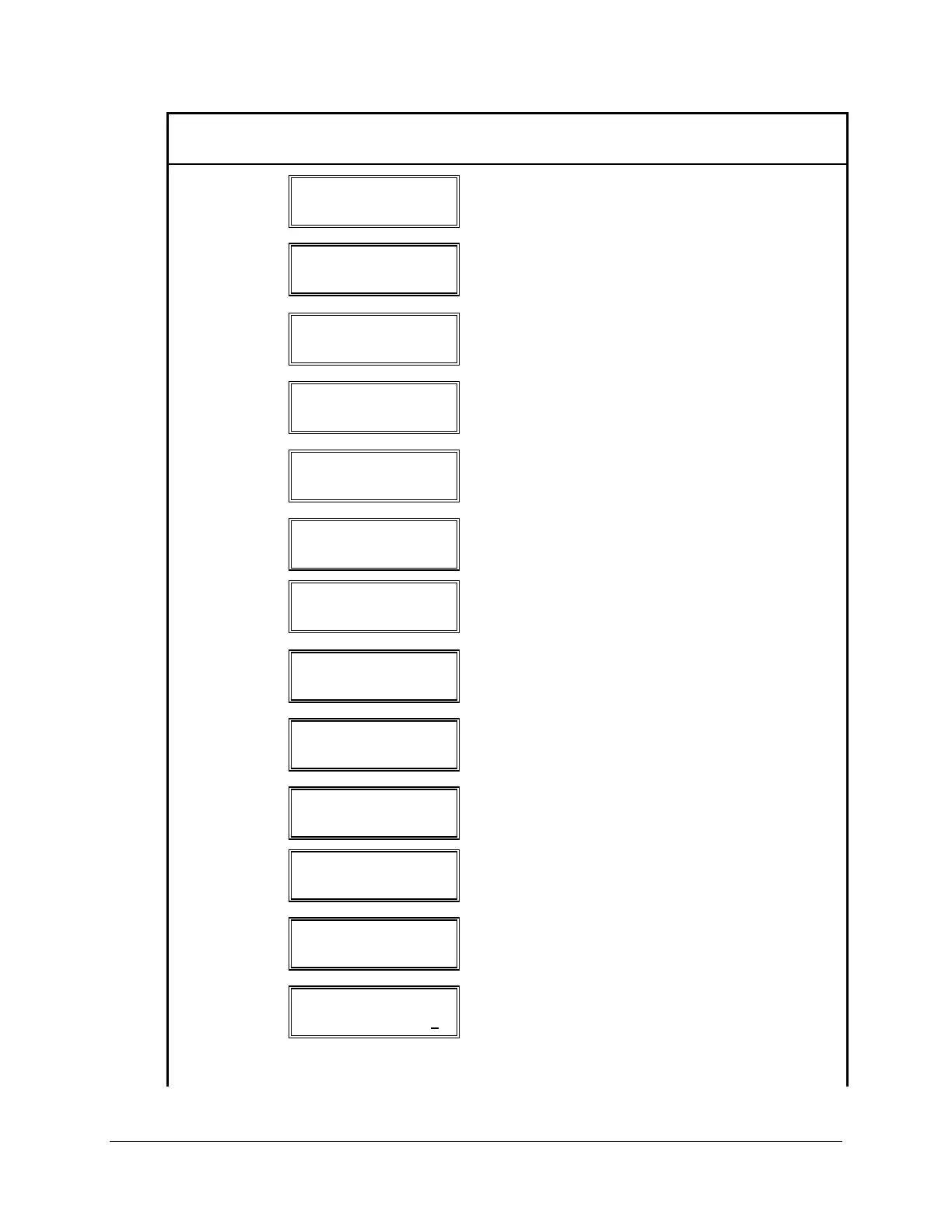
SET P 1
SPEED = 19.2
Shows present baud rate setting for this port. Press
SELECT to enter list mode and select new baud
rate.
SELECT
SET P 1
SPEED = 19.2 *
(*) at end of line indicates list mode entered. Press
(← or →) to step through list of baud rate
selections.
→
SET P 1
SPEED = 300 *
New baud rate is displayed. Press SELECT to
save new baud rate and move to next setting
category for Port 1.
SELECT
SET P 1
DATA_BITS = 8
Shows present DATA_BITS setting for this port.
Press SELECT to enter list mode and select new
DATA_BITS.
→
SET P 1
DATA_BITS = 7 *
New DATA_BITS is displayed. Press SELECT to
save this choice and move to next setting category
for Port 1.
SELECT
SET P 1
PARITY = N
Shows present PARITY setting for this port. Press
SELECT to enter list mode and select new setting.
SELECT
SET P 1
PARITY = N *
(*) at end of line indicates list mode entered. Press
(← or →) to step through list of PARITY
selections.
→
SET P 1
PARITY = E *
New PARITY is displayed. Press SELECT to save
this choice and move to next setting category for
Port 1.
SELECT
SET P 1
STOP = 1
Shows present STOP bits setting for this port.
Press SELECT to enter the list mode and select
new setting.
SELECT
SET P 1
STOP = 1 *
(*) at end of line indicates list mode entered. Press
(← or →) to step through list of STOP selections.
→
SET P 1
STOP = 2 *
New STOP Bits is displayed. Press SELECT to
save this choice and move to next setting category
for Port 1.
SELECT
SET P 1
TIMEOUT = 0
Shows present TIMEOUT setting for this port.
Press SELECT to enter edit mode and select new
setting.
SELECT
SET P 1
TIMEOUT = +0000000
Seven digit number is displayed with an
underscored digit representing a cursor. Press (←
or →) to move from digit to digit. Press (↑ or ↓)
to change the underscored digit. Press SELECT to
save this setting and move to next category.



 To Next Page