User Manual
Chapter 3. Operation
Page 3-2 P/N 2349-72784-00
3.1.1.1. Front Control Panel
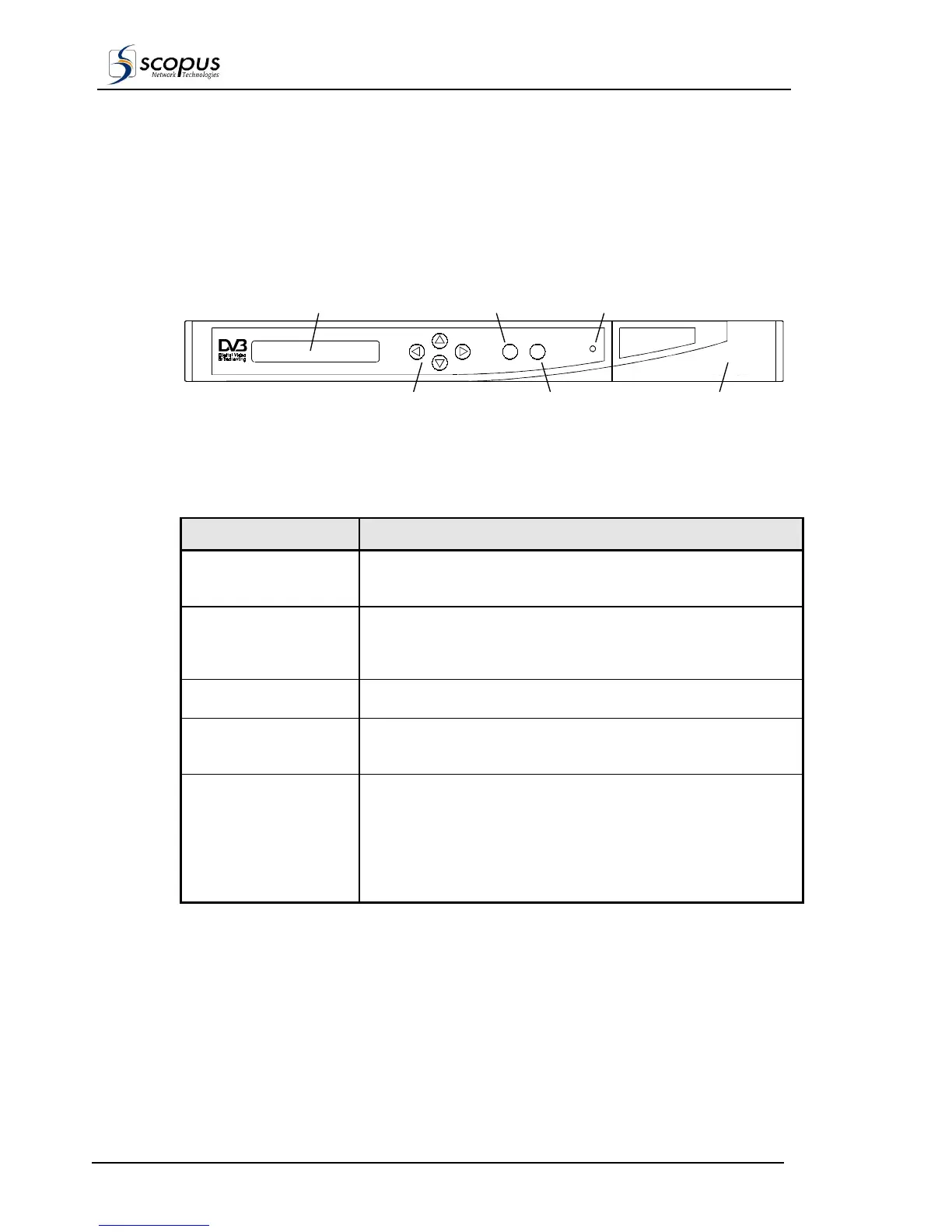
Figure 3-1 shows the Front Control Panel of the IRD, its controls and features. Table 3-1
explains the operation of the items found on the Front Control Panel.
NOTE
This panel is identical for the IRD-2600 and for the IRD-2800.
Figure 3-1: IRD-2600 / IRD-2800 Front Control Panel
LCD
Four Way Touch Pad ESC Touch Pad
Enter Touch Pad LED
Compact FlashDrive
Panel Cover
Common Interface
Card Panel Cover
Table 3-1: IRD-2600 / IRD-2800 Front Control Panel
CONTROL ITEM DESCRIPTION
LCD
The LCD is an alphanumeric display used to view the embedded
software, status messages, and parameter settings.
Four Way Touch Pad The Four Way Touch Pad enables navigation (UP, DOWN, LEFT
or RIGHT) in the embedded software menus by moving the cursor
position UP, DOWN, LEFT or RIGHT, respectively.
ENTER Touch Pad
Confirms/saves a selection or proceeds to next menu/item.
ESC Touch Pad
Exits from the current position or returns to the Status Message at
the top of the menus.
Status Indicator LED
The Status Indicator uses the following legend:
• Green Light / Constant: System Initializing and
Normal Operation.
• Green Light / Flashing: Service Warning.
• Orange Light / Constant: Bit Stream Warning.
• Red Light / Constant: Hardware Fault.



 To Next Page