User Manual
Chapter 3. Operation
Page 3-48 P/N 2349-72784-00
3.5. Run Menu
The IRD Run Menu provides the IRD user access to high-level operation functions. The
IRD operation is basically effected when operated by information received from the stream
(Service parameters) or from the users (PID parameters), as set by the Decoder / Stream
Configuration Sub-menu, see paragraph 3.2.2.1.
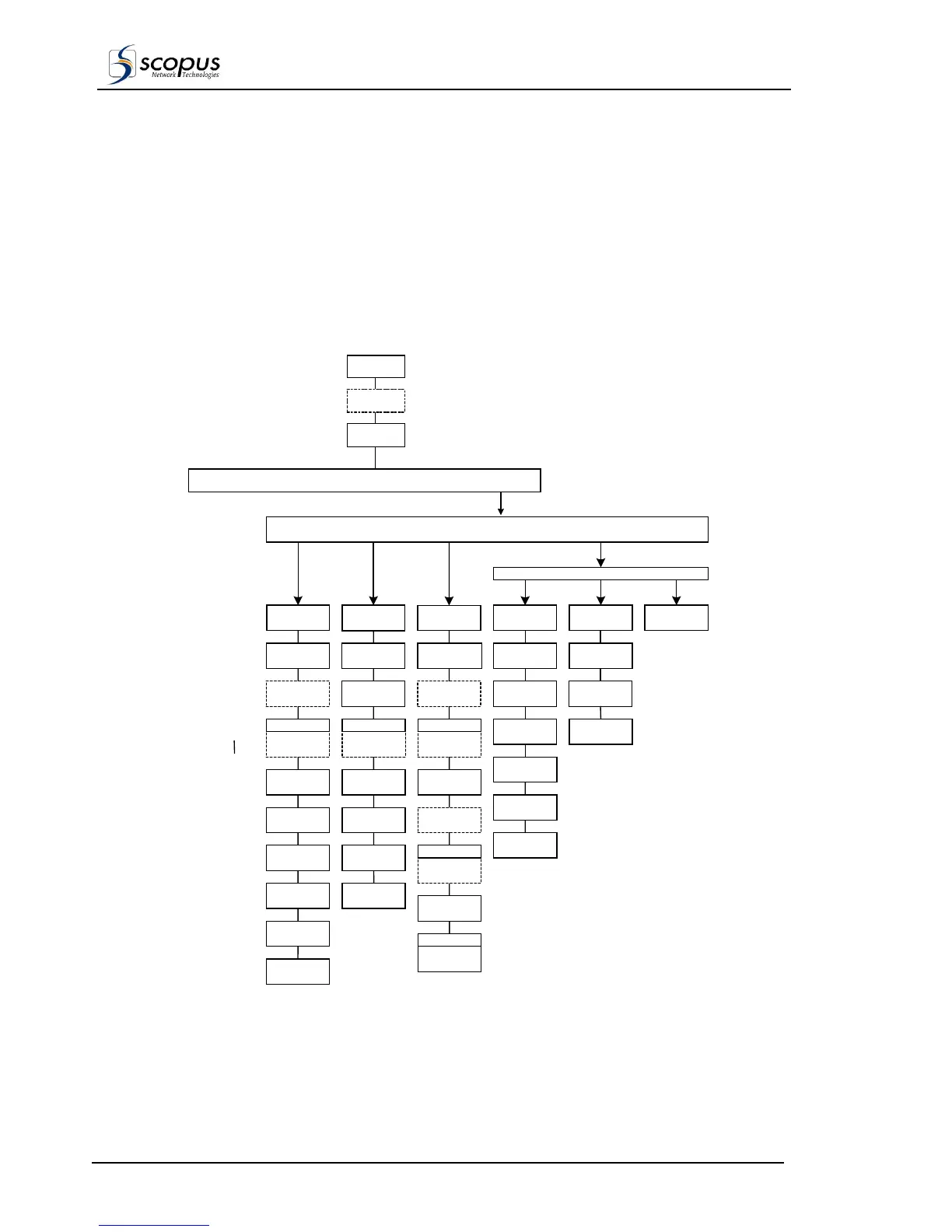
Figure 3-21 shows the IRD Run Menu tree and the options available to the user (password
is required only if it was enabled previously).
The IRD Front Panel display, controls and keypad are used to scroll through the menu,
view the options available and set the parameters of the configuration functions provided.
Figure 3-21: IRD Run Menu Tree Structure
CONFIG STATUS TEST RUN
Main Status
Display
Initialization
Password
SERVICE or PID MODE ADVANCE
Video
Operation
Mode
Teletext
SubService
DVB Service
Audio1
SubService
Data1
SubService
Data2
SubService
Store Decoded
Service to
Audio1 Output
Mode
Audio2 Output
Mode
Audio3 Output
Mode
Audio1 Output
Volume
Audio2 Output
Volume
Audio3 Output
Volume
Audio1 Output
Type
Audio2 Output
Type
Audio3
SubService
Audio2
SubService
Teletext PID
Video PID
Component
Audio1 PID
Component
Data1 HSD
PID
Data2 LSD
PID
PCR PID
Audio3 PID
Component
Audio2 PID
Component
DVB SbtL
Sub Service
GFX_CNFG GFX_DSPL OTHER
Graphic Test
Stream
PSI - SI
Product Status
Graphic OSD
Fonts Intensity
Background
Color
Fonts Color
Advanced
Commands
Background
Intensity
TTX SbtL
Sub Service
X Position
Offset
Y Position
Offset
Logo Text
insertion
IRD-2800 only IRD-2800 only IRD-2800 only
IRD-2800 only
IRD-2800 only
NOTE
Either the Run Service Menu or the Run PID Menu can be displayed under the
IRD Run Menu.
Selection is provided either by choosing the “DVB Service Content” (Service)
parameter, or the “Manually By User” (PID) parameter, in the Decoder / Stream
Configuration Sub-Menu (see paragraph 3.2.2.1).



 To Next Page