User Manual
Chapter 3. Operation
Page 3-4 P/N 2349-72784-00
3.1.1.3. Four Way Touch Pad.
The four way touch pad on the Front Control panel (see Figure 3-1). Four way touch
buttons on the optional Infrared Remote Control (see Figure 3-2) are used to navigate in
the embedded software menus:
• UP Touch Pad: Navigets Up in the menu tree.
• DOWN Touch Pad: Navigates Down in the menu tree.
• LEFT Touch Pad: Navigates Left in the menu branch.
• RIGHT Touch Pad: Navigate Right in the menu branch.
When the LCD displays the Start Up Menu, the pad is used as follows:
• UP and DOWN Touch Pads: No use.
LEFT Touch Pad: Displays the DVB Service option in the RUN/SERVICE menu (see
paragraph 3.5.1 ahead).
RIGHT Touch Pad: Displays the Network Channels option in the
CONFIGURATION/RECEIVER Menu (see paragraph 3.5.1ahead).
NOTE: Option available IRD with DSNG, QPSE or QAM front End interfaces.
3.1.2. Front Panel Common Main Menu Options
The setup, control and monitoring of the IRD operation is locally provided using the
extended IRD Front Panel Menu. This menu is displayed on the Front Panel LCD and is
operated by the control pad on the IRD Front Panel or by the optional Remote Control (see
paragraph 3.1.1 above).
All configurations share a common initialization phase and, when successfully completed,
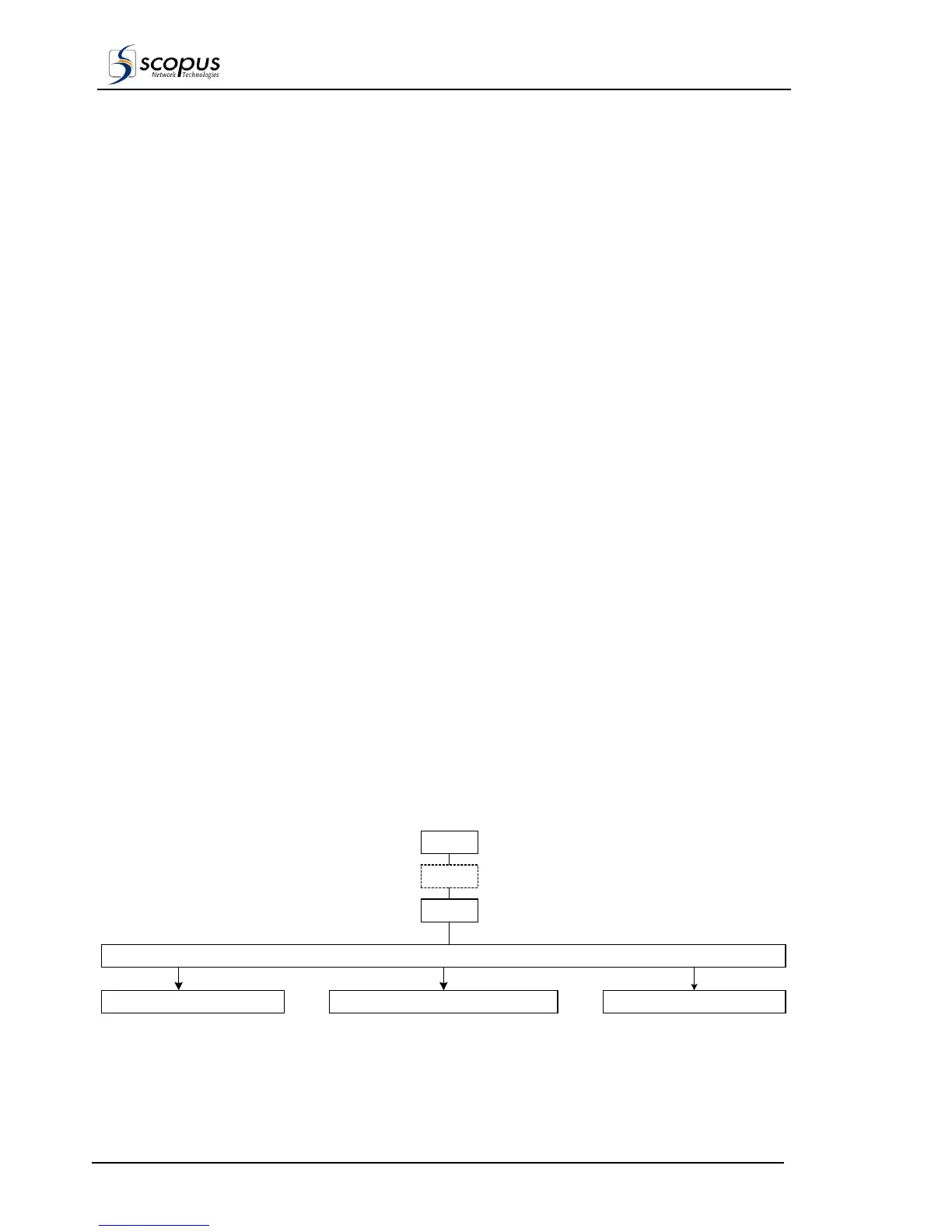
display the IRD Front Panel Main Menu structure, as shown in Figure 3-3 and described in
Table 3-3. The following paragraphs provide detailed description of each of the options in
the Main Menu. Refer to Error! Reference source not found., Error! Reference source
not found., for a full hierarchical structure Main Menu.
A dotted menu selection in the flowing diagrams indicates that the availability of this option
is dependent upon the system configuration. For example, Password control is available as
an option for the IRD. Once a session has been initiated via the Password, the password is
bypassed on repeated entry to the MAIN MENU.
Unless specifically marked, all functions are applicable for both the IRD-2600 and the
IRD-2800.
Figure 3-3: IRD Front Panel Main Menu Structure.
RECEIVER DECODER SYSTEM SERVICE MODE ADVANCERECEIVER DECODER SYSTEM
CONFIG STATUS TEST RUN
Main Status
Display
Initialization
Password



 To Next Page