IRD-2600 / IRD-2800
Integrated Receiver Decoders
P/N 2349-72784-00 Page 3-19
3.2.2.2. Decoder/CI Configuration Sub-Menu
The Decoder / Common Interface (CI) Configuration Sub-Menu provides setup and
configuration options for the CI function.
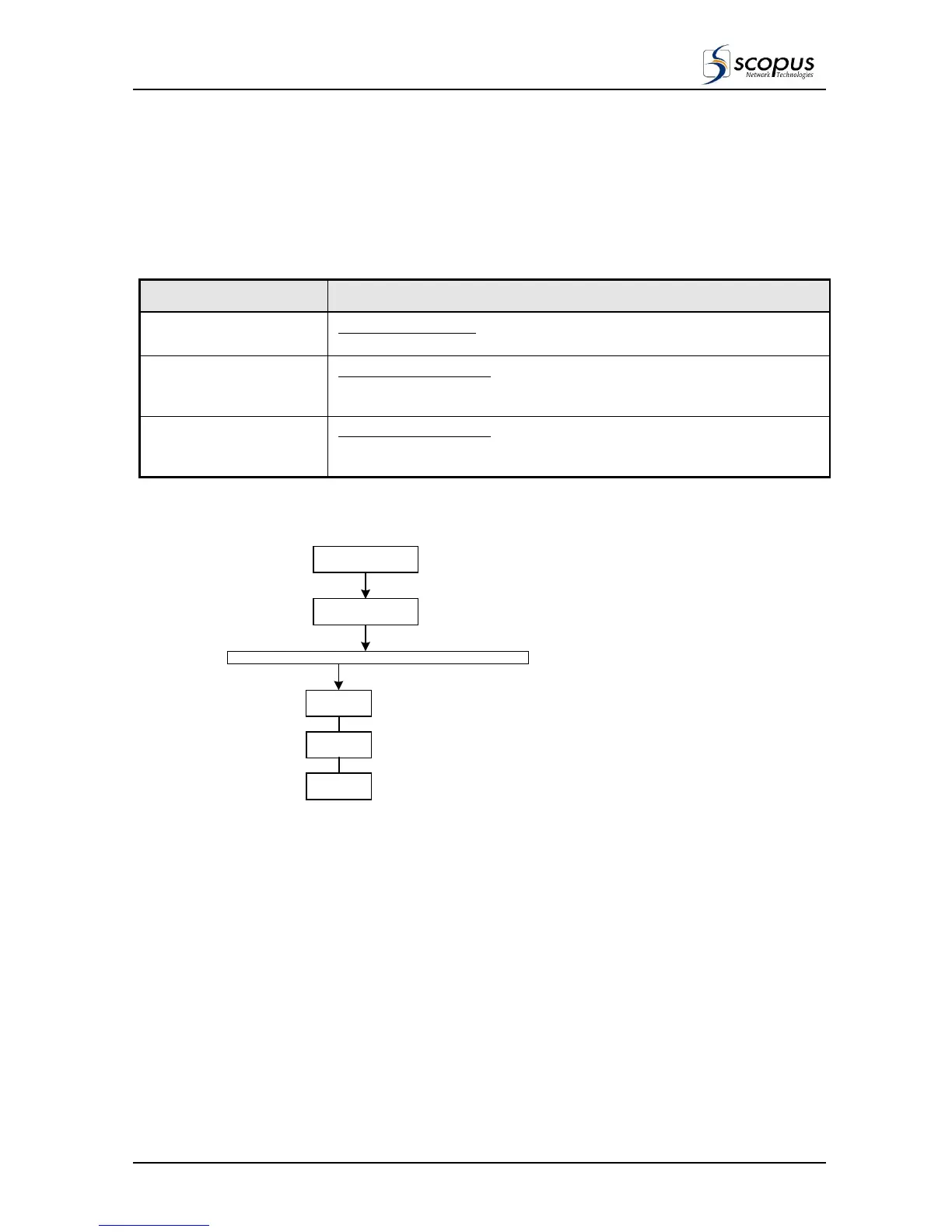
Figure 3-8 shows the menu tree for the Decoder / CI Configuration Sub-Menu.
Table 3-6: Describes the Options in the Sub Menu.
OPTION DESCRIPTION
CI Operation Enable
CI Operation Control.
ENABLE / DISABLE the common Interface Fanction.
CI [slot 1] PIN Code
PIN Code for CI / Slot 1
Enables the user to enter the password (PID /Code) for the smart card
installed in CI / slot 1.
CI [slot 2] PIN Code
PIN Code for CI / Slot 2
Enables the user to enter the password (PID /Code) for the smart card
installed in CI / slot 2.
Figure 3-8: Decoder / CI Configuration Sub-Menu Tree Structure
C I Operation
Enable
STREAM CI VIDEO AUDIO
DECODER
CONFIG
CI [slot2]
PIN Code
CI [slot1]
PIN Code



 To Next Page