Before you really get started ... • 67
4.2 Assembling the device
The first column element is fitted to the lower part of the device at the factory.
Use an assistant to perform the rest of the assembly. Because the assembled
product is very tall, we recommend placing the components on the floor and
only standing the device up once it is fully assembled. Proceed as outlined
below.
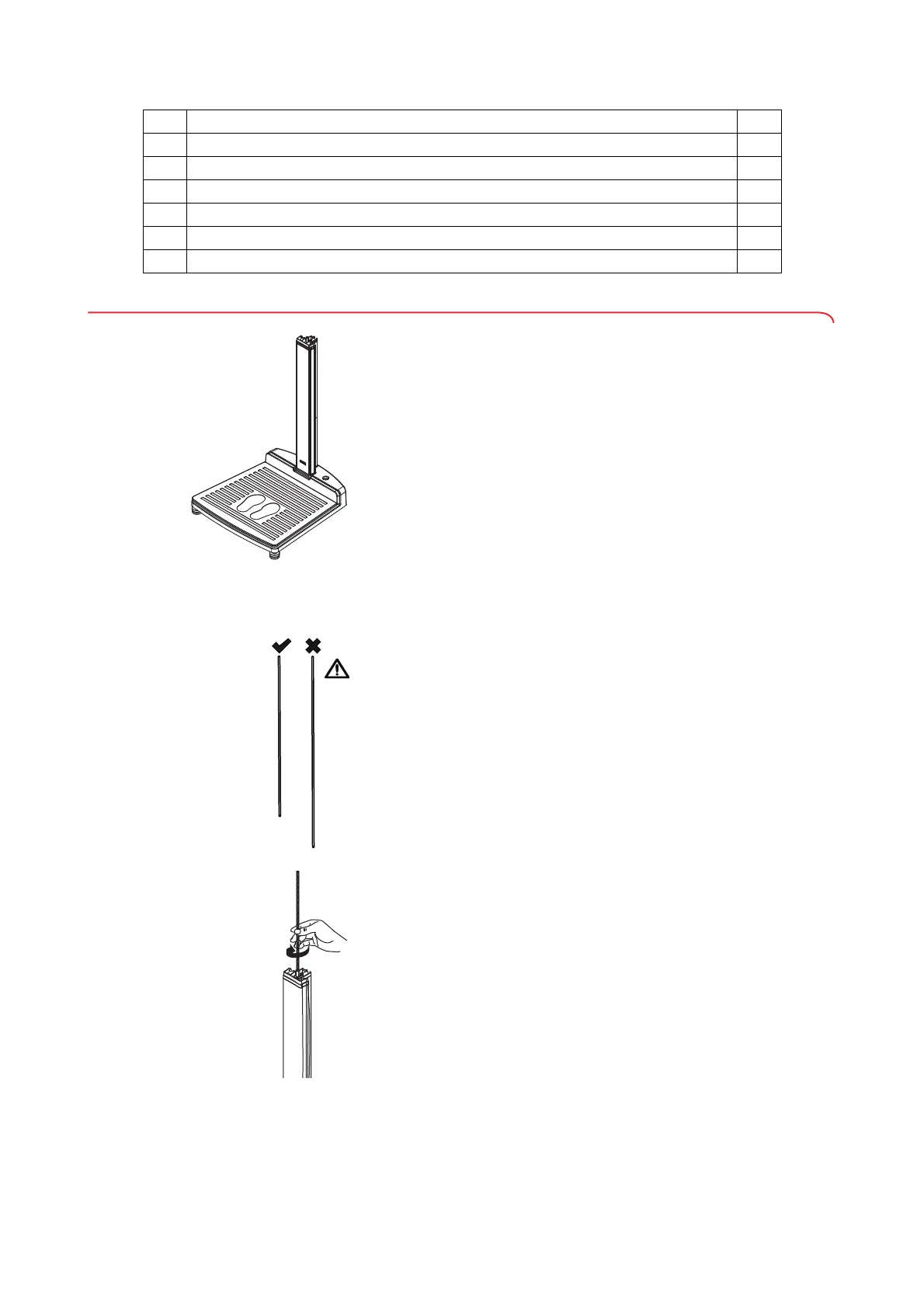
Fitting the second column element ATTENTION!
Device damage as a result of assembly error
If the long and short threaded rods are switched, it will not be possible
to assemble the device so that it is fit for purpose.
► Ensure that the short threaded rod is fitted when assembling the
second column element (see "Scope of delivery" on page 66).
To fit the second column element, proceed as outlined below.
1. Screw the short threaded rod hand-tight into the connecting nut of the
first column element.
q
Cylinder bolt for ultrasound head cover 1
r
Hex socket bolts for multifunctional display 2
s
Plain washer 1
t
Connecting nut 2
-
Optional cover for the multifunctional display (depends on variant) 1
-
Operating instructions, not shown 1
No. Component Pcs.


 To Next Page
 Loading...









