Operation • 89
3. Select a filtering level.
NOTE:
• If "0" is set, then if you are weighing patients who are not very steady
on their feet, it is possible that despite the"Hold" function being acti-
vated, no weight value will be permanently displayed.
• The greatest deviation between the weight value displayed and the
actual value occurs with setting "2".
4. Confirm your selection.
You exit the menu automatically.
Restoring factory settings (rESEt) You can restore the factory settings for the functions below.
NOTE:
The wireless module is switched off when factory settings are
restored. Information about existing wireless groups is retained.
Wireless groups do not have to be set up again.
1. Select the item "rESEt" from the menu.
2. Confirm your selection.
You exit the menu automatically.
3. Switch off the scale.
Factory settings are restored and are available when the scale is switched
back on.
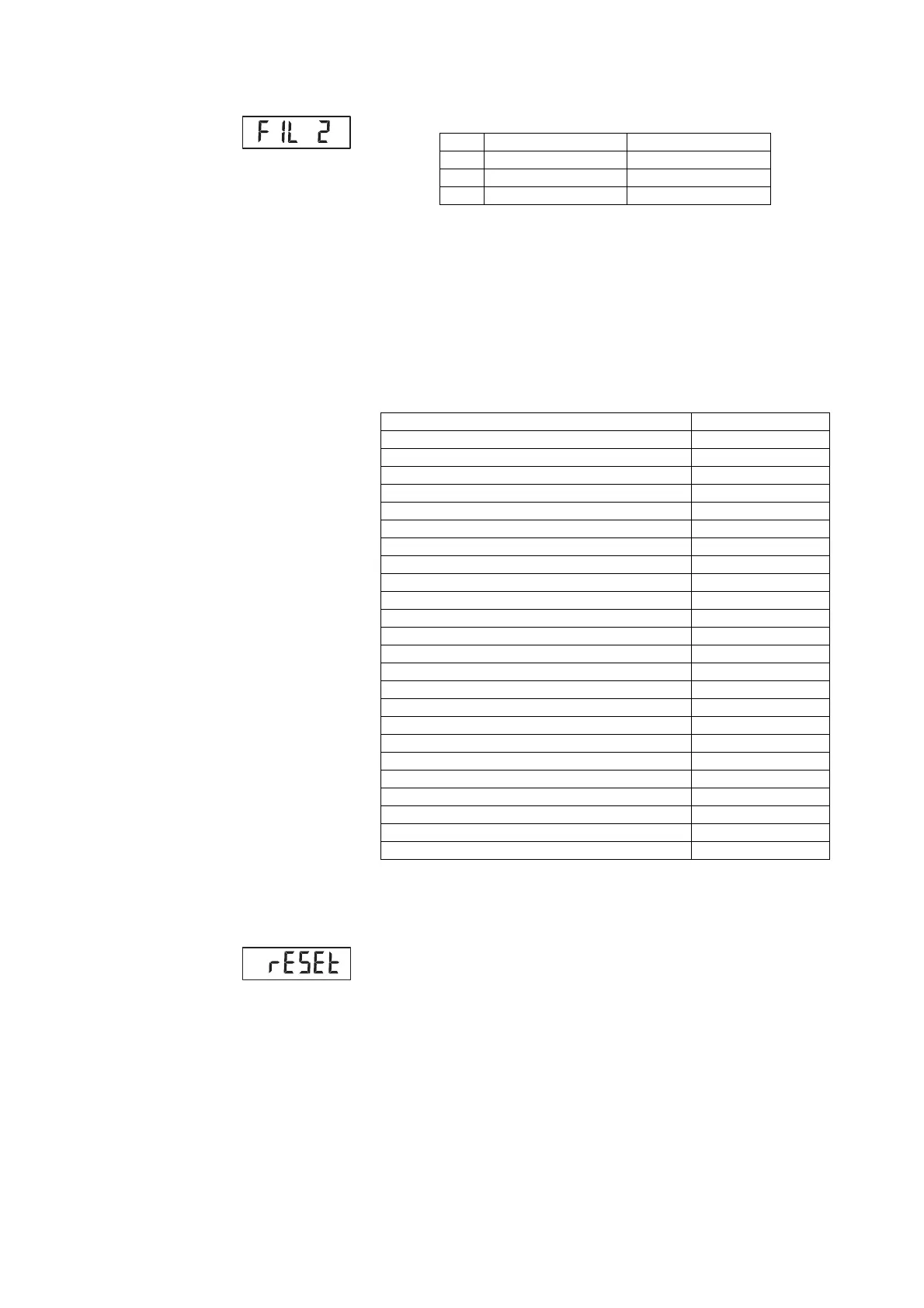
FIL Weight display Hold
0Sensitive Slow
1 Medium Medium
2Slow Fast
Function Factory setting
Autohold (AHOLd") Off
Beep (PrESS) On
Beep (HOLd) On
Beep (MEASr) On
Filtering (FIL) 0
Autoclear (ACLr) On
Pre-tare (Pt) 0 kg
Display backlighting brightness 50 %
Display backlighting duration Permanent
BMI/BFR BMI
Physical activity level (PAL) 1.0
Age in years 18
Age in months 0
Unit for height cm
Wireless module (SYS) Off
Autosend (ASEnd) Off
Autoprint (APrt) Off
Beeps for measurement On
Language Variant-dependent
Patient instructions On
Announcement of measured results Variant-dependent
Volume 50 %
Announcement “Take your printed ticket" (Print)
Off
Ultra Active


 To Next Page
 Loading...









