86 •
2. Confirm your selection.
The current setting is displayed.
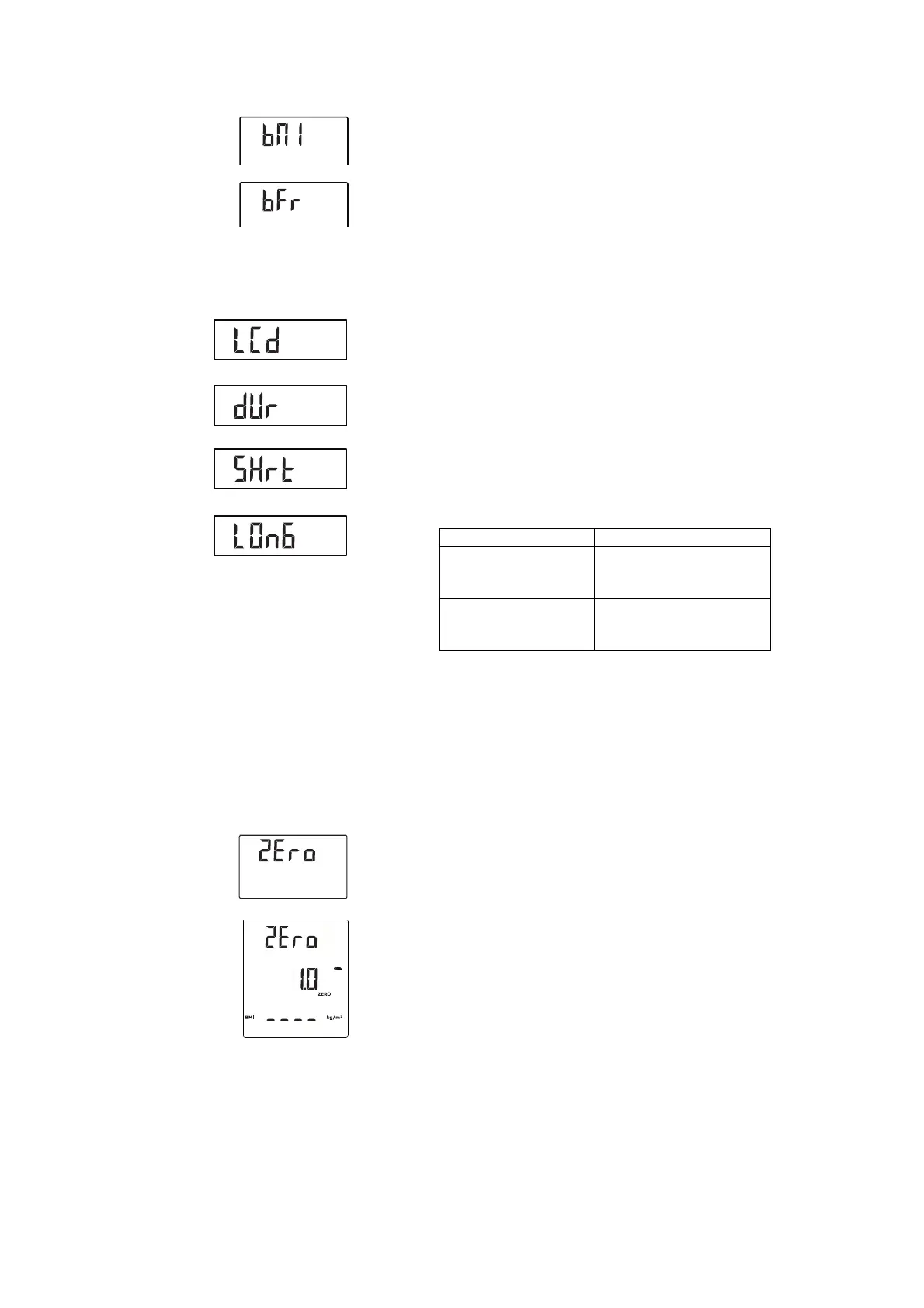
3. Press the arrow key send or print to switch between BMI and BFR.
4. Confirm your selection.
You exit the menu automatically.
The amended setting is displayed permanently in the multifunctional
display.
Setting display backlighting (LCD) You can change the duration and brightness of display backlighting.
1. Select the item "LCD" from the menu.
2. Confirm your selection.
3. Select a menu item (in this case: dUr):
– dUr: duration
–brL: brightness
4. Confirm your selection.
The current setting is displayed.
5. Select the desired setting:
6. Confirm your selection.
You exit the menu automatically.
7. If you also want to make settings for the second function, repeat the
process.
Permanently saving additional
height (ZEro)
Using the zero function (ZEro), you can permanently save an additional height
and have it deducted from a measured result automatically. For example,
you can save a standard height for shoe heels and have it deducted from the
measured result whenever a patient is measured fully-clothed.
1. Select the item "ZEro" from the menu.
The last set additional height flashes in the display.
"ZEro" appears in the display.
2. You can adopt the saved value or set a different value using the arrow
keys.
3. Confirm your selection.
Function Setting
Duration
• Short (approx. 15 sec.)
• Long (approx. 150 sec.)
• Perm (permanent)
Brightness
• 50 %
• 100 %
•Off



 To Next Page
 Loading...








