Configuring the device • 45
2. In the drop-down menu, select the system element.
3. In the
system dialog window, press the Change button in the
administrator PIN line.
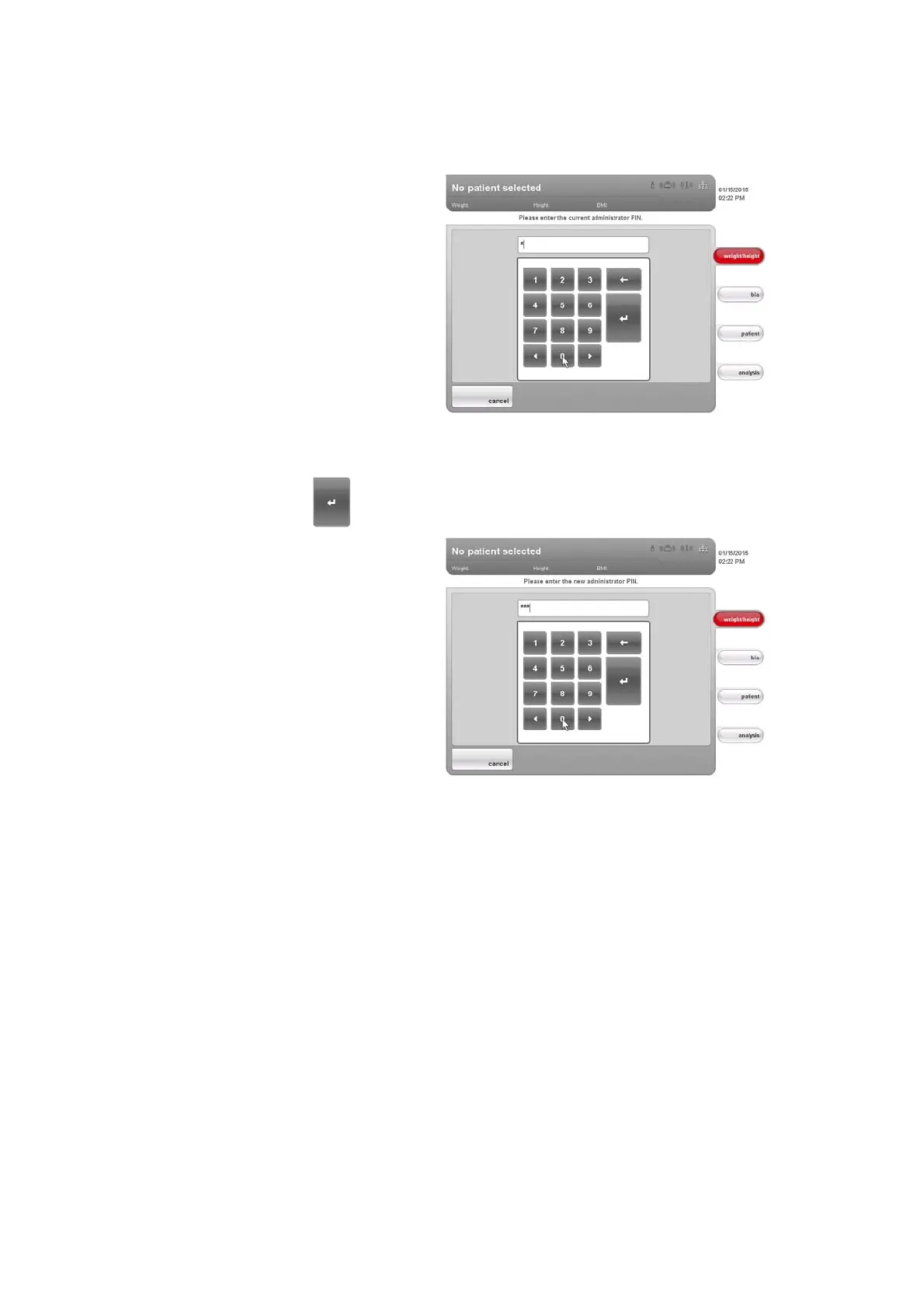
The numerical keypad appears.
4. Enter the previous administrator PIN (factory setting: 00000).
5. Press the Enter key on the numerical keypad.
The entry is accepted.
6. Enter the new administrator PIN.
7. Press the Enter key on the numerical keypad.
The entry is accepted.
8. Enter the new administrator PIN again.
9. Press the Enter key on the numerical keypad.
The entry is accepted.
The message
Administrator PIN changed appears.
10. Switch the device off and back on again.
The new administrator PIN is active.
Calibrating touchscreen display
If the device has a delayed reaction or does not react at all to the controls in
the touchscreen display being pressed, you can calibrate the touchscreen
display. To do so, proceed as outlined below.
1. Call up the Administrator menu.
2. In the drop-down menu, select the
system element.
3. In the
system dialog window, press the Calibrate button in the
touchscreen display line.



 To Next Page