46 •
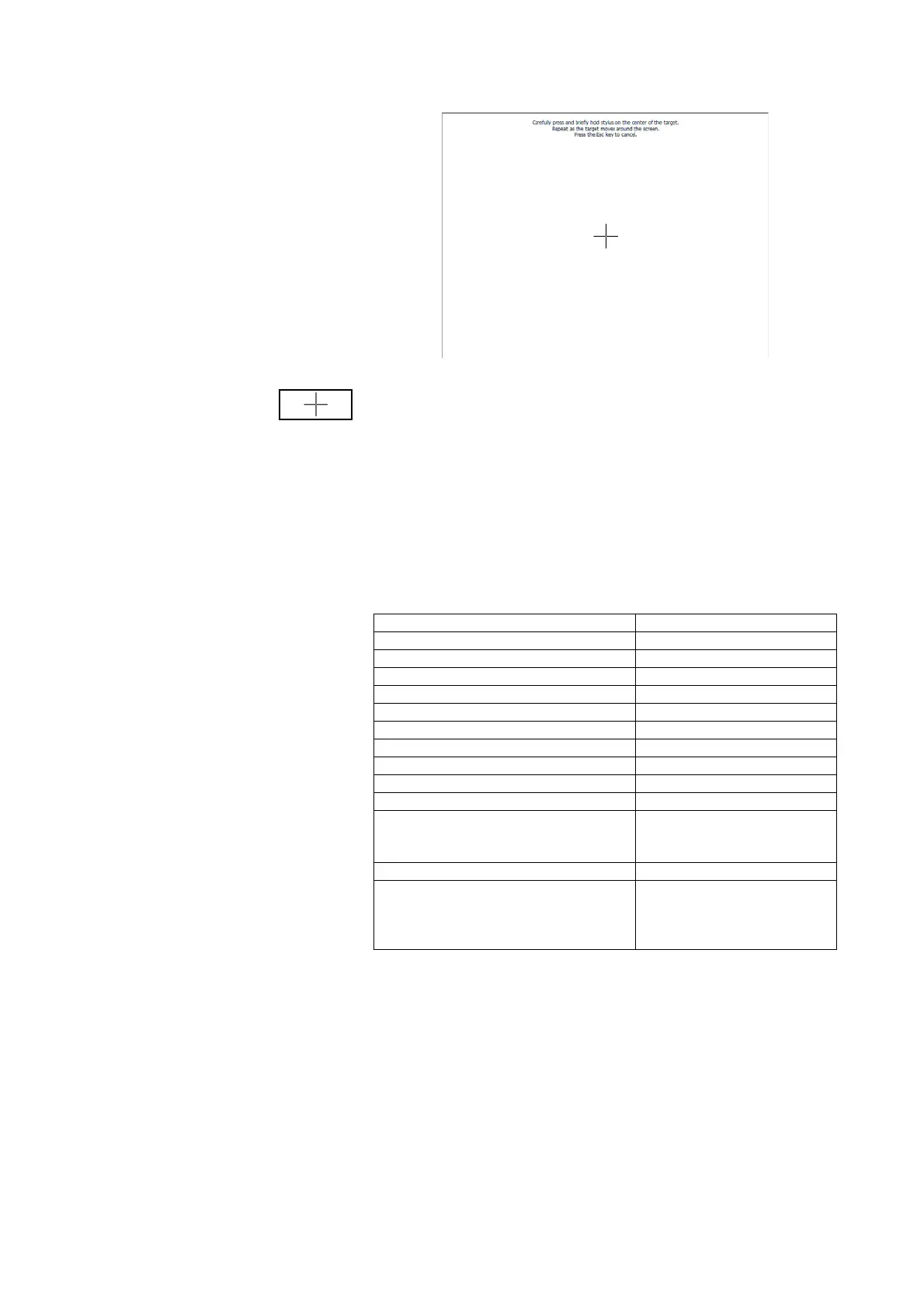
The calibration display appears.
4. Press and hold the cross symbol.
The cross symbol changes position.
5. Press and hold the cross symbol.
The cross symbol changes position again
6. Repeat steps 4. and 5. until the cross symbol is no longer displayed.
The touchscreen display is calibrated.
7. Press the empty touchscreen display.
The
system dialog window is shown again.
Restoring factory settings
You can restore the factory settings for the functions below.
1. Call up the Administrator menu.
2. In the drop-down menu, select the
system element.
3. In the system dialog window, press the Reset button in the admin settings
line.
Function Factory setting
Setup location Others
Language English
Date format mm.dd.yyyy
Time format 24 h
Volume 50 %
Pre-tare (Pt) 0 kg
Height 0.0 cm
Brightness of display (back)lighting 100 %
Wireless module Off
Administrator PIN 00000
CLS server and seca mediator service:
• IP address
•port
0.0.0.0
60767
DHCP yes
Module selection for BIA measurement:
• display prior to BIA measurement
• active modules
yes
raw data for impedance
deactivated



 To Next Page