Instructions for Use
Resting & Stress ECG with seca
ct330/331 and seca diagnostic 5.9
3 Software
3.1 seca diagnostic program structure
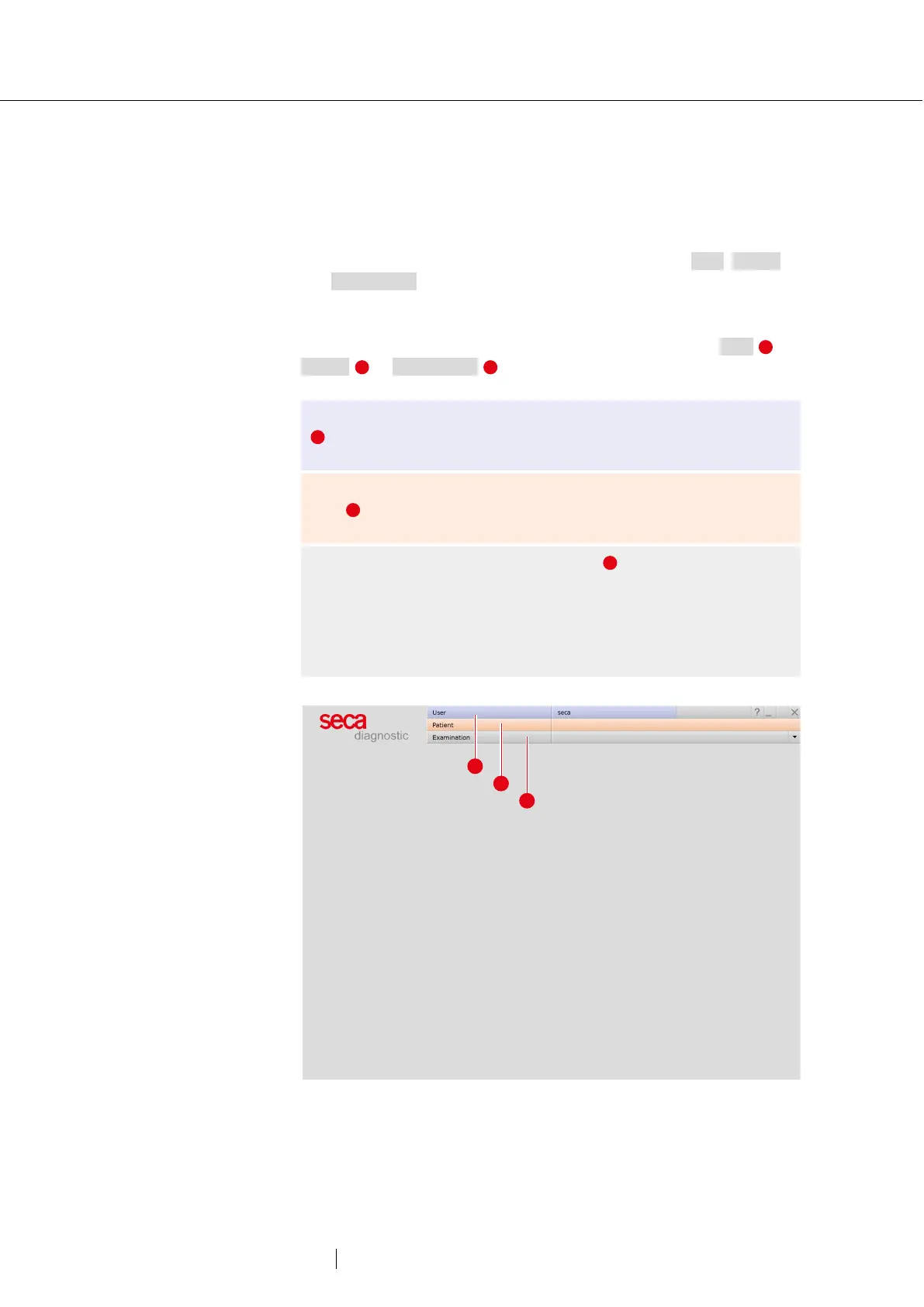
The seca diagnostic program is divided into three areas: User, Patient
and Examination. This structure ensures that you can always recognise
who (which user) is carrying out what type of examination with whom
(which patient).
The main menus of each area can be reached by clicking on User ,
Patient or Examination .
The user of the system can be selected in the main menu of the User
area. User administration is performed in the seca service center
(create user, user rights, user-specific settings).
Patient administration takes place in the main menu of the Patient
area . The most important functions include Find patient, New
patient and Find evaluation
In the main menu of the Examination area , all examination types
that are possible with seca diagnostic are listed. Modules that have
already been purchased are active (black font), all others are inactive
(light grey font). This menu is also linked to the Settings area. This
area is for making cross-program, examination-related and user-
specific settings.
Fig. 9: seca diagnostic main menu



 To Next Page