Instructions for Use
Resting & Stress ECG with seca
ct330/331 and seca diagnostic 5.9
3.8 Stress ECG evaluation
3.8.1 Evaluation structure
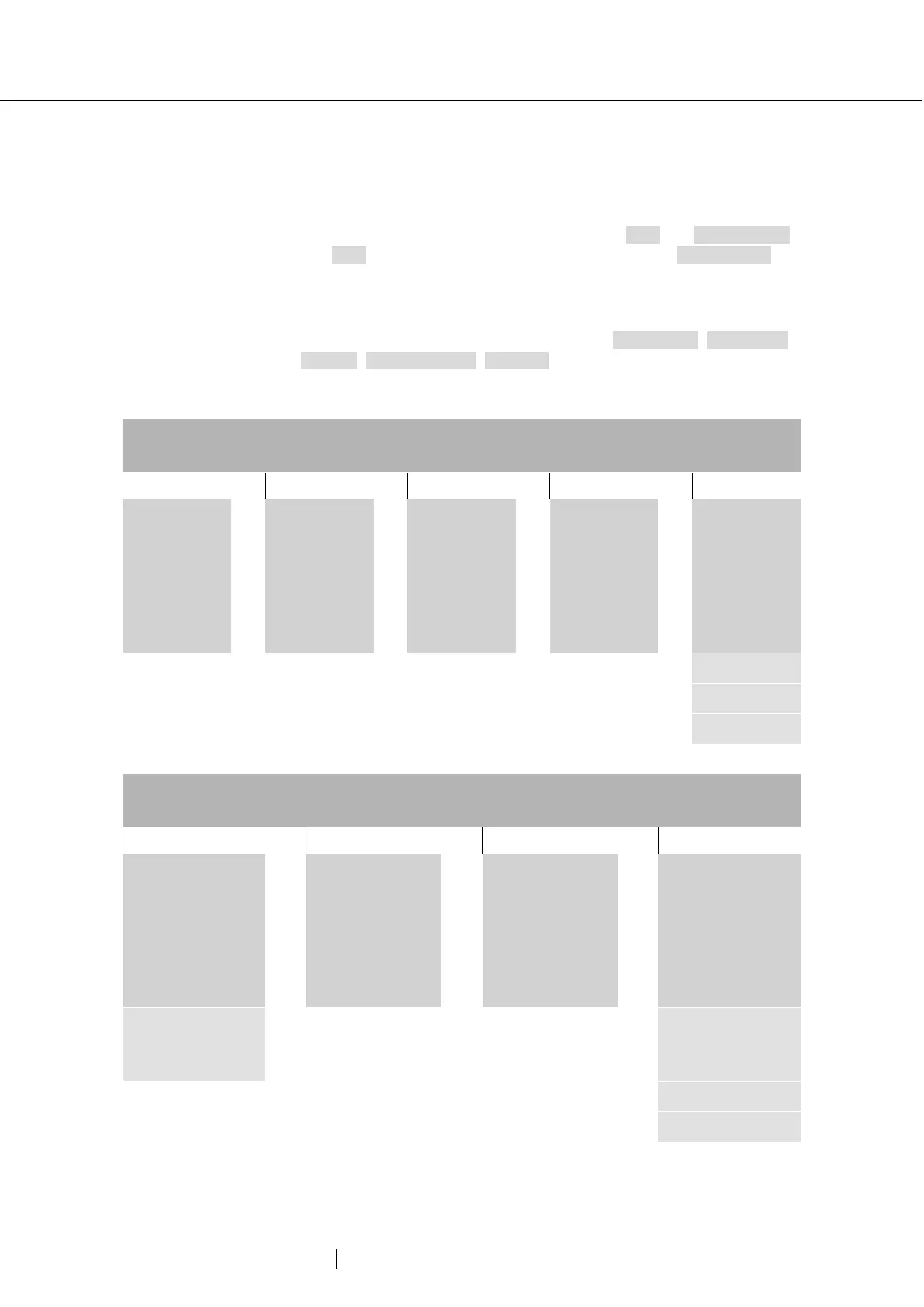
ECG evaluation is divided into two main areas: ECG and Measurement.
The ECG screen is preset as the start screen, and the Measurement
screen can be set as the start screen as an alternative if required. From
the sub-screens of the two areas, the main screen of the other area can
be reached at any time.
The evaluation start screen can be set under Examination, Stress ECG,
Settings, Menu/Functions, Workflow in the “Workflow, Show evaluation”
area.
Start screen ECG:
Complete ECG, e.g., 12-channel display
ECG overview:
Complete ECG
minimised as 2-
channel strip
display
Step
comparison:
Comparison of
ECG of two load
levels in the
evaluation
Zoom:
Magnified
display of a
channel (mouse
function: zoom,
double click on
ECG)
Comparison:
Comparison of
two evaluations
of a patient.
Here: 12-
channel display
Options menu
Trends
Events
HRV
Start screen Measurement:
Summary complexes of all channels
Measured values:
Tabular display of all
measured values
Step comparison:
Comparison of
summary complexes
of all load levels in
the evaluation
Comparison:
Comparison of
several evaluations
belonging to a
patient. Here:
Summary complexes
of all channels
Options menu
Single complex:
Summary complex of
a channel, vector loop
Trends
Events
HRV



 To Next Page