Instructions for Use
Resting & Stress ECG with seca
ct330/331 and seca diagnostic 5.9
3.8.2 Navigation in the evaluation
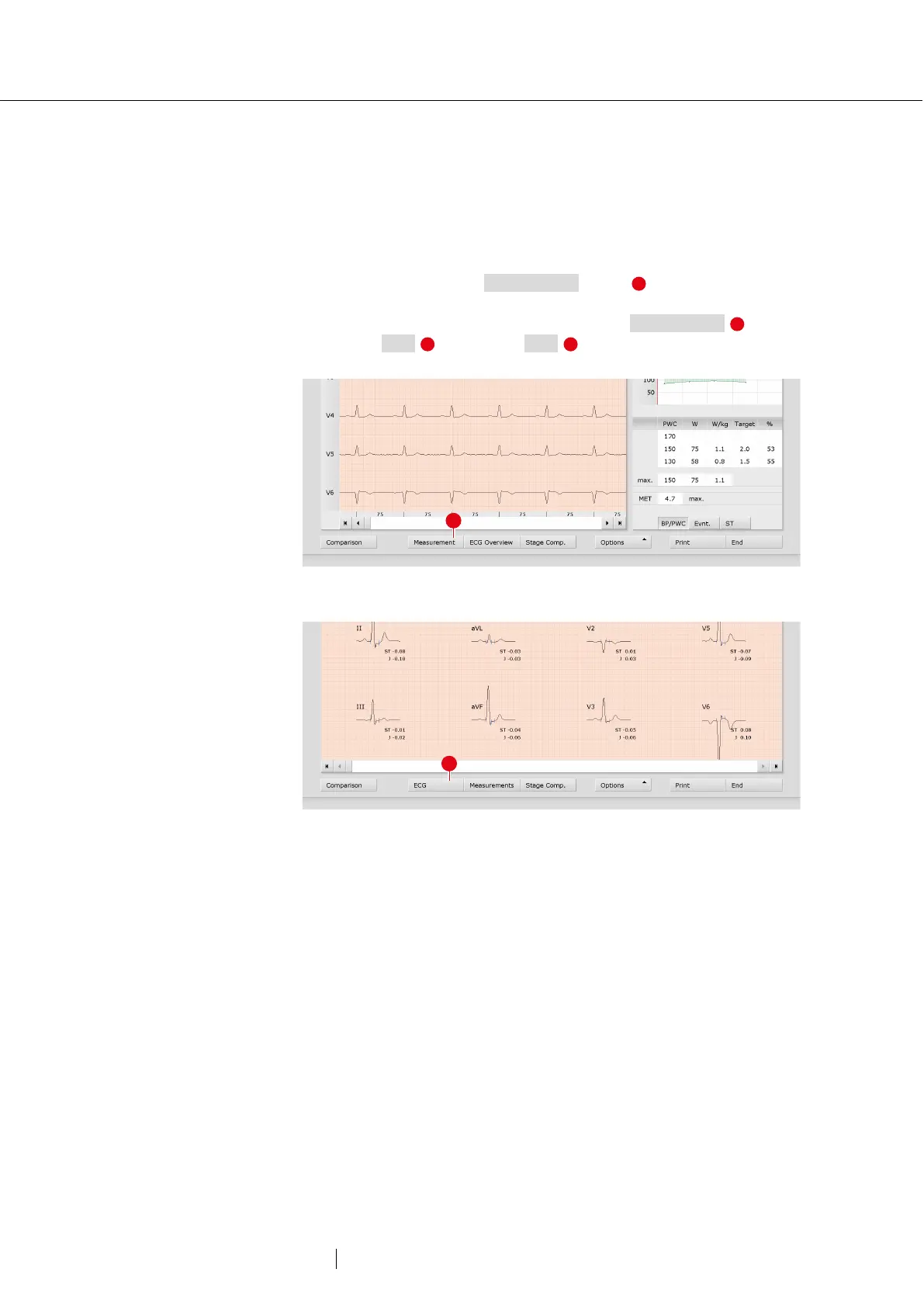
At the bottom of the screen there are buttons for opening other
evaluation screens. The labelling of the buttons changes as soon as you
switch to another evaluation screen. The clicked button always contains
the name of the screen from which you came.
Example: You click on the Measurement button in the evaluation
(View: ECG start screen). You arrive at the evaluation screen
Measurement and the previously clicked button Measurement
changes to ECG . Clicking on ECG takes you back to the ECG
view.
Fig. 39: Evaluation Stress ECG, ECG screen
Fig. 40: Evaluation Stress ECG, Measurement screen



 To Next Page