Instructions for Use
Resting & Stress ECG with seca
ct330/331 and seca diagnostic 5.9
3.5 Perform stress ECG recording
Procedure with SystmOne or EMIS Health connection
seca diagnostic can be connected to the SystmOne or EMIS Health
practice management software. In this case, the first steps for
performing an examination are carried out in SystmOne or EMIS Health,
e.g. selecting the patient. Then seca diagnostic is started manually.
There are two options for the next steps of the process:
→ If seca diagnostic is only used for one type of examination, seca
diagnostic directly displays the screen for starting the recording for
the previously selected patient.
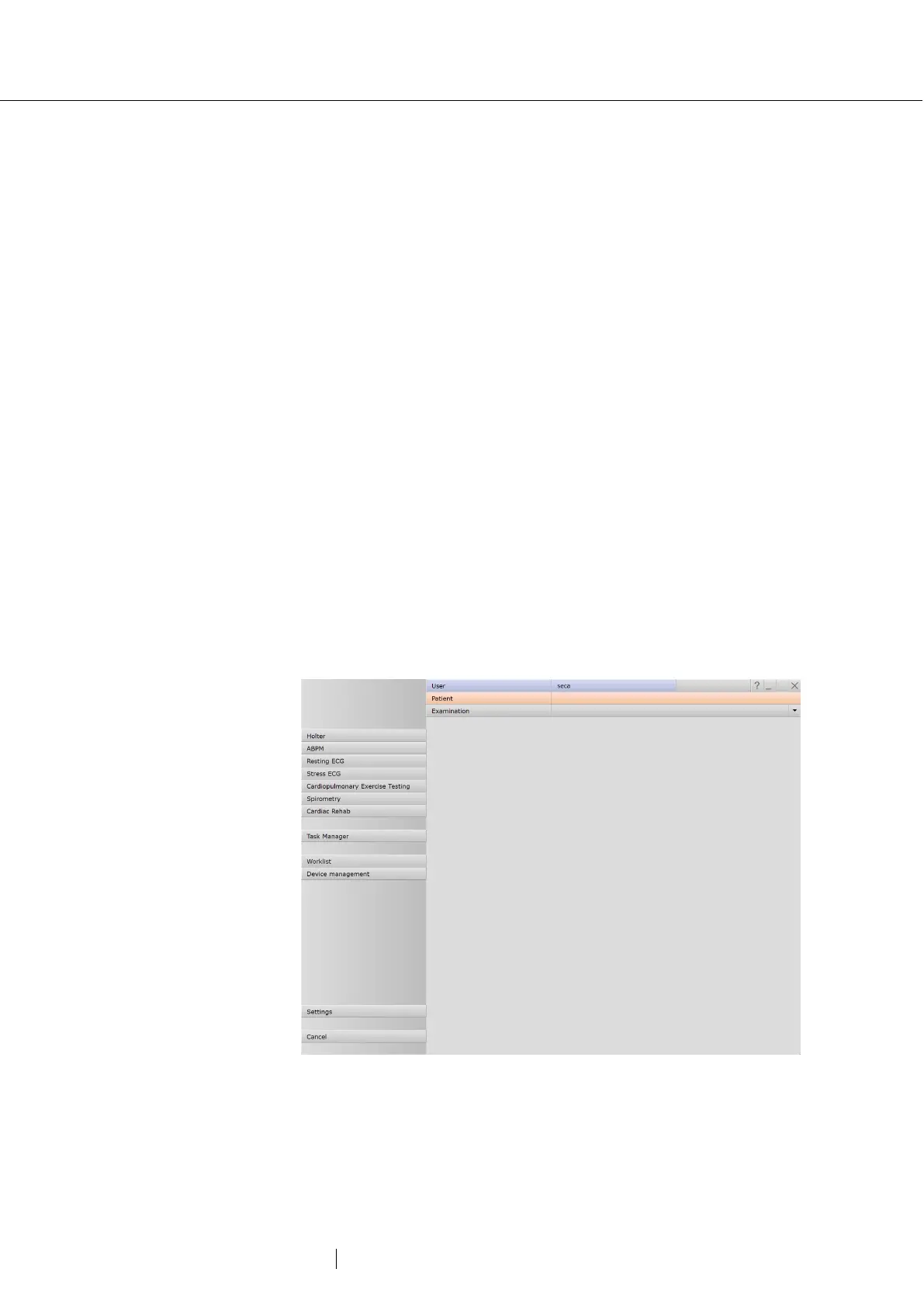
→ If seca diagnostic is used for several types of examination, the
previously selected patient is transferred from SystmOne or EMIS
Health and the seca diagnostic examination main menu is displayed.
Here you can select which examination is to be performed on the
patient.
When a recording is ended, seca diagnostic exports the recording as a
PDF file to SystmOne or EMIS Health. seca diagnostic is automatically
closed after the PDF export.
The connection to SystmOne or EMIS Health is optional and can be
configured in the seca diagnostic settings if required. Please contact
your authorised seca sales partner for this.
Fig. 22: seca diagnostic examination main menu



 To Next Page