Instructions for Use
Resting & Stress ECG with seca
ct330/331 and seca diagnostic 5.9
3.11 Ending the evaluation
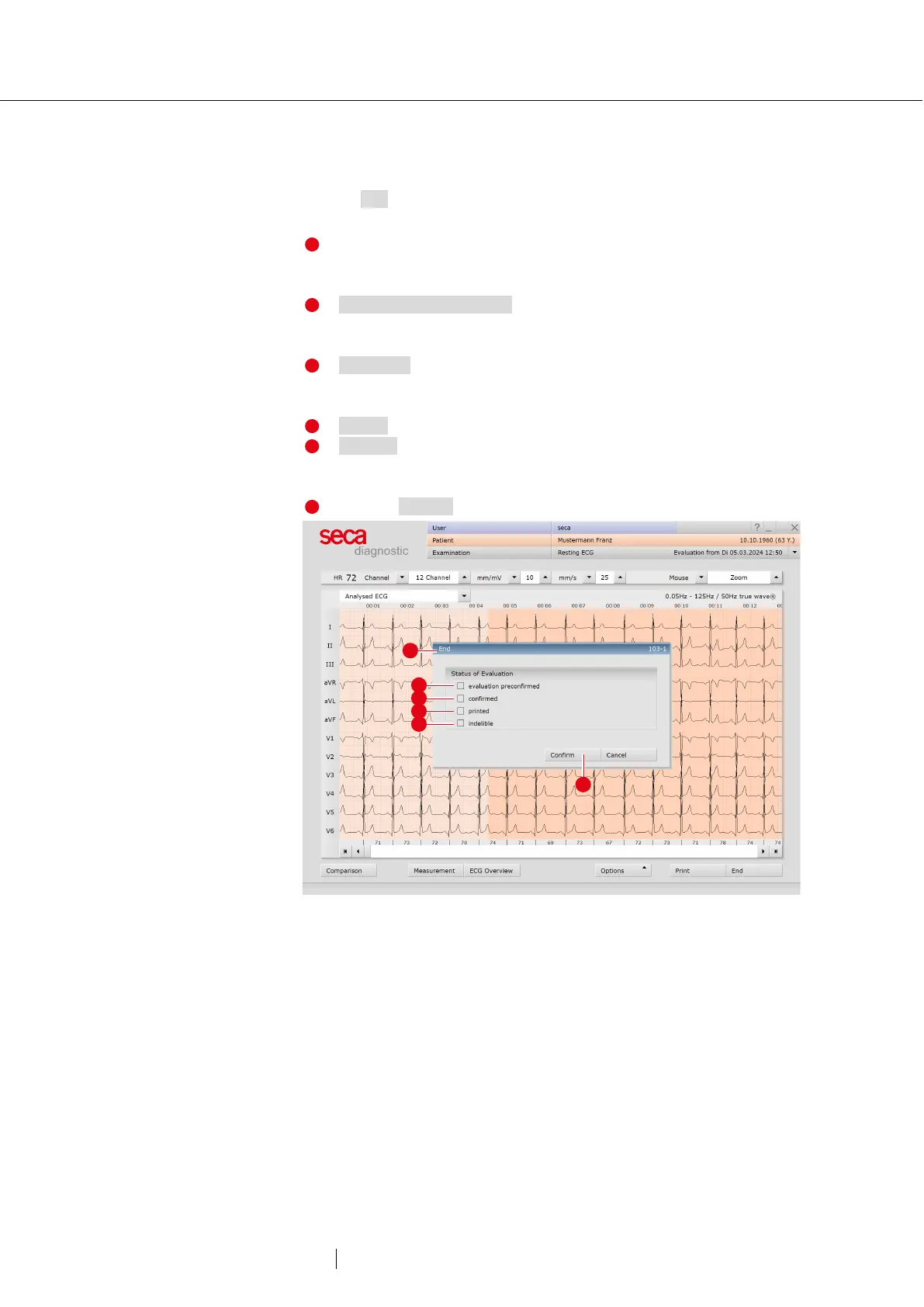
Click on End (bottom right) in the evaluation. The End dialogue opens.
The status of an evaluation is defined here. Assigning properties
(status of the evaluation) in the End dialogue makes it easier to
find evaluations in the evaluation search.
Evaluation pre-confirmed: active if a user with the reporting right
“Preconfirm evaluations” has confirmed the unconfirmed report
Confirmed: active if a user with the reporting right “Confirm
evaluations” has confirmed the unconfirmed report. The
“confirmed” status can be reset if required.
Printed: indicates whether the evaluation has been printed.
Indelible: can be selected after reporting has been completed.
The evaluation can now only be viewed and can no longer be
Click on Confirm to close the evaluation.
Fig. 49: End dialogue



 To Next Page