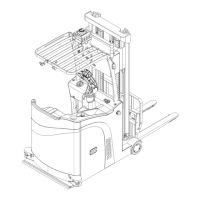
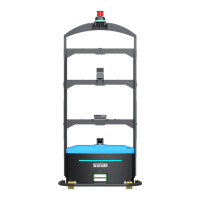
3. Product Introduction
SMF-MP10S User guide V1.1 Shanghai Seer Intelligent Technology Corporation 16
The robot will be stopped if it is pressed for 2s.
Emergency Stop Button
The emergency stop button is only used under emergency, and shall not be used to stop
the robot.
After the emergency stop button is pressed, the robot will immediately stop all
movement.
The emergency stop button can be pulled up only when the cause of the fault is
identified and the fault is eliminated.
After the emergency stop button is pressed, the robot can clear the driver error.
After the emergency stop button is pressed, the robot can be moved by pushing.
Precautions for Emergency stop of Robot
● When using our dispatching system, it is strictly prohibition to move the robot by
pushing after pressing the emergency stop button; otherwise, it will cause the robot
task to go wrong.
3.6 Audio/Video System
3.6.1 Ambient Light
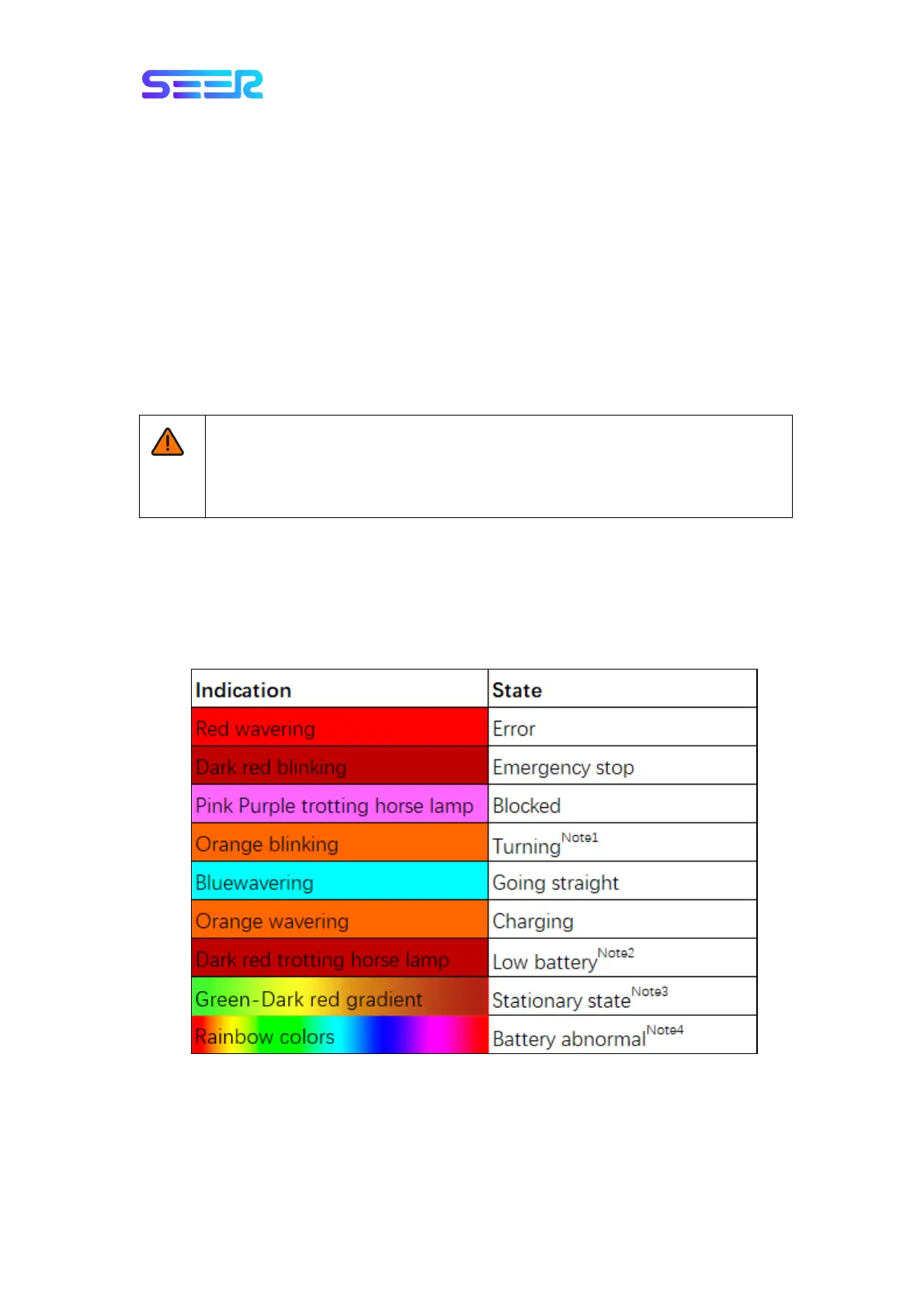
The robot indicates the current running status through the color and shape change of the
ambient light.
Note 1: To be equipped (number and direction) according to actual needs; when turning in
place, all lights equipped will flash synchronously.
Note 2: The battery level is lower than the maximum value of Warning Percentage, Error
Percentage, and Shutdown Percentage configured in the battery device (when the maximum
value is -1, the effect will not be displayed).


 To Next Page