OmniHub 6/6D– User Manual
Page 125 of 182
3.6.2.1 Module Status
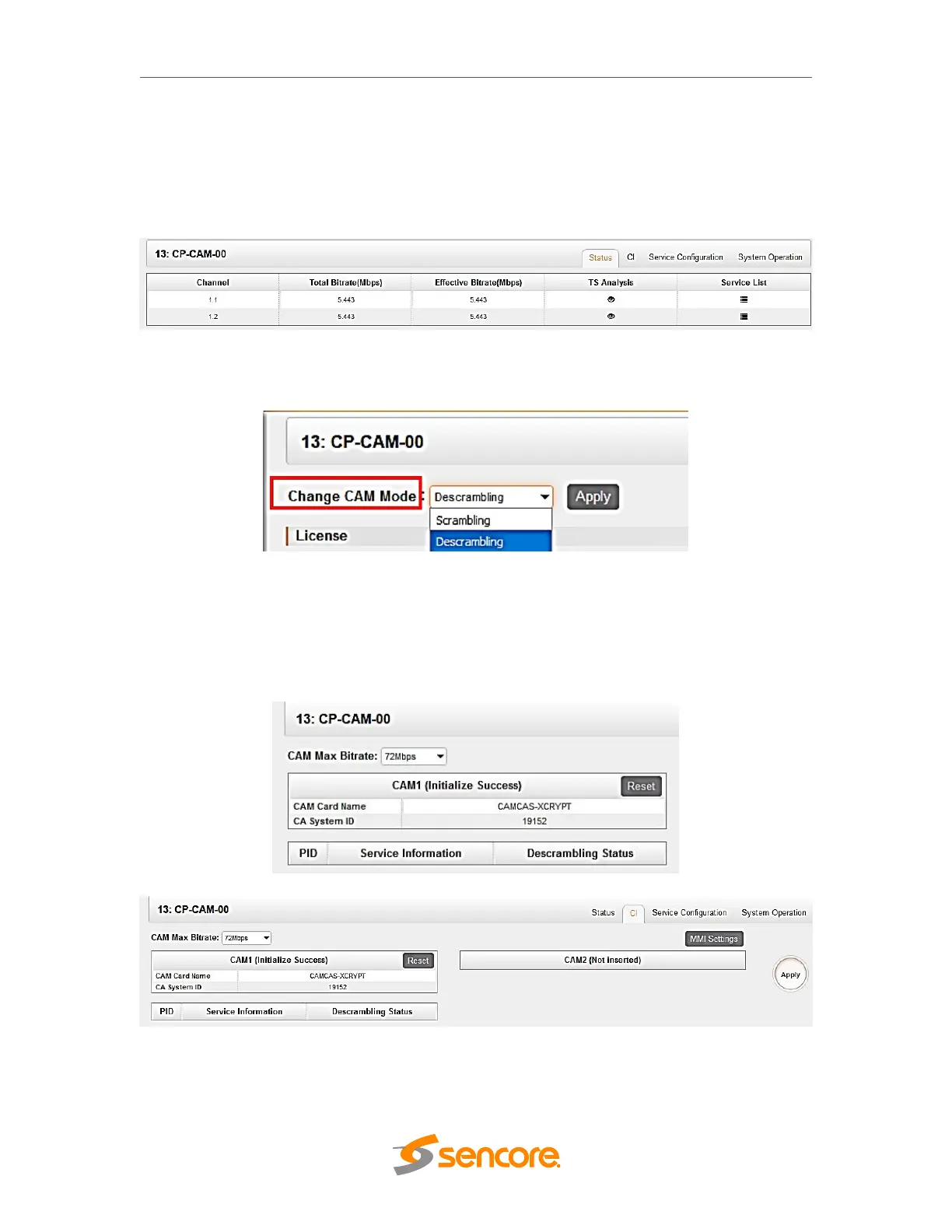
Click the name of OHP6-CAM-00 in the module list to view its Status page. This page
will show you the status of each channel and the bitrate of each service. See OHR6-
DVBC-00 on page 30 to 35 for reference
Note that this module has scrambling and descrambling functions. To choose which
function you want to use, go to System Operation and select the CAM mode.
3.6.2.2 CI
You can output the received encrypted services in DVBS2, DVBC, ISDT, etc. to OHP6-
CAM-00 to decrypt the service and rebroadcast it to QAM, OFDM, IP, etc. The CI page
will show you the list of the successfully-decrypted services in the channel.



 To Next Page