ADN Digital Conference System | 61
Configuring the conference system via the central unit
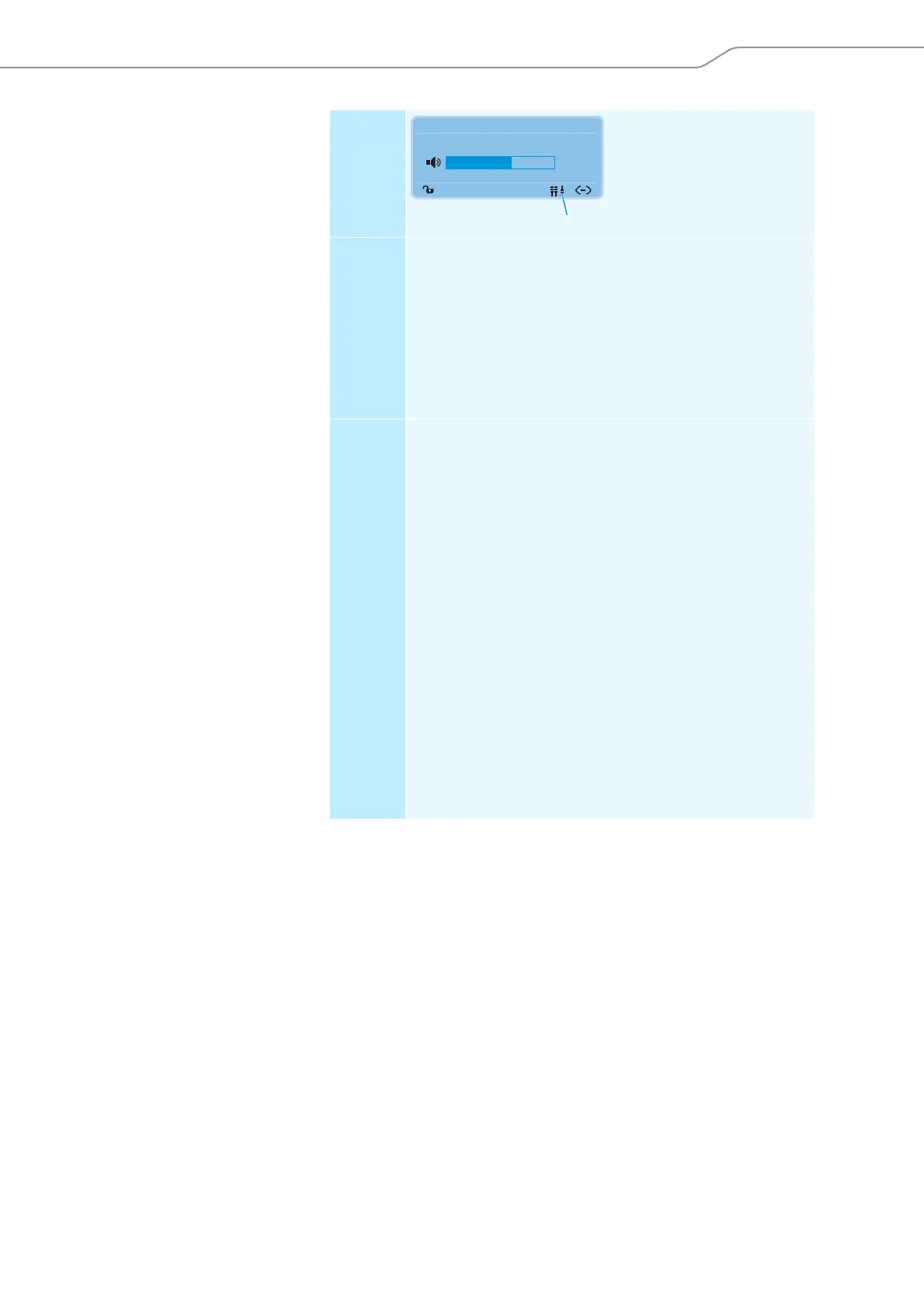
Display Only the structural change
icon is displayed.
Error Change in the number of conference units due to:
• manual adding or removal of one or several conference units
• automatic resetting of one or several conference units (the con-
ference units restart)
• switch-off of one or several conference units due to under-
voltage
• disconnection of one or several conference units e.g. caused by
– faulty plug connections
– wire or cable faults
Remedy 왘 Perform a manual self-test (see page 67).
The display can change as follows:
– The structural change icon disappears: The structural
change has been detected, there are no errors.
– The structural change icon is still displayed: Follow the
steps below.
If, after performing the self-test, the structural change icon is still
displayed:
왘 Reset the error counter (“Break Counter”) (see page 67).
왘 Change to the “Bus Statistics” menu item (see page 66) and
check the digit behind “Break Counter”.
왘 Carefully move the conference units and systems cables and
check if the digit behind “Break Counter” is increased.
If the digit is increased, check the corresponding plug connec-
tions or replace the corresponding conference units and system
cables.
If the error still persists:
왘 Follow the steps described in the “System Load” menu item (see
page 64).
왘 Perform a manual self-test (see page 67).
Direct Access 30 Units
20
K



 To Next Page