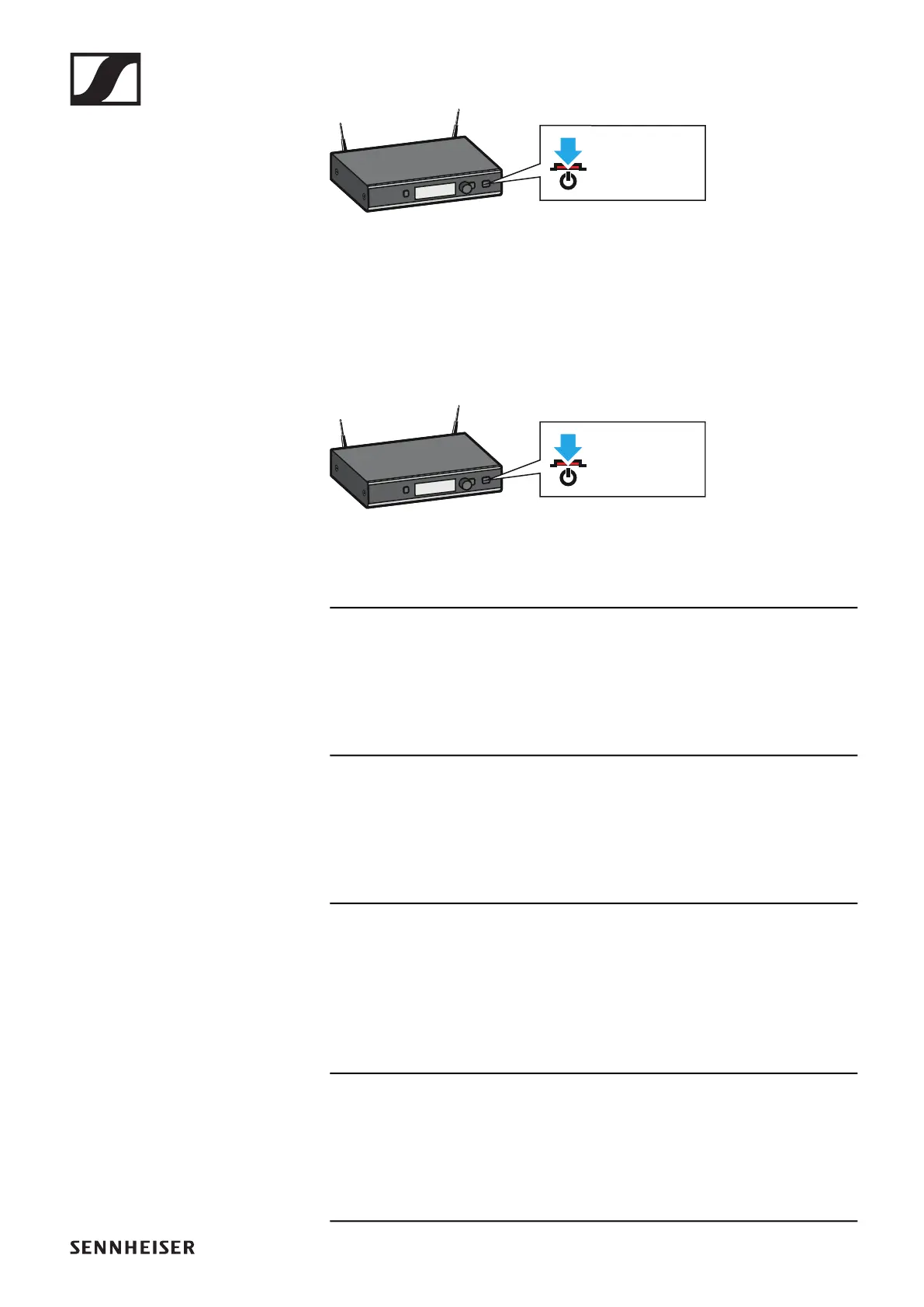
SL Rack Receiver DW
64
►
The display panel first shows a logo and then the home
screen appears. The status LED indicates the current sta-
tus of the receiver. The radio link to the last paired trans-
mitter is established automatically as soon as the
transmitter is switched on.
To switch the receiver off:
▷ Long-press the STANDBY button.
►
The display panel and the status LED go off.
6 Status LED
lights up green:
A radio link to the transmitter is established. The accupack of
the received transmitter is sufficiently charged.
flashes green:
The PAIR button has been short-pressed. Paired devices are
being identified.
flashes alternately green and red:
The PAIR button has been long-pressed. The receiver estab-
lishes a radio link to a transmitter whose PAIR button has also
been long-pressed.
lights up yellow:
The received transmitter has been muted with the MUTE
switch. In addition, Muted is displayed on the display panel.




 To Next Page