EasyManua.ls Logo

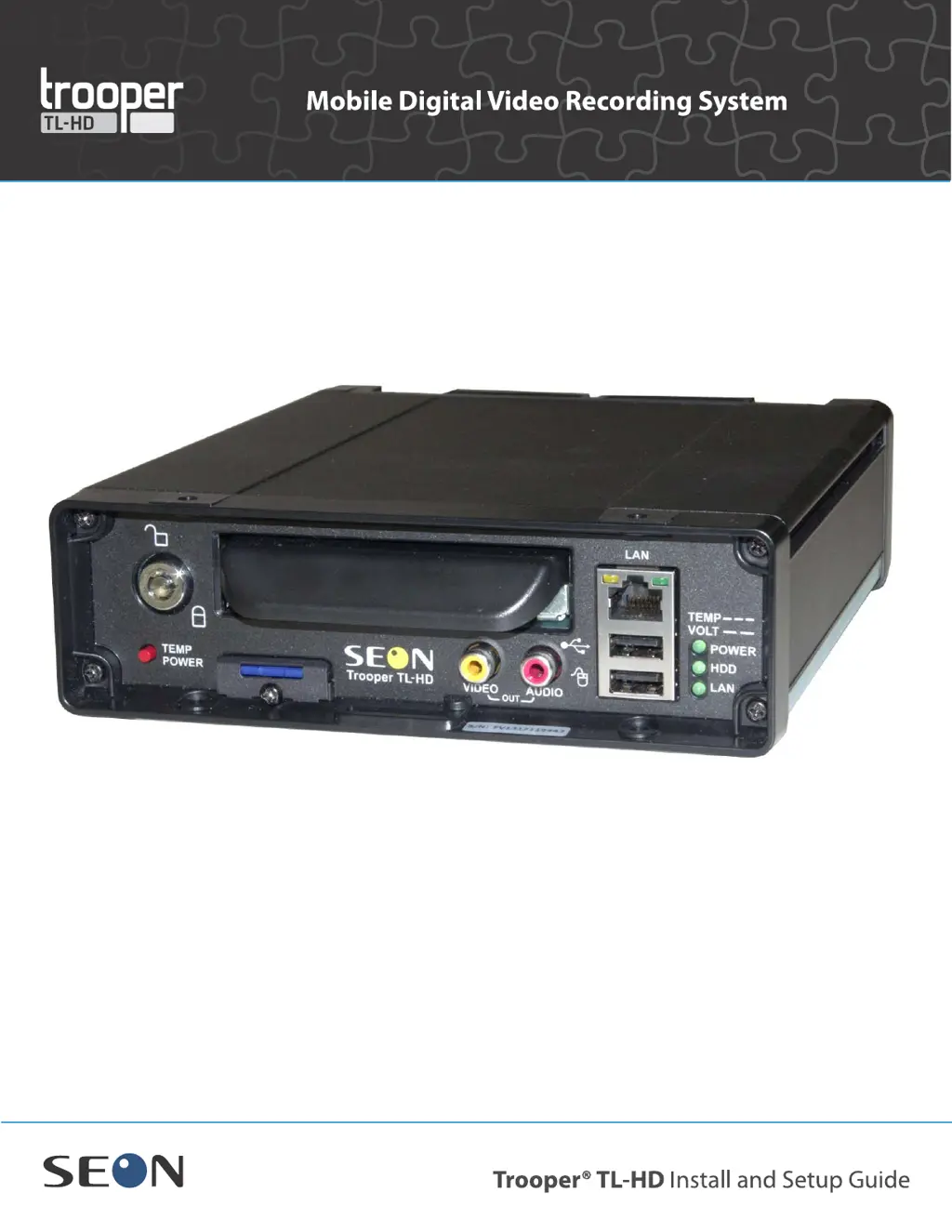
SEON TL-HD - User Manual

SEON TL-HD
94 pages
Print Icon
To Next Page IconTo Next Page
Loading...
DVR Firmware Version 2.1
Document Part Number 700-1014 R002
*700-0099*

Table of Contents

Other manuals for SEON TL-HD

Questions and Answers

  • J
    Justin MartinezSep 8, 2025
    How to fix a SEON access point that is not powering up?
    • J
      jcowanSep 8, 2025
      If the SEON access point is not powering up, check the POE (Power over Ethernet) injector and ensure the Power and POE lights are lit. If not, inspect the AC adapter that powers the POE.
  • V
    Valerie PonceSep 10, 2025
    How to troubleshoot SEON access point that is powered but cannot ping?
    • A
      Angelica RamirezSep 10, 2025
      If your SEON access point is powered but cannot ping, check the access point programming and the antenna. The programming requires someone familiar with networks to check the settings. Also, check the computer network settings and ensure the IP address is set to static, not DHCP.
  • J
    Jeffrey AndrewsSep 12, 2025
    How to check ethernet cables on SEON?
    • M
      Michael BowenSep 12, 2025
      Inspect Ethernet cables for cuts or pinches and ensure the end connectors are secure.
  • A
    Adam RodriguezSep 14, 2025
    How to fix SEON Smart-Link that will not power up?
    • D
      denisegonzalezSep 14, 2025
      If the green light on the SEON Smart-Link is not solid, inspect the power wiring harness connections to the Power In socket. Ensure there is a solid connection to a 12 volt DC source. Verify the inline fuses. If available, try swapping it out with a spare unit.
  • S
    Seth LarsonSep 15, 2025
    How to troubleshoot SEON Smart-Link when the green light flashes continuously?
    • F
      fschneiderSep 16, 2025
      If the green light on the SEON Smart-Link flashes continuously, check the wiring connections. Measure the voltage at the end of the power connector with a multi-meter to ensure adequate power supply.
  • J
    Jacqueline CunninghamSep 18, 2025
    What does it mean when the indicator light flashes green all the time on SEON?
    • A
      Ashley AllenSep 18, 2025
      If the indicator light flashes green all the time, inspect all wiring connections. This could be an issue with the DVR or the drive is not locked in place.

Summary

Installation

Installation Overview and Requirements

Covers tools, package contents, diagrams, and best practices for installation.

DVR Unit Installation

Details the process of mounting and securing the TL-HD DVR unit itself.

Component Installation

Covers installing cameras, alarm buttons, and other accessories like harnesses and SD cards.

Critical Installation Details

Focuses on 12-volt power installation and the final hardware installation checklist.

DVR Setup

DVR Menu Access

Explains methods to access DVR configuration menus locally or remotely via network.

Basic DVR Configuration Settings

Details essential customer and region-specific settings for optimal DVR operation.

vMax Web Laptop Configuration

Guides on configuring a laptop to connect and manage the DVR via vMax Web interface.

Connecting the DVR to the Laptop

Step-by-step instructions for establishing an Ethernet connection between the DVR and a laptop.

Advanced Setup

DVR Configuration Uploads

Information on uploading configuration files to the DVR via USB or network.

Configuration Upload from USB Memory Device

Detailed steps for loading configuration files using a USB memory device.

Configuration Uploads in vMax Web

Instructions for uploading configuration files remotely using the vMax Web interface.

DVR Firmware Updates

Procedures for installing firmware updates on the DVR using a USB memory device.

Email Notifications

How to configure the DVR to send email alerts for specific events like alarms or disk issues.

On-Screen Display Email Setup

Steps to set up email notifications directly via the DVR's OSD interface.

vMax Web Email Setup

Instructions for configuring email notifications through the vMax Web interface.

DVR Configuration Menus

Configuration Menu Overview and Basic Settings

Overviews menu tree, time, date, display, monitor, and diagnostic settings.

Recording, Camera, and Sensor Configuration

Configures recording parameters, camera settings, alarms, signals, speed, and G Sensor data.

Network and System Configuration

Sets up network, user levels, system settings, and firmware/configuration updates.

SEON TL-HD Specifications

General IconGeneral
Video OutputHDMI, VGA
Audio InputRCA
Audio OutputRCA
Hard Drive SupportSATA
Network InterfaceRJ45
Mobile App SupportYes
Video CompressionH.264
Remote ViewingYes
Operating System CompatibilityWindows, iOS, Android

Related product manuals