7. Initial Operation Check
-7-
(1) Main Menu
① Attach the cigar lighter power or AC adaptor plug to the power jack on
the main body.
*When using for the first time, before using, please charge the battery
for over two hours. It is best to start use after the power lamp has
turned green (charging complete).
② If you press the power button on the body for over two seconds, the
power will come on, and the main menu will appear. To turn the power
off, press for over two seconds again.
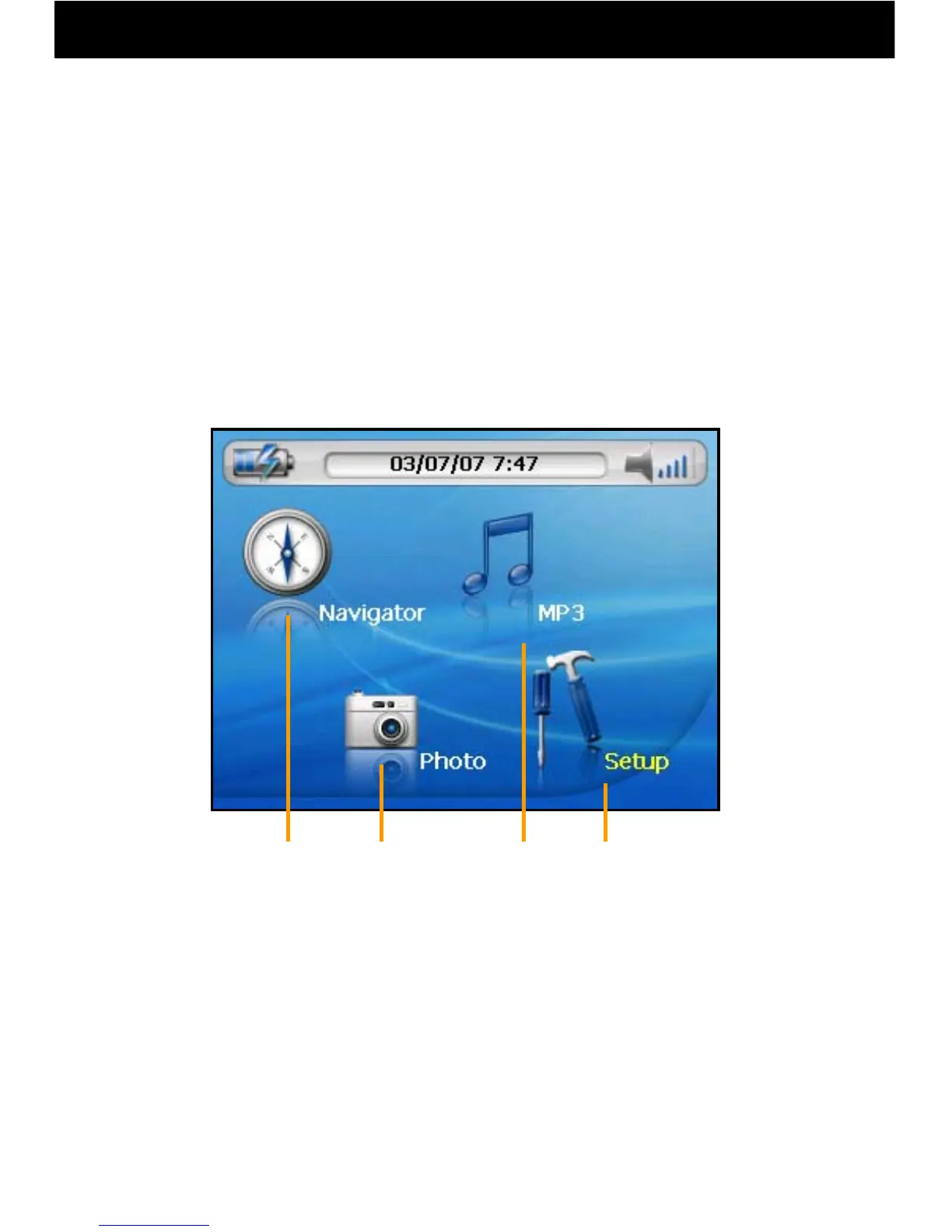
③ Operations are carried out by touching each menu item on the screen.
A Navigation: The navigation function can be operated.
B Photo Album: JPEG or BMP format photos may be displayed.
C MP3 Player: MP3 or WMA format music can be played.
D Setup: Screen, volume, language, and time adjustments
can be made.
A
B
C
D



 To Next Page