8.3 Setting the Time/System Information
-10-
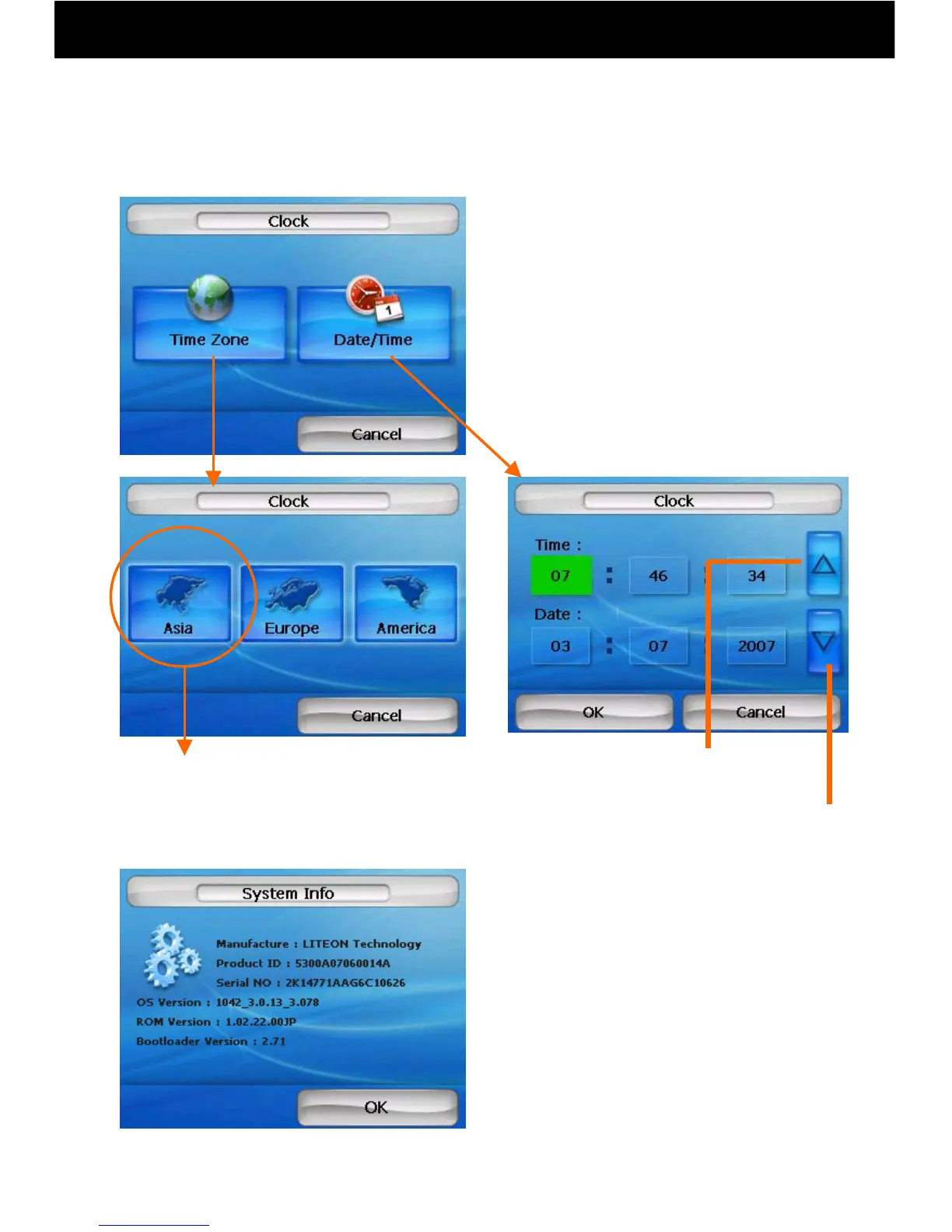
●System information can be displayed
Move time
forward
Move time
back
● The time can be adjusted.
Choose Tokyo.
① Set the time zone
② Set the date and time
*When navigating, the current time
received from the satellite is displayed,
which may differ from the time set here.



 To Next Page