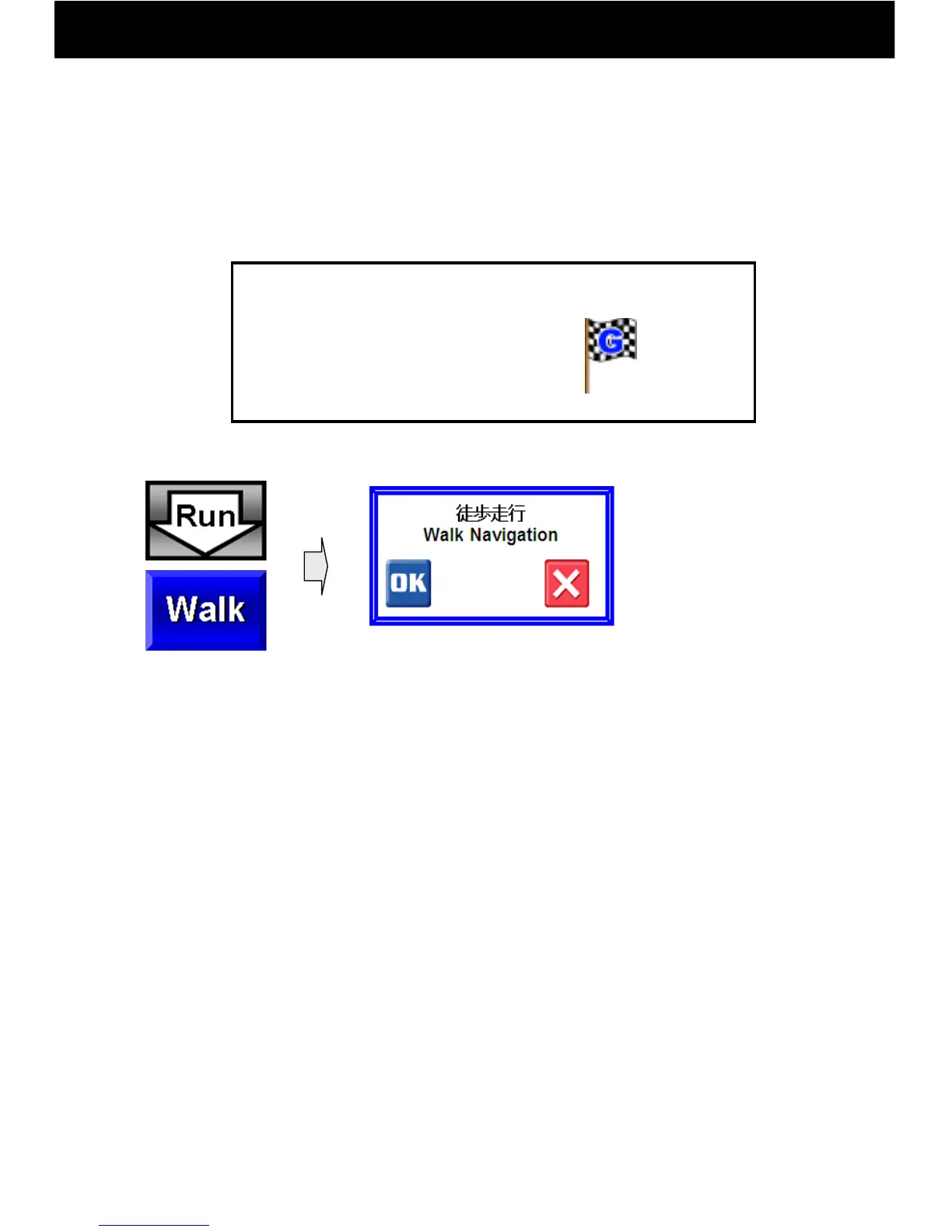
9.5.2 Operation of the Walk Button: Walk Navi
-20-
After setting a goal point, press the Walk button on
the map to start Walk Navi.
A goal flag must be set beforehand.
③ Walk Navi
Goal Flag
Flag to Set:
Activate GPS and
Compute a route.
Carry out a route search and to set a route:
1) To start, press OK.
2) In Walk Navi mode, narrow streets are included in route searches.
3) In Walk Navi mode, rerouting is not carried out.
4) In Walk Navi mode, way points cannot be set.
5) In Walk Navi mode, left and right turn guidance cannot be both
displayed and announced.
* Absolutely do not drive a vehicle when in Walk Navi mode



 To Next Page