9.3 The Flow of Operations
-13-
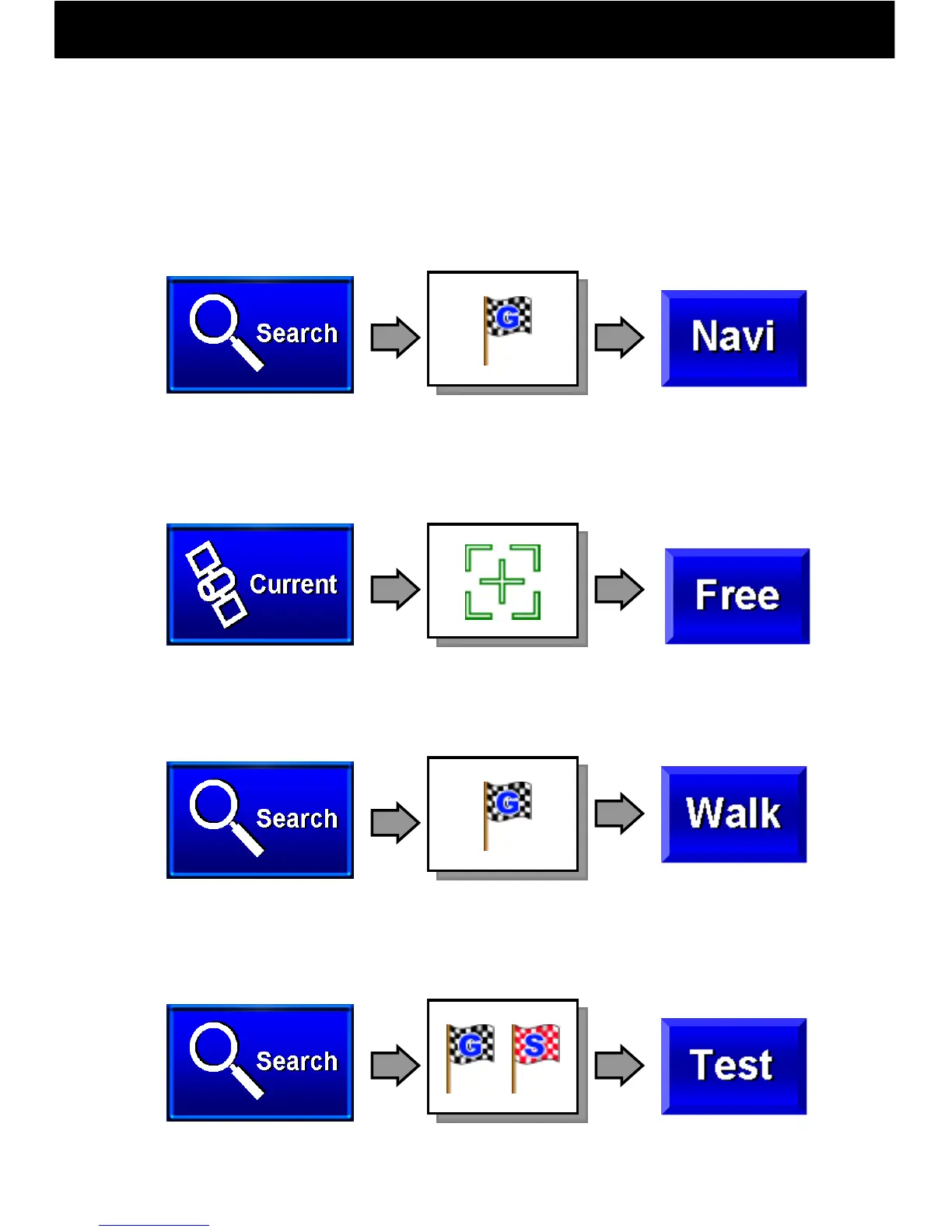
With this navigation software, goal point, start point, and waypoint
flags etc. are set on the map to operate four navigation functions.
For how to set flags, see page 16.
● Navi Drive (A goal point is set and the vehicle is driven)
● Free Drive (The vehicle is driven without a goal point)
● Walk Navi (Set a goal point and travel by foot)
●Test Navi (Set a goal point and start point, and run a simulation)
Search for a
goal point
Set a goal point on
the map
Begin Navi Drive
Display map
Begin Test Navi
Begin Walk Navi
Display current
location on the map
Search for a
goal point
Search for goal and
start points.
Set a goal point
on the map
Set goal and start
points
Begin Free Drive



 To Next Page