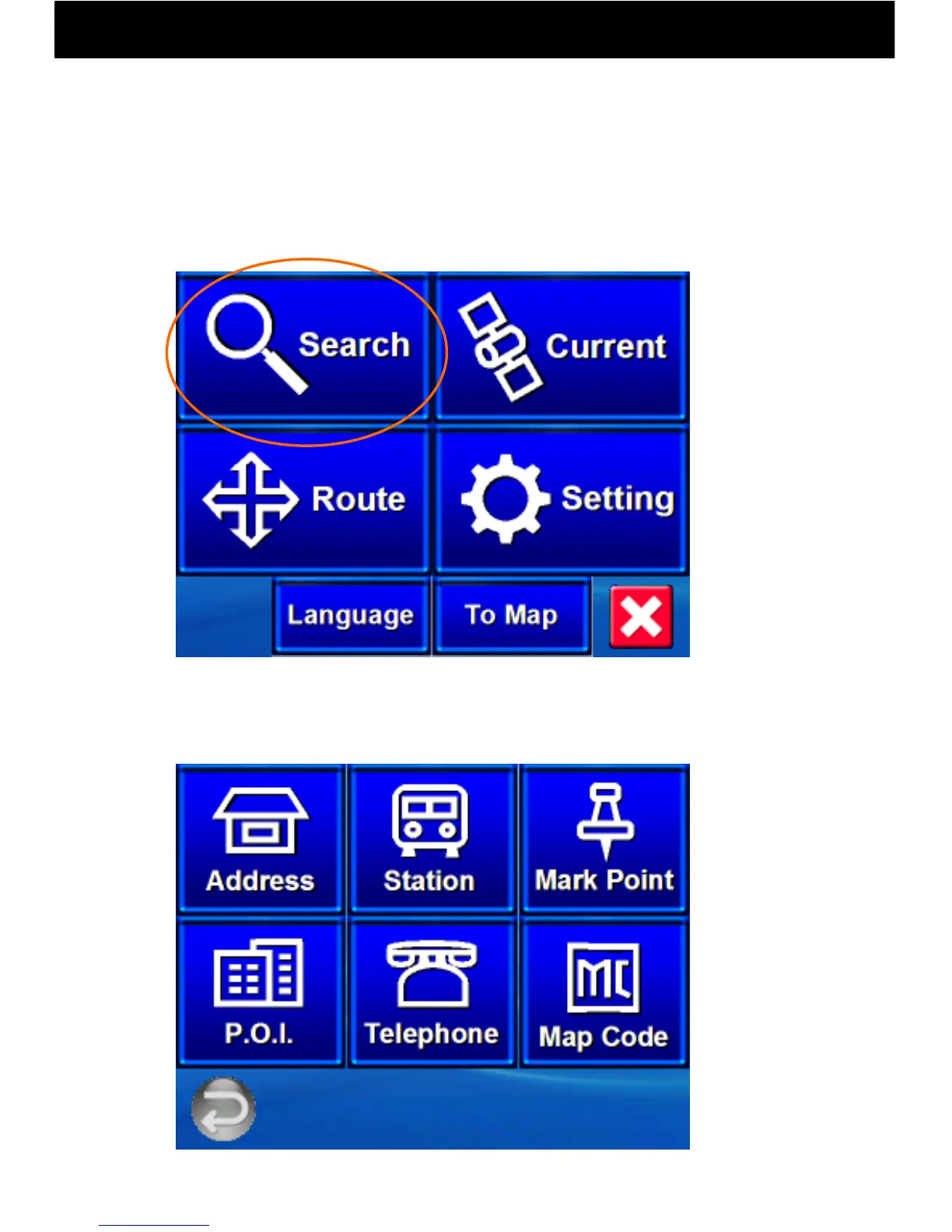
9.10 Operation of the Various Search Menus
-27-
When Search is pressed on the Navi Top Menu, six sub-menus will be
displayed.
Note: Search result data is not guaranteed to be accurate or up-to-date,
and may differ from current conditions. Please use as a reference only.
With this product, six search methods can be used to set goal points.



 To Next Page