9.11 Displaying Set Points
-35-
Display a goal point map.
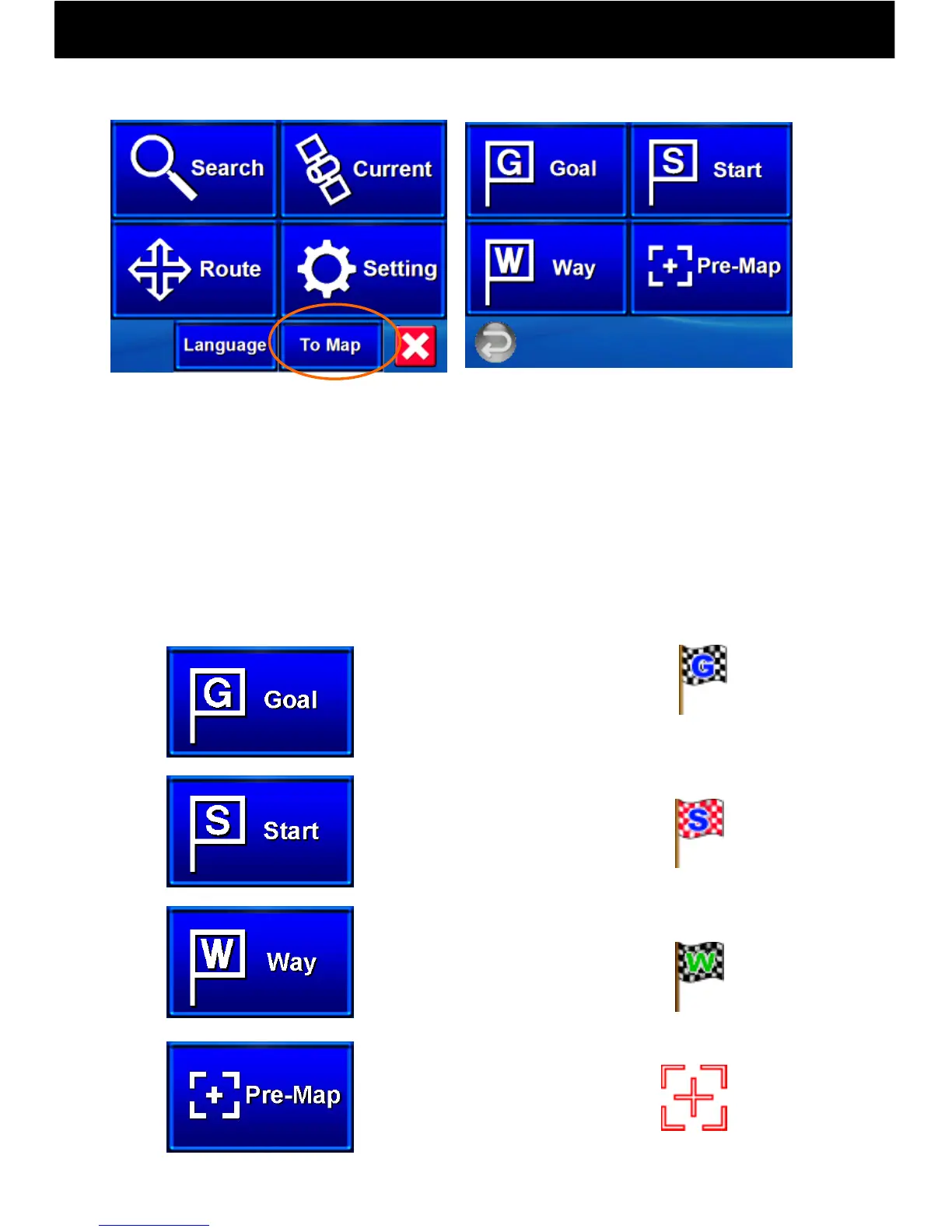
① When the “To Map” button is pushed on the Navi Top Menu and each
buttons is pressed, a map with the respective set locations will be
displayed.
② When goal point, start point and waypoint flags are set, the most
recent group will always be marked.
③ This record will be maintained until new settings are made, so using
this function, a map of the most recent set points can be displayed.
*Initially, goal points, start points and waypoints are not set.
Display a set point map.
Display a waypoint map.
Display the previous map.
Navi Top Menu
*Initially, the Tokyo Station
Marunouchi entrance area
map will be displayed.



 To Next Page