8. Various Settings
-8-
●Carry out various settings.
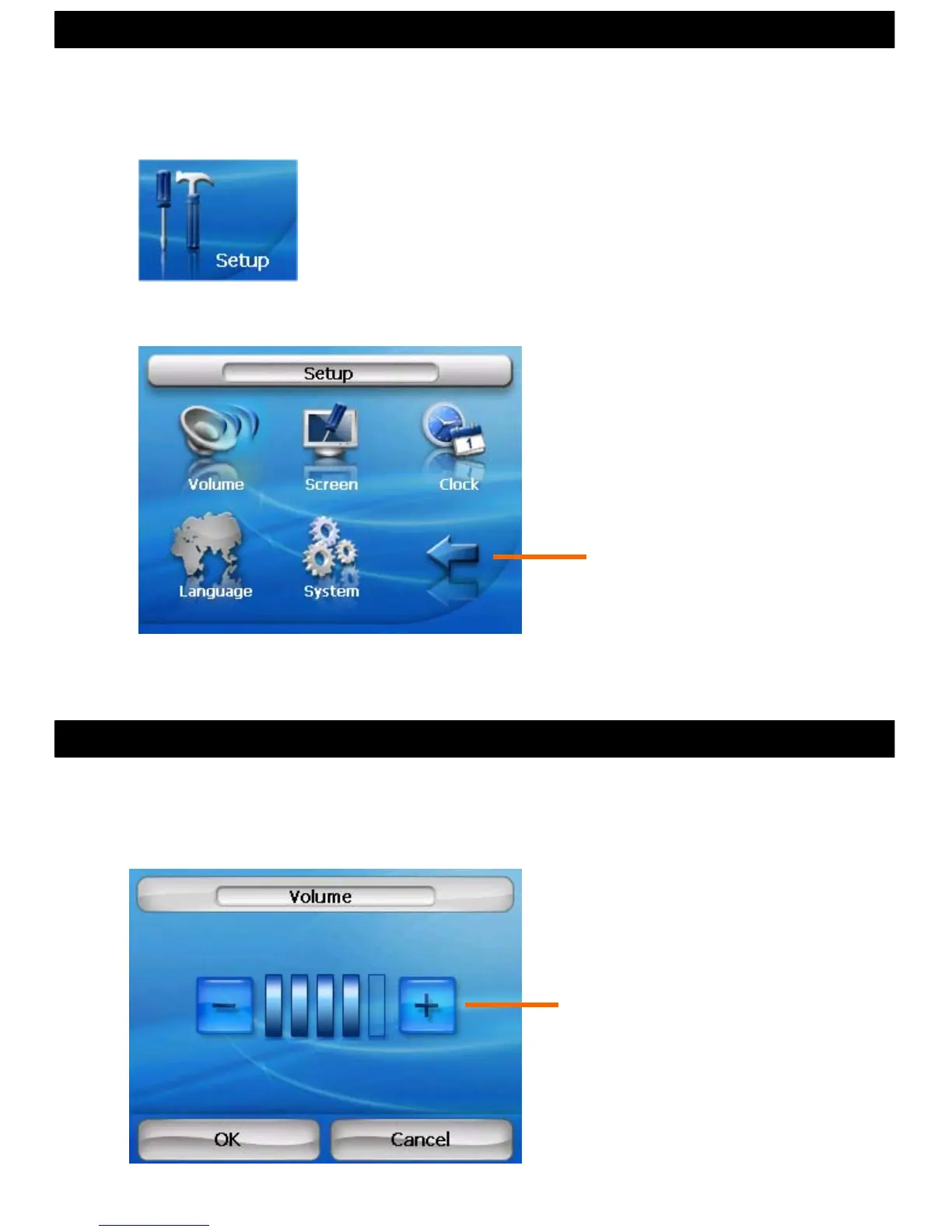
Touch the “Setup” icon on the main menu.
By touching each menu icon, volume, brightness, time and
language etc. can be adjusted.
Finish and return
“+” Increase volume
“-” Decrease volume
●The volume may be adjusted.
●The Setup Menu
* The volume may also be adjusted
with the volume button on the
upper-right of the main body.
8.1 Setting Volume



 To Next Page