Doc# E145701 6 - 21
6: Using the Shark® 100 Meter
Electro Industries/GaugeTech
The Leader In Power Monitoring and Smart Grid Solutions
Electro Industries/GaugeTech
The Leader In Power Monitoring and Smart Grid Solutions
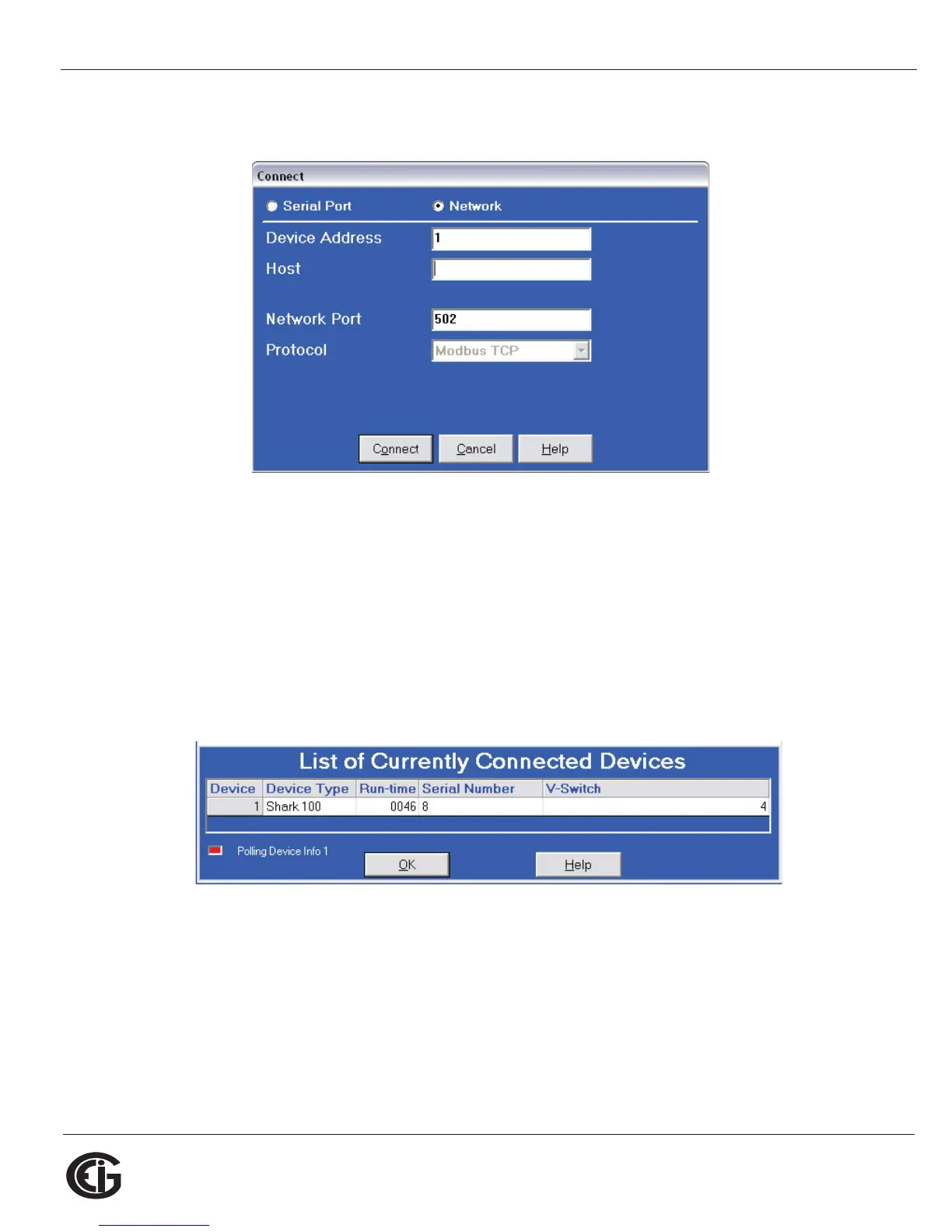
Enter the IP address of the INP10 card (see Chapter 5) or of the Shark® 100B/
100BT Ethernet card (see Chapter 7) in the Host field.
4. Click the Connect button. If you have a problem connecting, you may have to
disconnect power to the meter, then reconnect power and click the Connect
button, again.
5. You will see the Device Status screen, confirming connection to your meter. Click
OK.
6. Click the Profile icon in the Title Bar.



 To Next Page