Doc# E145701 7 - 5
7: Using the Shark® 100B Meter
Electro Industries/GaugeTech
The Leader In Power Monitoring and Smart Grid Solutions
Electro Industries/GaugeTech
The Leader In Power Monitoring and Smart Grid Solutions
7.3: Configuring the Shark® 100B Meter
You must first set the Network configuration so you can communicate with the
Shark® 100B meter. Follow these steps:
1. Configure your LAN connection to IP address 10.0.0.100, subnet mask
255.255.255.0:
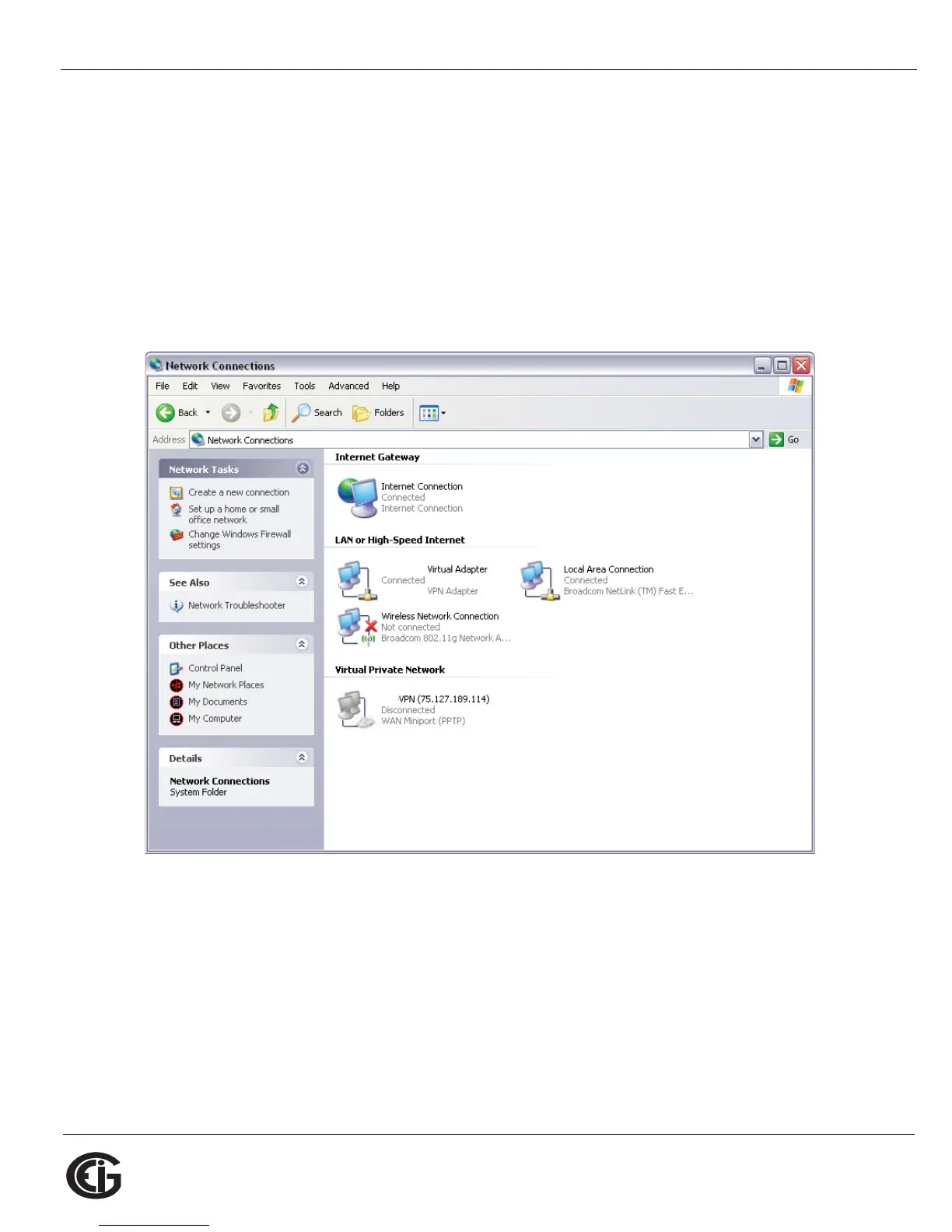
a. Click Start>Control Panel>Network Connections. You will see a screen
like the one shown below.



 To Next Page