Doc# E145701 7 - 6
7: Using the Shark® 100B Meter
Electro Industries/GaugeTech
The Leader In Power Monitoring and Smart Grid Solutions
Electro Industries/GaugeTech
The Leader In Power Monitoring and Smart Grid Solutions
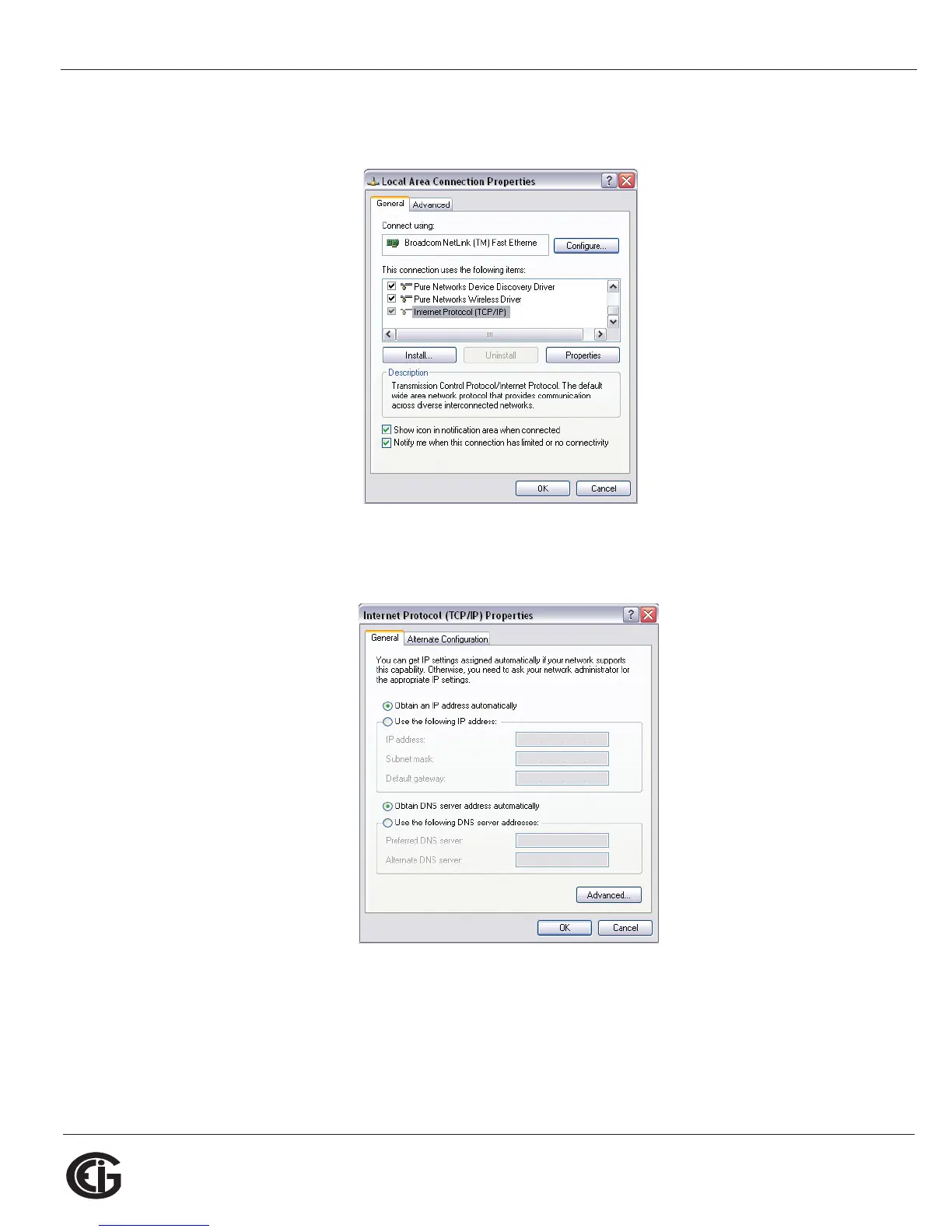
b. Right-click on the LAN connection you want to use and click Properties.
You will see the screen shown below.
c. Scroll and highlight Internet Protocol TCP/IP and then click the Properties
button. You will see the screen shown below.



 To Next Page