Doc# E145701 7 - 7
7: Using the Shark® 100B Meter
Electro Industries/GaugeTech
The Leader In Power Monitoring and Smart Grid Solutions
Electro Industries/GaugeTech
The Leader In Power Monitoring and Smart Grid Solutions
d. Click the Use the Following IP Address radio button and enter:
IP Address: 10.0.0.100
Subnet Mask: 255.255.255.0
e. Click OK.
f. The Local Area Connection Properties screen redisplays. Click OK.
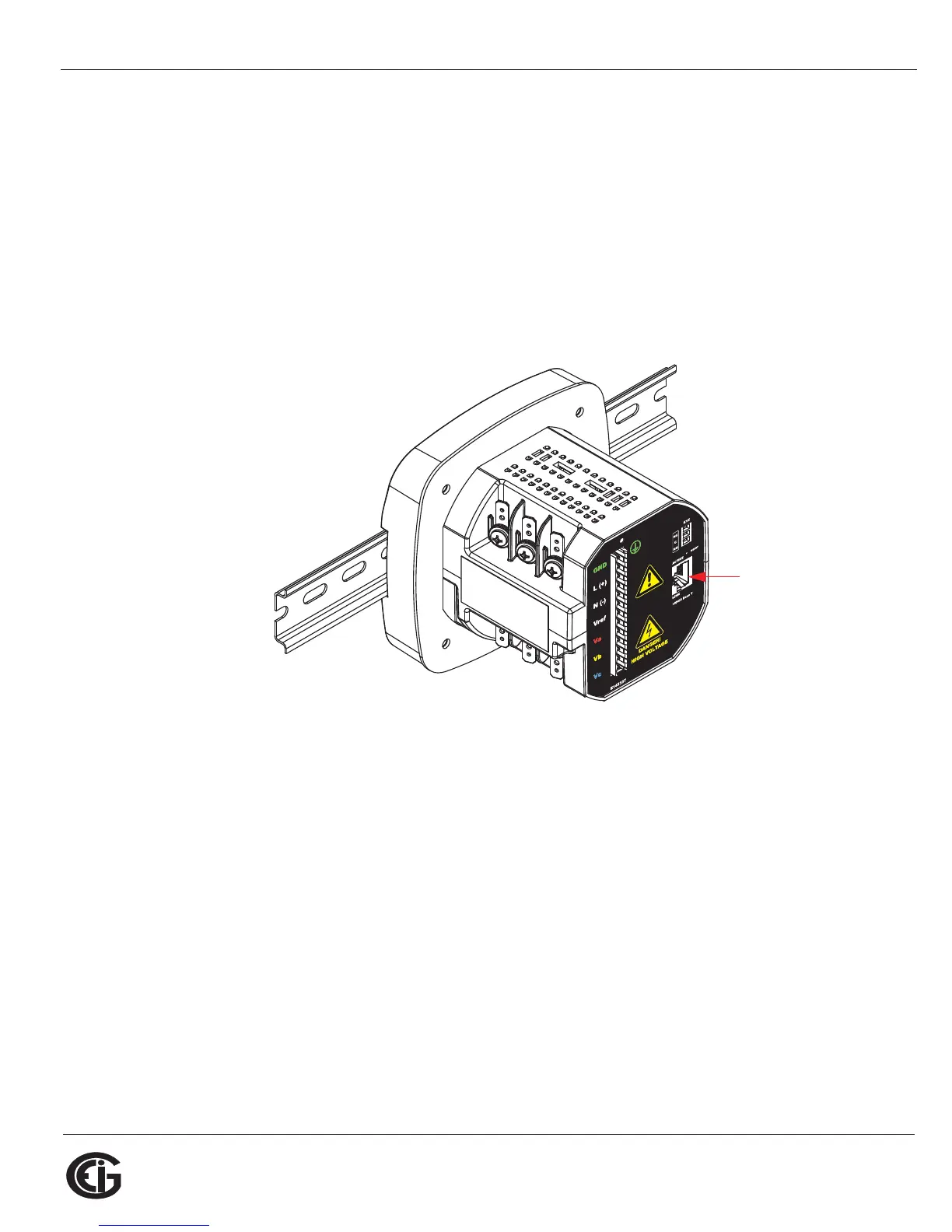
2. Use an Ethernet cable to connect the meter to your LAN port.
3. Open your web browser and connect to the meter at the default address by typing
http://10.0.0.1.
NOTE: If this doesn’t work, reset the meter to this default address by pressing the
Reset button for 30 seconds. See Section 5.3.2.2 for instructions.
4. You will see a User Authentication screen. Enter the following default settings:
User name: admin
Password: admin
Insert Ethernet
Cable here



 To Next Page