Doc# E145701 6 - 9
6: Using the Shark® 100 Meter
Electro Industries/GaugeTech
The Leader In Power Monitoring and Smart Grid Solutions
Electro Industries/GaugeTech
The Leader In Power Monitoring and Smart Grid Solutions
6.2.5.1: Configuring the Scroll Feature
When in Auto Scroll mode, the meter performs a scrolling display, showing each
parameter for 7 seconds, with a 1 second pause between parameters. The parameters
that the meter displays are determined by the following conditions:
• They have been selected through software (refer to the Communicator EXT
TM
Soft-
ware User Manual for instructions).
• They are enabled by the installed V-Switch
TM
key. Refer to Section 2.1.3 for infor-
mation on V-Switch
TM
keys.
To enable or disable Auto-scrolling:
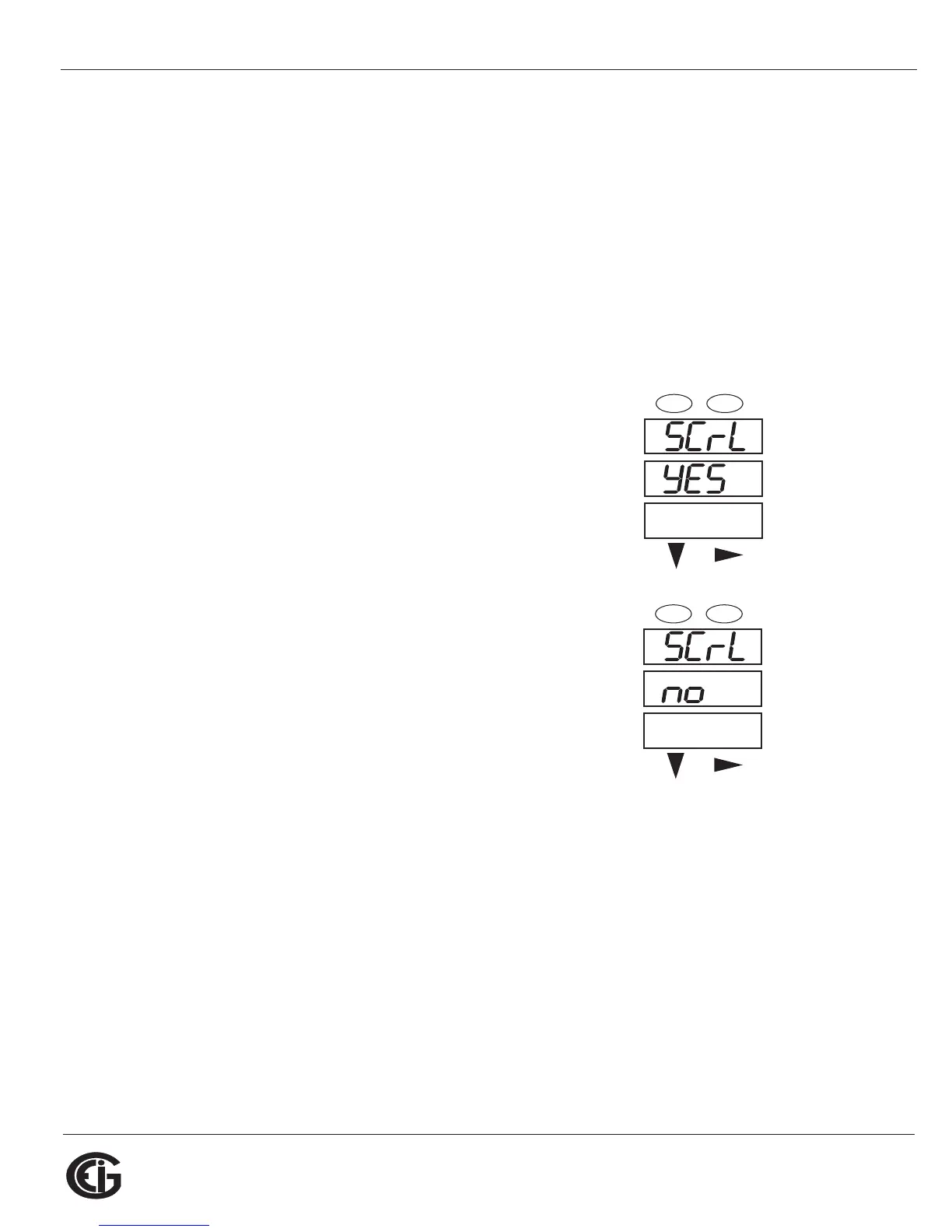
1. Press the Enter button when SCrl is in the A window.
The Scroll YES screen appears.
2. Press either the Right or Down button if you want to
access the Scroll no screen. To return to the Scroll
YES screen, press either button.
3. Press the Enter button on either the Scroll YES
screen (to enable auto-scrolling) or the Scroll no
screen (to disable auto-scrolling).
4. The CT- n screen appears (this is the next Configura-
tion mode parameter).
NOTES:
• To exit the screen without changing scrolling options, press the Menu button.
• To return to the Main Menu screen, press the Menu button twice.
• To return to the scrolling (or non-scrolling) parameters display, press the Menu
button three times.
A
B
C
-
-
-
MENU ENTER



 To Next Page