Doc# E145701 7 - 8
7: Using the Shark® 100B Meter
Electro Industries/GaugeTech
The Leader In Power Monitoring and Smart Grid Solutions
Electro Industries/GaugeTech
The Leader In Power Monitoring and Smart Grid Solutions
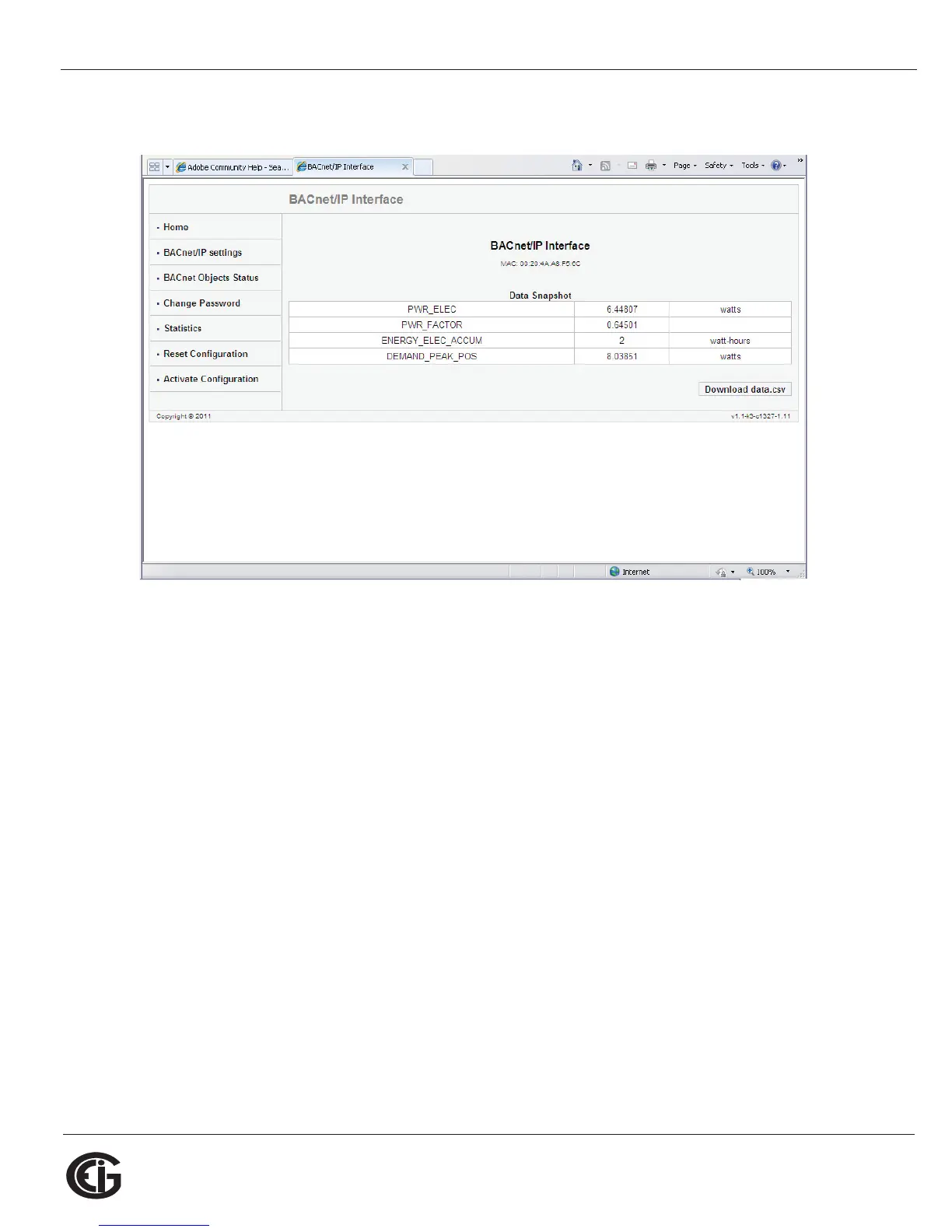
5. Click OK. You will see the BACnet Home webpage, shown below.
6. Click BACnet/IP Settings on the left side of the webpage to see the page shown on
the next page. Use this page to change the default IP address (10.0.0.1) to an IP
address in the same subnet as your Network. Contact your System Administrator if
you are unsure of the correct address to use.



 To Next Page