Doc# E145701 7 - 11
7: Using the Shark® 100B Meter
Electro Industries/GaugeTech
The Leader In Power Monitoring and Smart Grid Solutions
Electro Industries/GaugeTech
The Leader In Power Monitoring and Smart Grid Solutions
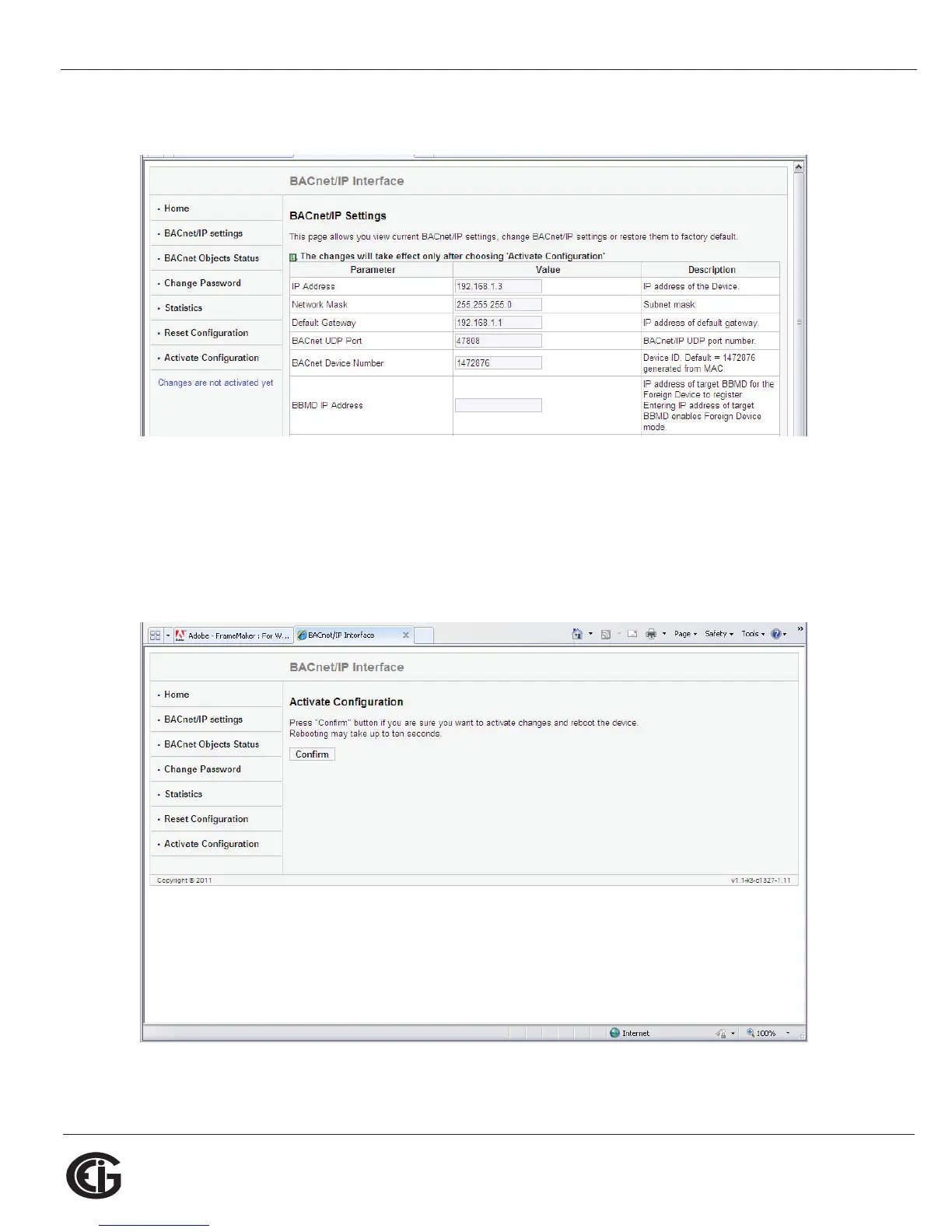
8. Click OK process your changes. You will see the following message:
You still need to activate the configuration for the changes to take effect.
NOTE: You can change all settings back to their default by clicking the Restore
Default button at the bottom of the page.
9. Click Activate Configuration from the left side of the webpage to implement any
changes you made. You will see the page shown below.



 To Next Page