Doc# E145701 7 - 17
7: Using the Shark® 100B Meter
Electro Industries/GaugeTech
The Leader In Power Monitoring and Smart Grid Solutions
Electro Industries/GaugeTech
The Leader In Power Monitoring and Smart Grid Solutions
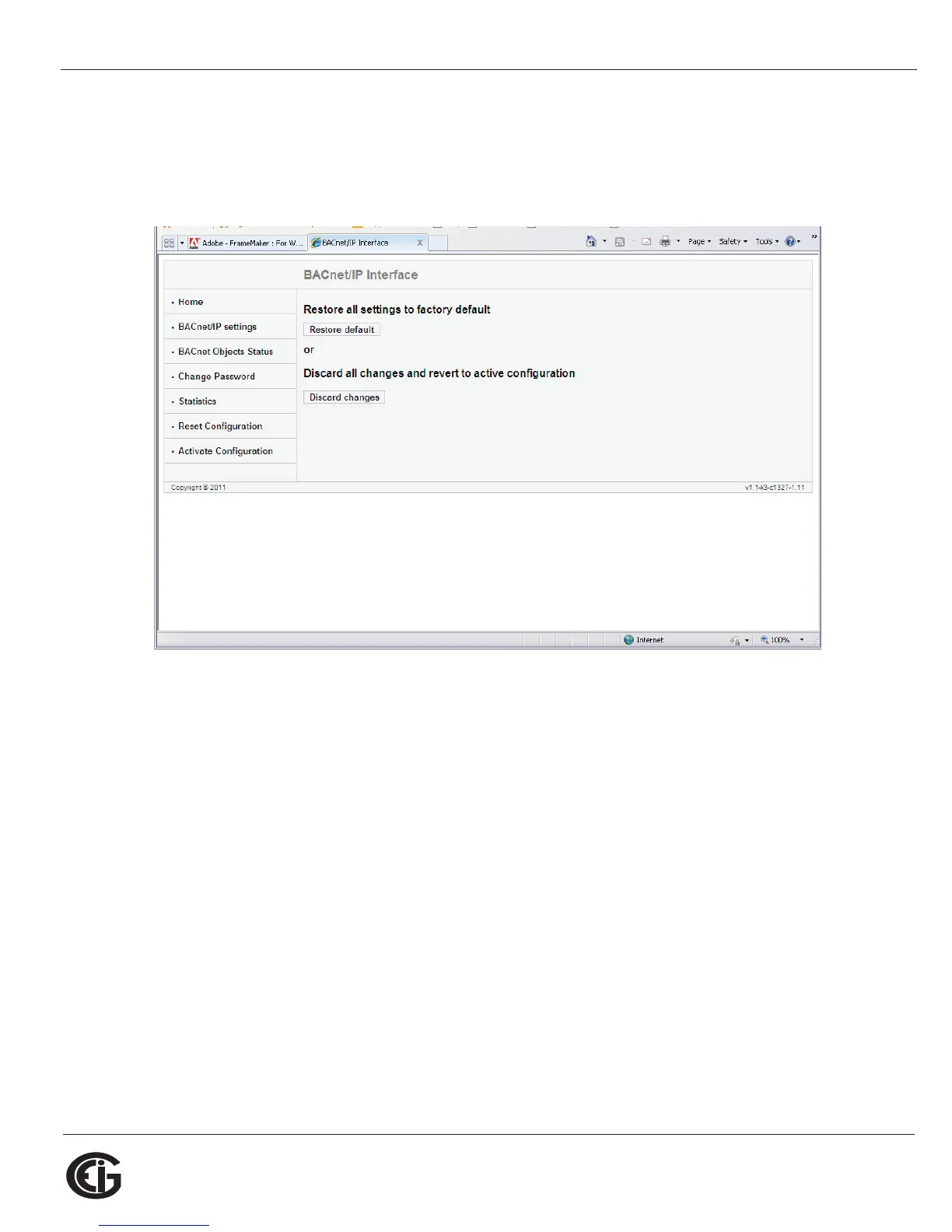
Reset Configuration Webpage
Click Reset Configuration on the left side of the webpage if you want to set the config-
uration back to its default or last configuration. You will see the page shown below.
• Click the Restore Default button to restore all settings to the factory default
values.
• Click the Discard Changes button to restore all settings to the last saved
configuration.



 To Next Page