EasyManua.ls Logo

Shark 100B - Page 146

Shark 100B
194 pages
Print Icon
To Next Page IconTo Next Page
To Previous Page IconTo Previous Page
Loading...
Doc# E145701 A - 4
A: Shark® 100 Meter Navigation Maps
Electro Industries/GaugeTech
The Leader In Power Monitoring and Smart Grid Solutions
Electro Industries/GaugeTech
The Leader In Power Monitoring and Smart Grid Solutions
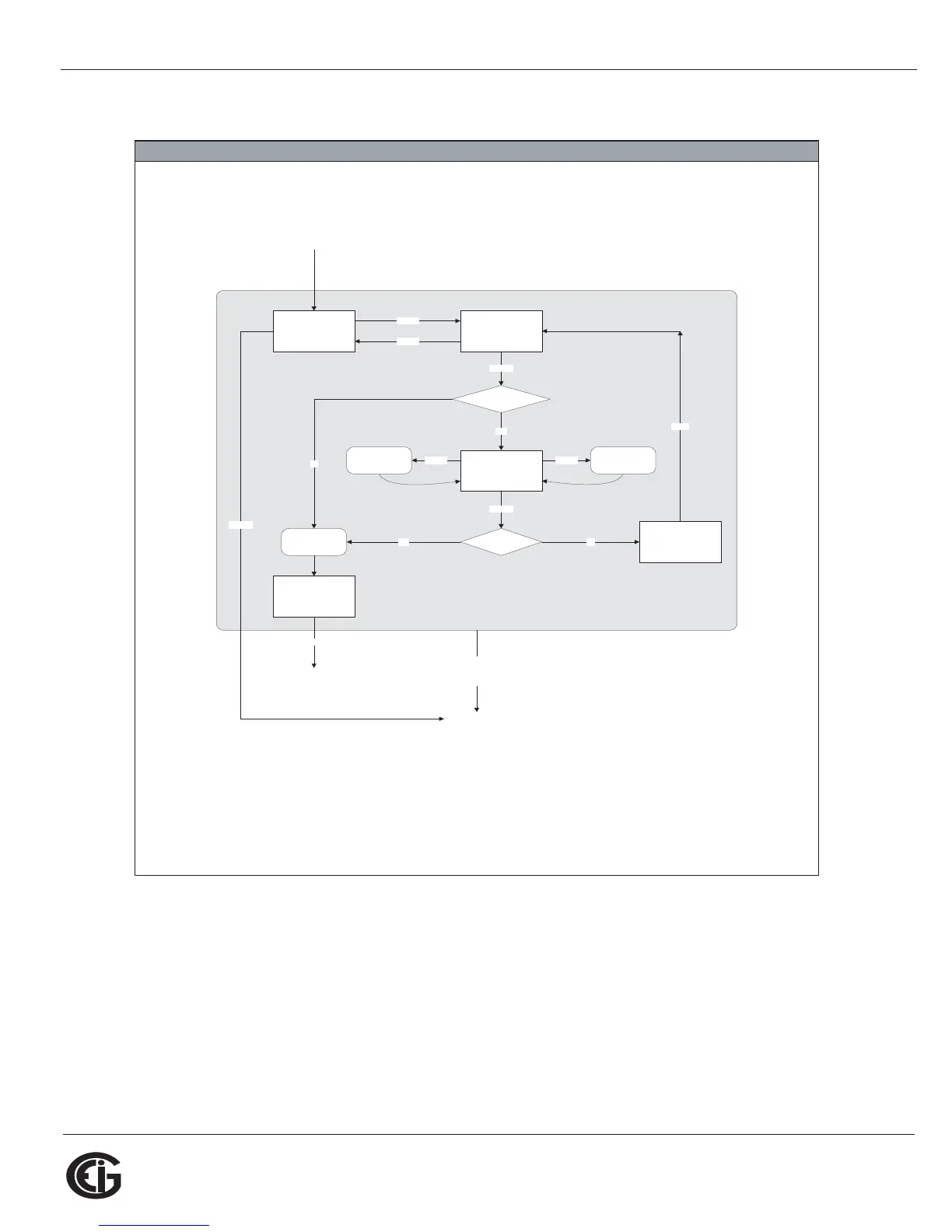
Reset Mode Screens (Sheet 3)
RESET_NO:
RST
ALL?
no (blinking)
is password required?
RIGHT
RIGHT
ENTER
yes
is password
correct?
ENTER
2 sec
no
RIGHTDOWN
RESET_YES:
RST
ALL?
yes (blinking)
reset all max &
min values
RESET_CONFIRM:
RST
ALL
DONE
RESET_ENTER_PW:
PASS
#### (one # blinking)
make next digit
blink
increment
blinking digit
yes
from MAIN MENU
MENU
(from any
reset mode
screen)
RESET_PW_FAIL:
PASS
####
FAIL
no
ENTER
2 sec.
to previous operating
mode screen
to Main Menu
see sheet 1
see sheet 2

Table of Contents

Other manuals for Shark 100B

Related product manuals