Doc# E145701 E - 2
E: Using the USB to IrDA Adapter CAB6490
Electro Industries/GaugeTech
The Leader In Power Monitoring and Smart Grid Solutions
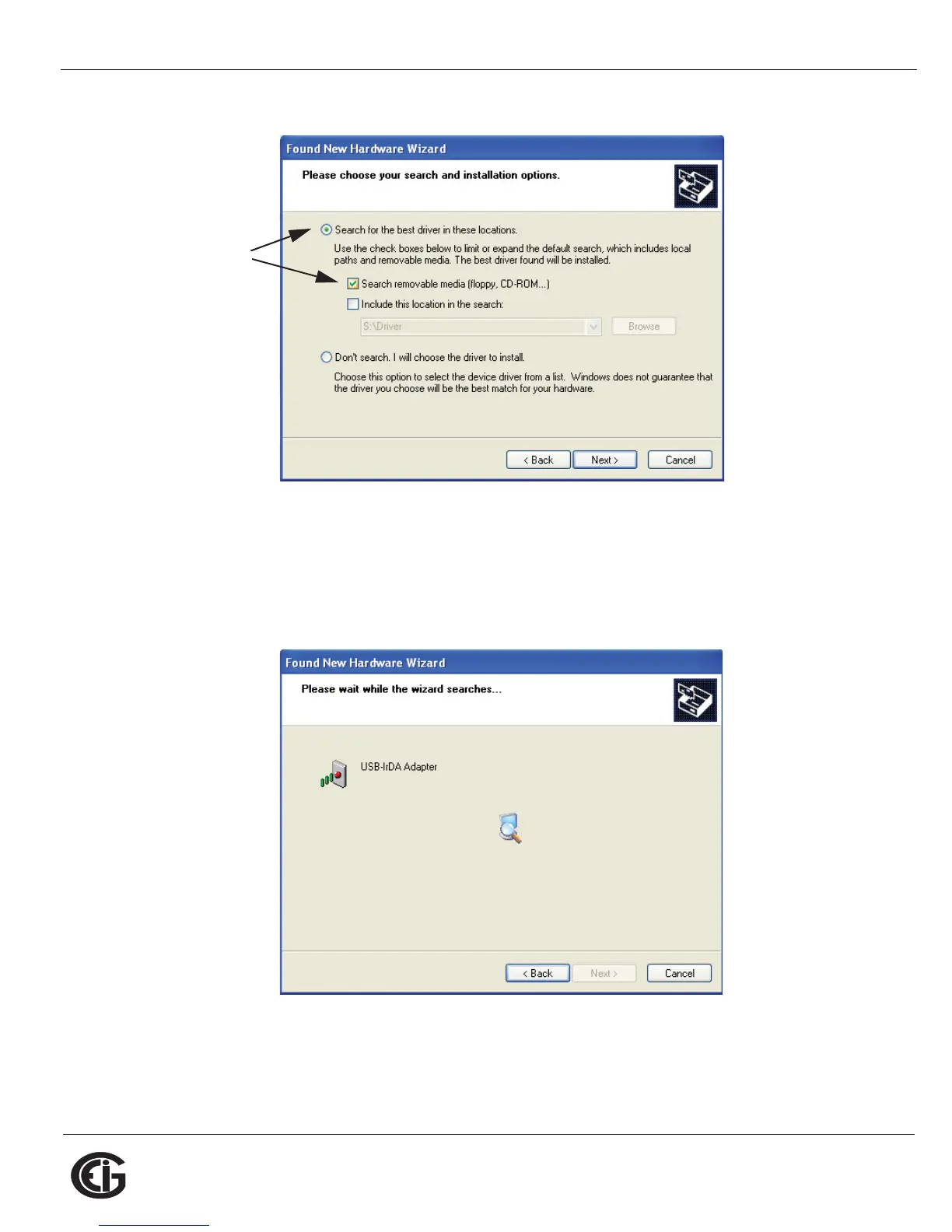
5. Make sure the first Radio Button and the first Checkbox are selected, as shown
above. These selections allow the Adapter's driver to be copied from the
Installation disk to your PC.
6. Click Next. You will see the screen shown below.
7. When the driver for the Adapter is found, you will see the screen shown on the next
page.
Select
these
options



 To Next Page